內容簡介
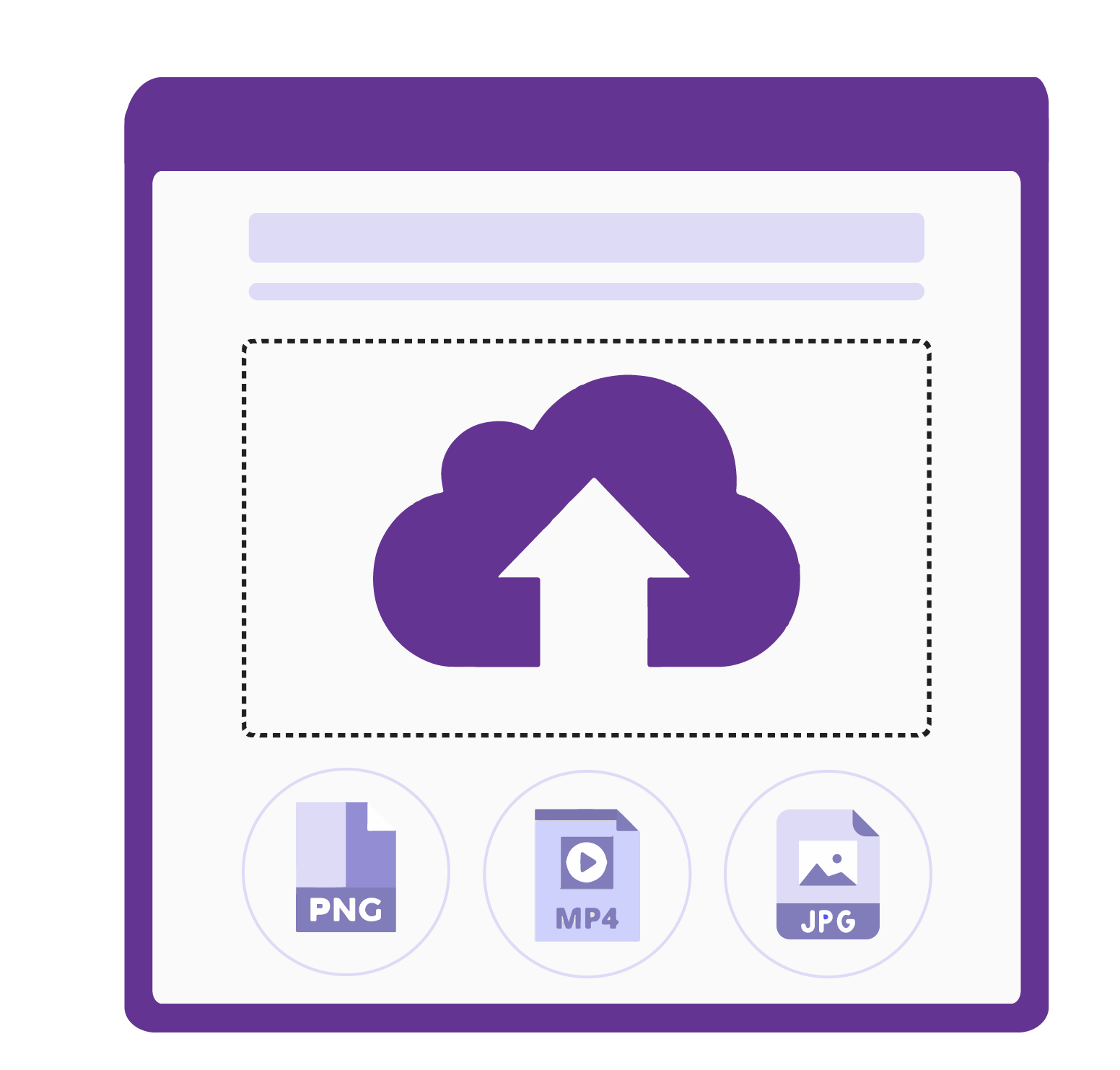
TechnologyWisdom Upload Guard 讓管理員能夠根據使用者角色對 WordPress 媒體上傳進行精細控制,防止不必要或過大的檔案進入媒體庫,確保網站安全與整潔。
【主要功能】
• 角色基礎的上傳限制
• 訪客上傳限制
• 媒體庫與前端表單的上傳規則
• 每個角色的檔案大小限制
• 圖像尺寸驗證
• MIME 類型白名單
外掛標籤
開發者團隊
② 後台搜尋「TechnologyWisdom Upload Guard」→ 直接安裝(推薦)
原文外掛簡介
TechnologyWisdom Upload Guard gives administrators fine-grained control over media uploads in WordPress by enforcing restrictions based on user roles.
You can define:
– Maximum upload file size (in MB)
– Maximum image width and height (in pixels)
– Allowed MIME types (JPG, PNG, WEBP, GIF, AVIF, PDF, MP4, and more)
All rules are applied before the file is uploaded, preventing unwanted or oversized files from entering your media library.
Users with multiple roles receive the strictest combined limits. MIME types are validated with WordPress filetype checks (not only the browser-reported type). A dedicated Guest setting applies to visitors who are not logged in, for example file upload fields on public forms. Upload Guard rules override supported form upload restrictions, ensuring your configured file type, size, and image dimension rules are always enforced.
Key Features
Role-based upload restrictions with per-role enable/disable toggle
Guest (not logged in) upload limits for public form uploads
Upload rules enforced across Media Library uploads and supported frontend forms
File size limits per role
Image dimension validation (width and/or height)
MIME type allowlist with WordPress filetype detection
In-plugin support form and Technology Wisdom support portal integration with site owner consent
Settings removed on uninstall
Note:
Allowing SVG is optional and risky unless you also use a trusted SVG sanitizer.
If you upload a plugin ZIP via Plugins → Add New, that ZIP is blocked unless ZIP is allowed for your admin role in Upload Guard settings.
Upgrade to TW Security Toolkit
Need more advanced WordPress file protection and security monitoring features?
TW Upload Guard is also available as part of the premium TW Security Toolkit. The Security Toolkit brings login hardening, content workflow controls, file protection, and security monitoring into one admin menu — all without custom development.
Premium Features Include
Secure Login Path with a custom login URL
Upload Guard with role-based file size, type, and dimension limits
Login Alert & Tracker with last-login tracking and email alerts
Disable File Editor to block theme and plugin editors
Post Modifier Tracker showing who last edited content
Link Expiration by date and/or click count
CPT Revisions control per custom post type
Post Approval Notifier with optional draft hold-for-approval
Security Dashboard with recent activity overview
Complete Audit Log with CSV/PDF export
Failed Login Monitoring & Brute Force Protection
IP Blacklist to block unwanted visitors
Two-Factor Authentication (email OTP) and role policies
Login History by User with advanced filters
Email, Slack & Discord security notifications
Scheduled Security Reports (daily, weekly, or monthly)
Suspicious Activity Detection & Alerts
Security Health Check with recommendations
File Change Detection for important WordPress files
Whether you are hardening login access, protecting uploads and file editors, managing content approvals, or monitoring suspicious activity, TW Security Toolkit provides the tools needed to secure and oversee your WordPress site from a single plugin.
Upgrade to TW Security Toolkit and unlock a complete set of WordPress security features designed for growing websites and teams.
For full Premium details, pricing, and feature comparison, visit the TW Security Toolkit.
Privacy / External Service
This plugin can optionally connect to an external support service operated by Technology Wisdom.
Service: https://pluginsupport.technologywisdom.com
Terms of Use: https://pluginsupport.technologywisdom.com/terms-of-use/
Privacy Policy: https://pluginsupport.technologywisdom.com/privacy-policy/
The service is used to provide in-plugin support messaging, feedback forwarding, announcements, and connection status for opted-in sites.
Opt-in consent (required before any connection):
When you activate the plugin, an admin notice asks whether you want to allow the support connection. You can choose Allow Support Connection or No Thanks.
If you allow the connection, the plugin may send: site URL, site name, admin email, plugin name/version, WordPress version, and PHP version. Support requests and review/feedback details are sent only when you submit those forms. The plugin may also check weekly for announcements from Technology Wisdom.
While the connection is enabled, the plugin may also report a connection status to the portal so we can tell whether the site is Active, Deactivated, Disconnected, or Deleted. Status is only sent after you opt in.
If you decline (or never accept), that data is not sent to the support portal. The plugin’s core feature continues to work normally without the connection.
You are never required to allow the connection to use the plugin.
You can disconnect the support connection at any time from the plugin’s Support page by choosing Disable priority support. After you disconnect, the plugin stops sending status updates, support traffic, and announcement checks.
Support and rating forms also include their own consent checkboxes before site information is included with a submission.
Please review the service Terms of Use and Privacy Policy before enabling the connection.
License
This plugin is licensed under the GPL-2.0+ License.
You may use, modify, and distribute it freely under the license terms.
Full license: https://opensource.org/licenses/GPL-2.0