外掛標籤
開發者團隊
② 後台搜尋「TechnoHelps Smart Folders Pro」→ 直接安裝(推薦)
原文外掛簡介
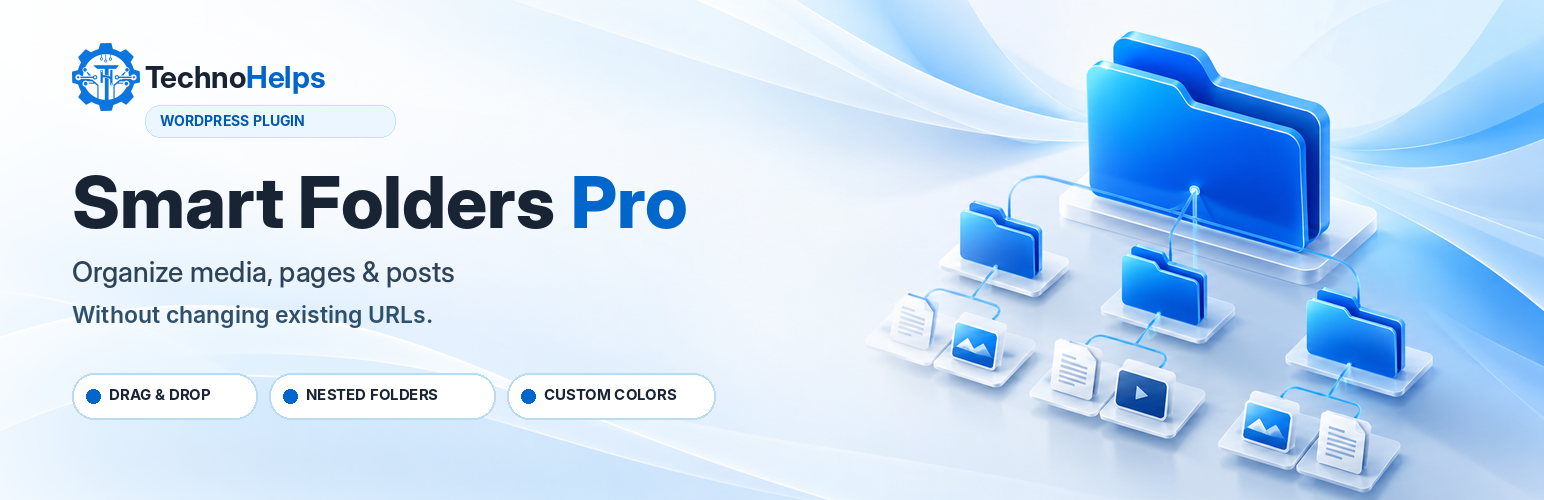
TechnoHelps Smart Folders Pro organizes content inside your WordPress dashboard without relocating files or editing permalinks.
Features in version 0.2.3:
Private, hierarchical virtual folders for Media, Pages, and Posts.
Folder sidebars in the native WordPress list screens.
Drag and drop for individual and selected items.
Folder filtering and bulk assignments.
Folder creation, renaming, safe deletion and color customization.
Move folders into other folders or back to the top level, drag folders onto parents, and reorder siblings with Move Up or Move Down.
Folder counts include items in nested child folders; the underlying assignments remain unchanged.
Prevent moving a folder into itself or its own descendants.
Block folder deletion while it contains child folders or assigned items.
Media upload folder picker in supported native uploader workflows.
A dedicated dashboard with quick access, folder counts and settings.
TechnoHelps branding, current installed version and support links.
Separate capabilities for shared folder editing and per-item assignment.
WordPress nonces, sanitized input and escaped output.
Folder operations only change private taxonomy relationships. Removing a folder does not delete its media, pages or posts. Deactivation does not remove stored assignments.
The plugin does not send usage telemetry or upload site data to TechnoHelps. External links in the plugin’s own settings/dashboard only open when clicked.
Future features such as AI rules, automatic optimization, duplicate scanning, cloud storage and version history are not part of this release.