內容簡介
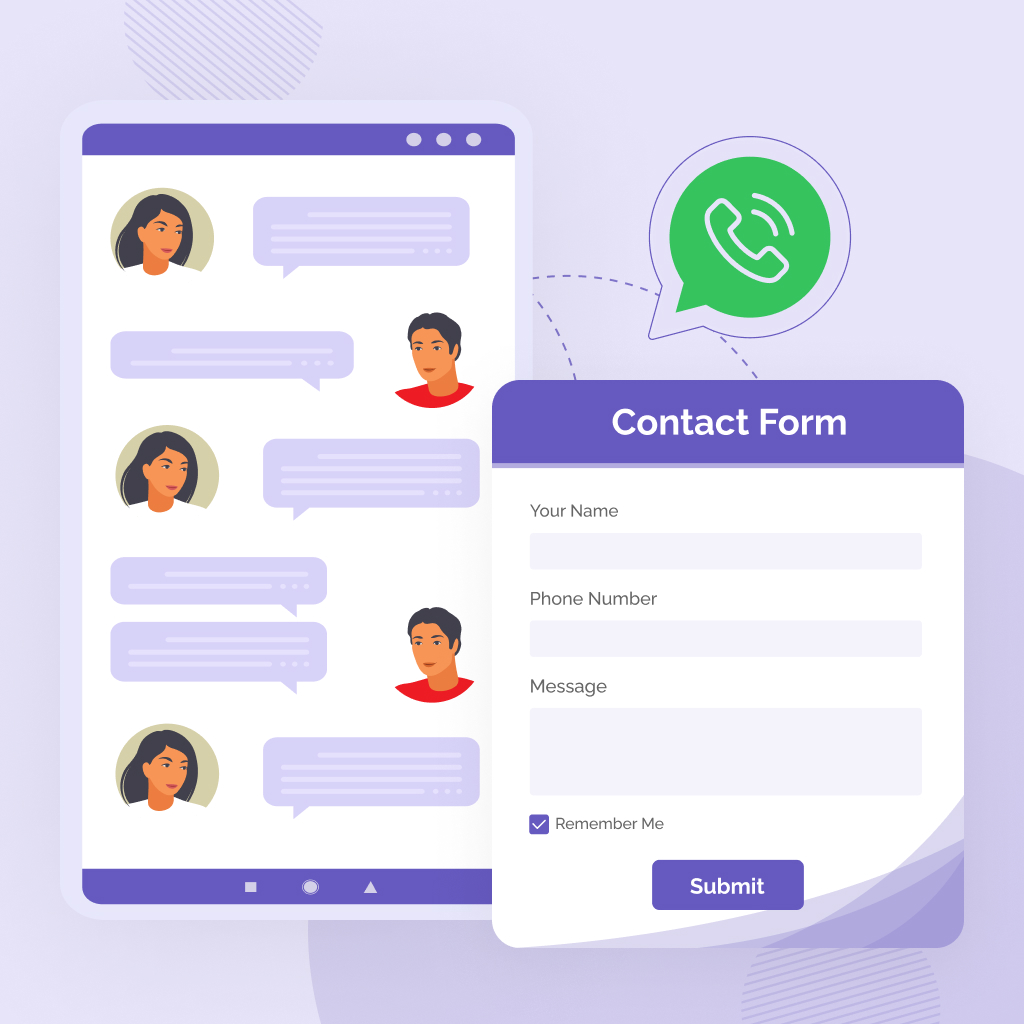
TechnicalHimanshu ChatConnect 是一款強大的 WhatsApp 聊天外掛,能在 WordPress 網站上添加浮動聊天按鈕及可自訂的彈出表單,幫助商家即時與客戶聯繫,提升客戶服務與銷售效率。
【主要功能】
• 浮動 WhatsApp 聊天按鈕及彈出表單
• 直接 WhatsApp 聊天整合(無需 API)
• 智能訊息生成器,支援動態佔位符
• 自動移除訊息中的空白欄位
• 管理面板即時訊息預覽
• 可啟用/禁用表單欄位(姓名、電子郵件、訂單 ID、訊息)
外掛標籤
開發者團隊
② 後台搜尋「TechnicalHimanshu ChatConnect」→ 直接安裝(推薦)
原文外掛簡介
TechnicalHimanshu ChatConnect is a lightweight WhatsApp chat plugin for WordPress that adds a floating chat button with a customizable popup form and smart message builder. It allows visitors to contact you instantly via WhatsApp with structured messages including name, email, order ID, and page URL.
It allows users to send structured messages directly to WhatsApp with dynamic fields such as name, email, order ID, message, and page URL.
The plugin focuses on simplicity, clean UI, and a smart message builder that automatically removes empty fields and maintains proper formatting.
It is ideal for customer support, sales inquiries, and fast communication without requiring any external API.
No external API, no third-party tracking, and no data collection.
Why TechnicalHimanshu ChatConnect?
Unlike other chat plugins, ChatConnect focuses on clean UI, smart message formatting, and zero API dependency. It ensures fast performance while giving full control over chat behavior and user input.
Features
Floating WhatsApp chat button with customizable popup form
Direct WhatsApp click-to-chat integration (no API required)
Smart message builder with dynamic placeholders
Automatically removes empty fields for clean messages
Business hours with online/offline status indicator
Timezone-aware chat availability with accurate local time
Mobile and desktop customization options
Page-level display control (homepage, posts, pages, products)
Custom chat icon support
Lightweight, fast, and optimized performance
Message Template Variables
You can use the following variables in your message template:
{name}
{email}
{order_id}
{message}
{page_url}
Example Template
Hello Support Team
Name: {name}
Email: {email}
Order ID: {order_id}
Message:
{message}
Page URL:
{page_url}
Use Cases
Customer support via WhatsApp
WooCommerce order queries
Lead generation and quick contact
Sales and inquiry handling
Direct communication without forms