外掛標籤
開發者團隊
② 後台搜尋「Tabvera – Product Tabs for WooCommerce」→ 直接安裝(推薦)
原文外掛簡介
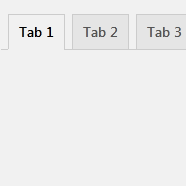
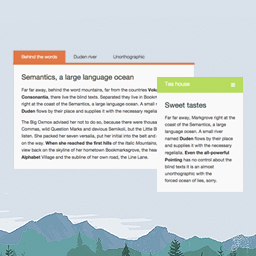
Tabvera lets you add your own reusable tabs to the WooCommerce single product page, alongside the native Description, Additional information and Reviews tabs.
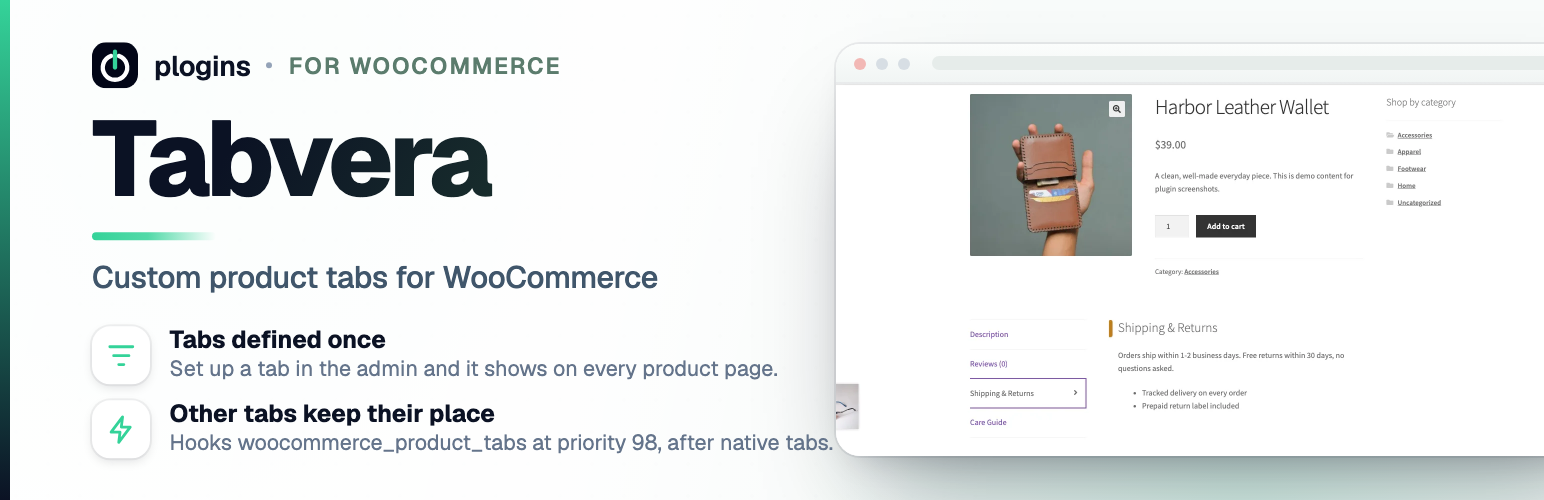
Define your tabs once under WooCommerce > Tabvera Tabs and they show up on every product. It suits content you’d otherwise paste into each product by hand: shipping and returns, size guides, care instructions, warranty notes.
Each tab is a title plus a content box that accepts the same limited HTML WordPress allows in posts (links, lists, bold, headings) via wp_kses_post. Your tabs render after the native WooCommerce tabs, and you can toggle each one on or off without deleting it.
The code lives at github.com/wppoland/tabvera if you want to read it, report a bug or suggest a tab feature.
Documentation and links
Documentation: plogins.com/tabvera/docs/
Plugin page: plogins.com/tabvera/
Source code: github.com/wppoland/tabvera
Bug reports and feature requests: github.com/wppoland/tabvera/issues
Tabvera Pro: plogins.com/tabvera-pro/
What it does
Adds your reusable tabs to every single product page, after Description, Additional information and Reviews.
Stores tab content as wp_kses_post-sanitised HTML on save, and by default sanitises it again on output.
Optional Shortcodes and blocks in tabs setting (off by default) runs tab content through the standard WordPress content filters instead, so shortcodes and blocks render.
Hooks the standard woocommerce_product_tabs filter at a late priority, so native and third-party tabs keep their place.
Admin screen follows core WordPress styling.
A disabled tab, or one with no content, simply isn’t rendered.
Tabvera Pro
Tabvera Pro is a separate paid plugin that extends Tabvera.
Included in Tabvera:
Global tabs
Per-tab toggle
Master switch
Safe HTML
After native tabs
Tabvera Pro adds:
Category rules
Tab ordering
Tab icons
Conditional display
The free edition is not a trial and its features stay available without a time limit.
Tabvera Pro – plogins.com/tabvera-pro/
Compare editions and pricing – plogins.com/tabvera-pro/pricing/
PRO documentation – plogins.com/tabvera-pro/docs/
External Services
Tabvera does not connect to any external services. It makes no remote API calls, loads no fonts, scripts or styles from a third party, and sends no data off your site. Your tab definitions are stored locally in a single WordPress option (tabby_settings), with a version marker in tabby_db_version, and both are removed on uninstall. The admin and front-end CSS and JavaScript it loads are bundled with the plugin and served from your own site.
Translations
Tabvera is fully translatable and ships the tabvera.pot template. Translations are delivered by WordPress.org language packs from translate.wordpress.org, which is where Polish, German and Spanish are being contributed; the package itself carries no compiled translation files.