內容簡介
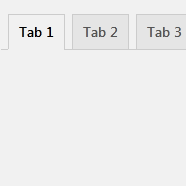
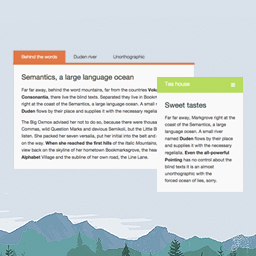
此外掛提供短碼,可將程式碼範例添加至您的部落格。
此外掛提供兩種短碼:
第一種是 [tab_group],需要提供一個獨特的 ID。
第二種是 [tab_code],可以透過參數提供程式碼所使用的語言。
可使用 highlight.js 中提供的所有語言。
如果未提供語言,將視為一般文字。
範例:
[tab_group id="hello-world"]
[tab_code lang="javascript"]
console.log("Hello World");
[/tab_code]
[tab_code lang="sql"]
SELECT * FROM hello_world;
[/tab_code]
[tab_code]
Hello World
[/tab_code]
[/tab_group]
外掛標籤
開發者團隊
原文外掛簡介
Adds Shortcodes for adding code examples in tabs to your blog.
The Plugin adds two shortcodes.
The first is [tab_group] and it needs an id. This id must be unique!
The second is [tab_code] and it takes the language from your code snippet as parameter.
You can use all languages from highlight.js.
When no language is provided the text will be interpreted as a simple text.
Example:
[tab_group id="hello-world"]
[tab_code lang="javascript"]
console.log("Hello World");
[/tab_code]
[tab_code lang="sql"]
SELECT * FROM hello_world;
[/tab_code]
[tab_code]
Hello World
[/tab_code]
[/tab_group]