
外掛標籤
開發者團隊
② 後台搜尋「SurveyNinja — AI Surveys, Forms and Quizzes」→ 直接安裝(推薦)
原文外掛簡介
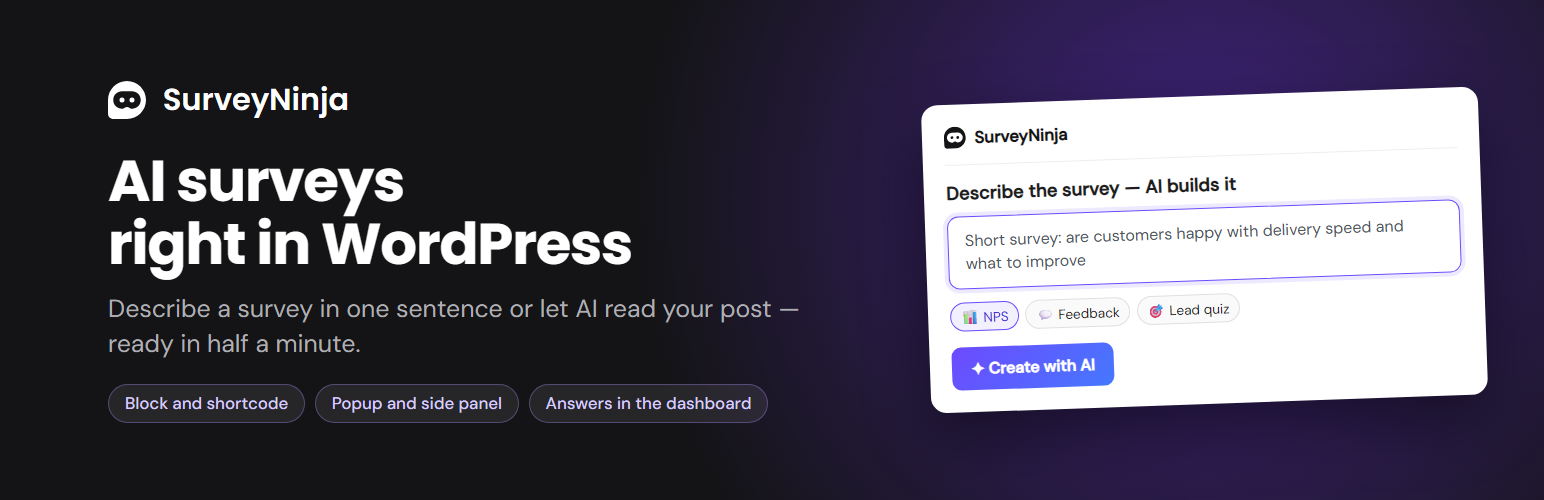
SurveyNinja turns a sentence into a ready survey. Describe what you want to ask — or let AI read the post you are writing — and the survey appears right in the block editor.
AI survey builder. Describe the survey, pick a preset (NPS, feedback, lead quiz, knowledge test) or build it from the text of the current post.
Four ways to show it. Inline in the post, a popup (on load, after a delay or when the visitor is about to leave), a button that opens a popup, or a side panel that slides in after scrolling.
Know where answers come from. UTM tags of the page, and — if you turn it on — the logged-in user’s ID, role or email go with every answer.
A survey after every order (WooCommerce). Show a survey on the “Thank you” page, inline or as a popup, and a few days later send it by email from your shop. The buyer’s answer is right in the order.
Elementor widget. Add a survey in Elementor with the same display modes as the block.
Micro surveys. Turn on one switch, and the micro surveys you create in your account appear in a small window in the corner of your site pages — where, to whom and how often you choose in your account.
Results in the dashboard. Recent surveys, answer counts and the AI summary right in your WordPress dashboard.
Works with AI agents. On WordPress 6.9+ the plugin registers abilities (list surveys, create a survey with AI, get a survey) for agents connected to your site. They are private unless you make them public with the surveyninja_abilities_public filter.
Connect your account with one click: you sign in, choose a workspace and the site gets access only to it. No API keys to copy.
The [surveyninja id="123" mode="popup"] shortcode is available for classic content.
Source code: the block editor script in build/ is compiled from src/, which ships with the plugin. To rebuild it, run npm install and npm run build in the plugin folder.
External services
This plugin connects to the SurveyNinja service (surveyninja.io). The service is required: surveys are created, stored and shown by it.
Connecting the account. When you click “Connect account”, the site registers itself with the service (site address) and sends you to the service sign-in page. The service returns access tokens, stored encrypted in your database.
Working with surveys. When you use the block, the settings and surveys pages, the dashboard widget, the Site Health check or the abilities, the site sends requests to the service API (api.surveyninja.io): the survey description you type, and for “From the page text” the title and text of the page or post open in the editor (also unsaved).
WooCommerce orders. If you choose a survey for the “Thank you” page, the survey there gets the order number with the site’s signature, so the answer can be matched to the order; no other order or customer data is sent. When you open an order in the admin, the site asks the service API for the answer with that number. If you turn on the email after the order, your site sends it itself through WooCommerce to the buyer’s email from the order; the address is not sent to the service. The email asks for feedback on the order without a separate consent to newsletters, so mention it in your shop’s privacy policy if your law requires it.
Micro surveys. If you turn them on, the site sends its domain to the service API once and gets a site key. Every page then loads the script app.surveyninja.io/static/micro.js, which asks the service which surveys to show; views and answers of visitors go to the service.
Every request also carries the site address, WordPress, PHP and plugin versions and the site language. The service uses them for compatibility and support (which versions it has to keep working with). While the account is connected, the Site Health check asks the service at most once in five minutes when Site Health runs; there is no other background traffic and no separate tracking.
Showing surveys to visitors. Pages with a survey load the survey and the embed script from surveyninja.io (app.surveyninja.io and your workspace subdomain). Answers of visitors go to the service. UTM tags of the page, and if you turned it on, the logged-in user’s ID, role or email, are added to the answers.
Terms of use: https://surveyninja.io/agreement
Privacy policy: https://surveyninja.io/privacy














