內容簡介
<!DOCTYPE html>
<html lang="zh-tw">
<head>
<meta charset="UTF-8">
<title>SummaTap WordPress 外掛總結與功能介紹</title>
</head>
<body>
<h2>外掛總結:</h2>
<ul>
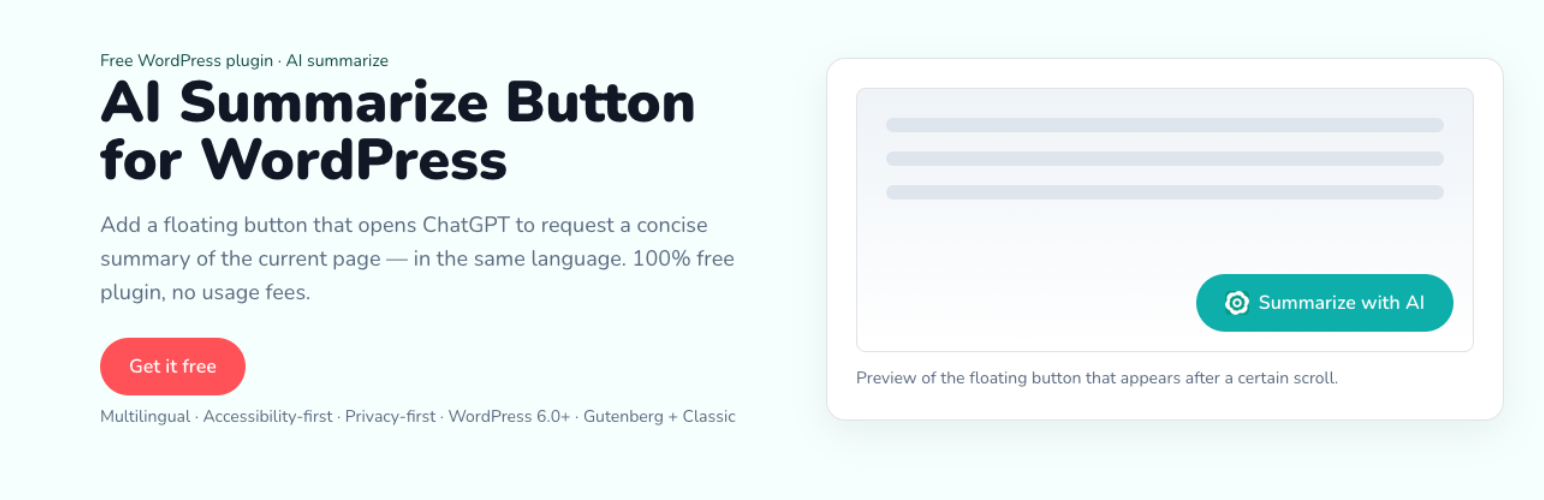
<li>SummaTap 在單獨的文章、頁面和特定自訂文章類型上添加了乾淨的浮動按鈕。當讀者滾動內容的10%時,按鈕將出現。點擊後會在新標籤中打開 ChatGPT,並通過 ?q= 預填提示(如果封鎖彈出窗口,則不會導航)。提示包括頁面 URL、標題、元標題和 H1/H2/H3 標題(Gutenberg + Classic)。</li>
<li>多語言管理員和前端字符串(20個主要語言環境+自定義標籤)。</li>
<li>位置:在設置中具有可調節的偏移量和實時預覽的左上、右上、右下和左下位置。</li>
<li>排除:高級設置可讓您排除特定文章/頁面 ID。</li>
<li>高級功能:可選自訂 CSS 類來設計您的佈景主題中的按鈕。</li>
<li>可訪問性:可使用鍵盤、可見焦點、右至左支持。</li>
</ul>
</body>
</html>
外掛標籤
開發者團隊
原文外掛簡介
SummaTap adds a clean floating button to single posts, pages, and selected custom post types. After the reader scrolls 10% of the content, the button appears. Clicking it opens ChatGPT in a new tab and prefills the prompt via ?q= (if popups are blocked, no navigation occurs). The prompt includes the page URL, Title, Meta title, and H1/H2/H3 headings (Gutenberg + Classic).
Multilingual admin and front strings (20 major locales + custom label).
Positions: top-left, top-right, bottom-right, bottom-left with adjustable offsets and live preview in Settings.
Exclusions: Advanced settings let you exclude specific post/page IDs.
Advanced: Optional custom CSS class to style the button from your theme.
Accessibility: keyboard operable, visible focus, RTL support.