
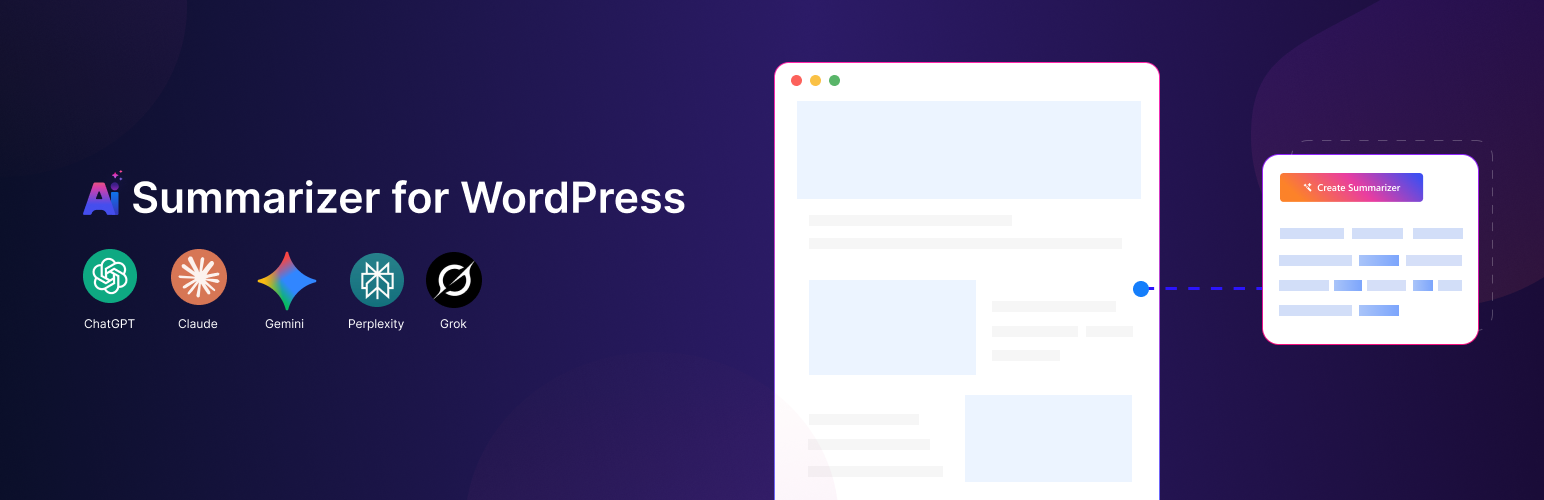
內容簡介
Sumtics 是一款為 WordPress 提供 AI 驅動的 TL;DR 摘要生成器,幫助訪客快速理解網站內容,提升使用者體驗與互動性。
【主要功能】
• 自動生成 TL;DR 摘要
• 可浮動的 AI 按鈕 (FAB)
• 自動內嵌「總結此內容」按鈕
• 支援多種 AI 模型
• 每篇文章自訂摘要設定
• 彈性摘要長度選擇
外掛標籤
開發者團隊
② 後台搜尋「Sumtics – AI Summarizer & TL;DR Generator」→ 直接安裝(推薦)
原文外掛簡介
Sumtics is the AI summarizer for WordPress that turns long posts into clear, skimmable TL;DR summaries – automatically. It generates a real AI summary for every article using your WordPress AI connector, and adds one-click buttons that let readers summarize your content with ChatGPT, Claude, Gemini, Grok, Google AI, or Perplexity.
Long articles lose readers. Sumtics gives visitors the gist in seconds, boosts time-on-page and engagement, and helps your content stay readable in an AI-first world – including AI Overviews and answer engines that reward clear, summarizable content.
Sumtics homepage · Read the documentation · Get support
Why Sumtics?
Real AI summaries, generated for you – not just a link out. Sumtics writes an actual TL;DR for each post.
Uses your WordPress AI connector – works natively with the WordPress AI Client (WordPress 7.0+) and providers like Anthropic (Claude), Google (Gemini) and OpenAI (ChatGPT). Configure once in Settings → Connectors.
Zero-cost fallback – a built-in on-server summary engine works even without any AI provider, so you always get a summary.
No code required – set it up in minutes with a clean, modern settings panel.
Three ways to summarize
1. Inline AI Summary (TL;DR box)
Automatically generate a concise TL;DR for each post when it is published or updated, then display it inline above or below your content in a clean, collapsible box. Powered by the built-in WordPress AI connector, with an on-server extractive fallback. Set the length (1–5 sentences), choose your model, or let Sumtics pick a sensible default automatically.
2. External AI Summarize Buttons
Add one-click buttons that open the reader’s favorite AI assistant – ChatGPT, Claude, Gemini, Grok, Google AI or Perplexity – pre-filled with a smart summarize prompt for your article. Great for engagement and AI-driven discovery.
3. Floating AI Button (FAB)
A floating “Summarize” button that follows the reader and expands to the AI tools you enable. Position it anywhere on screen.
Key Features
Automatic TL;DR generation – AI summaries created on publish/update, cached for fast loading
WordPress AI connector support – native WP AI Client integration (Claude, Gemini, ChatGPT)
On-server extractive summarizer – free, private fallback that never calls an external API
Inline summary box – collapsible, theme-adaptive, transparent design that blends with any theme
One-click AI summarize buttons – ChatGPT, Claude, Gemini, Grok, Google AI, Perplexity
Floating action button (FAB) – six positions with custom offsets
Per-post controls – edit, regenerate or override the summary for any post in the editor
Bulk backfill – generate summaries for all existing posts in one click
Content-type targeting – choose exactly which post types get summaries and buttons
Custom prompts & lengths – global defaults with per-post overrides
Shortcodes – drop summaries and buttons anywhere with [sumtics_ai_summarize] and [sumtics_floating_button]
Modern settings UI – organized, fast and beginner-friendly
Translation-ready & lightweight – built for performance and SEO
Supported AI Models
ChatGPT (OpenAI)
Claude (Anthropic)
Gemini (Google)
Grok (xAI)
Perplexity
Google AI Mode
Perfect For
Blogs, news and magazine sites, documentation, knowledge bases, online courses and any content-heavy website where readers want a fast TL;DR – and where you want your content optimized for SEO, AEO (answer engine optimization) and GEO (generative engine optimization).
Privacy & Cost
The inline AI summary uses the AI provider you connect in WordPress (Settings → Connectors); summary generation happens through that provider. The on-server extractive engine runs entirely on your site and never sends content to a third party. The external summarize buttons simply open the reader’s chosen AI tool in a new tab – no API key required.














