內容簡介
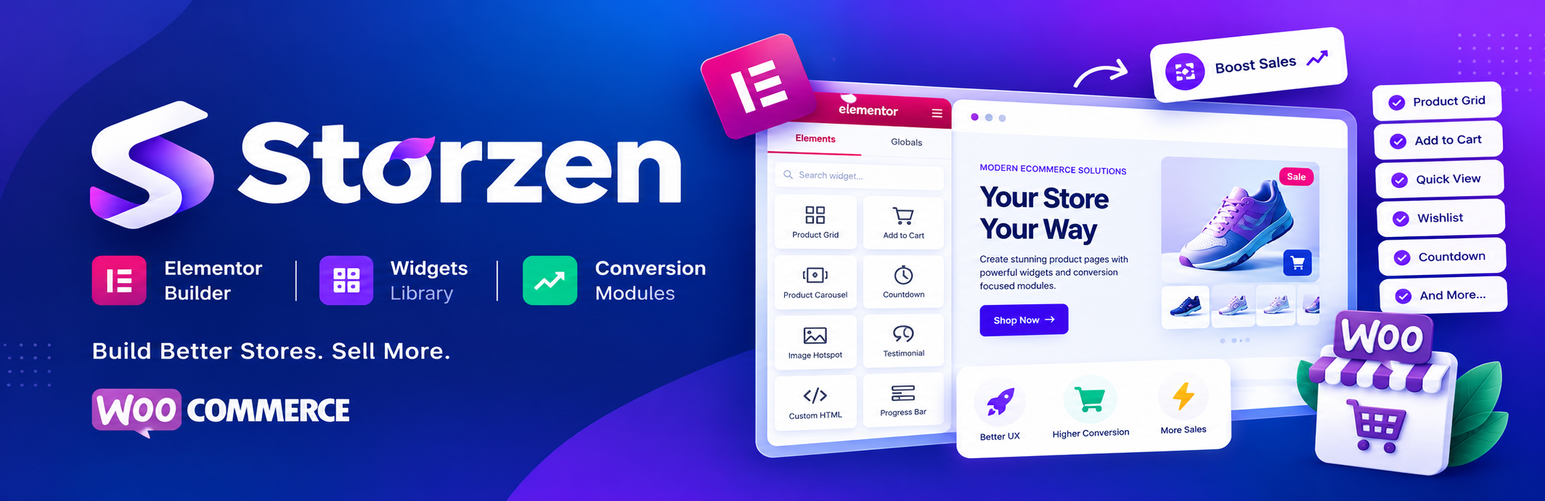
Storzen 是一款專為 WooCommerce 設計的輕量級外掛,提供 Elementor 商店建置者所需的所有功能,幫助提升轉換率並簡化購物體驗。它整合了多種功能於一身,讓使用者能夠輕鬆管理網路商店。
【主要功能】
• 模組化架構,僅載入啟用的模組
• 超過 60 個專為 WooCommerce 設計的 Elementor 小工具
• 提升銷售的轉換導向模組
• 無外部請求,確保隱私安全
• 支援 WooCommerce 高效能訂單儲存 (HPOS)
外掛標籤
開發者團隊
② 後台搜尋「Storzen – Elementor Builder with Widgets & Conversion Modules for WooCommerce」→ 直接安裝(推薦)
原文外掛簡介
Storzen is a performance-first WooCommerce growth toolkit that gives Elementor store builders everything they need in a single, lightweight plugin.
Replace multiple WooCommerce plugins with Storzen — an all-in-one conversion toolkit featuring variation swatches, wishlist, sticky add-to-cart, quick view, share buttons, announcement bar, product comparison, free shipping bar, flash countdown, stock scarcity, sale notifications, sale badges, back-in-stock notifier, and 60+ Elementor widgets for every WooCommerce page.
Every feature is individually toggleable. Disabled features load zero CSS, JS, or PHP — no dead weight on your store.
Documentation | Storzen Pro | Live Demo
🚀 Why Storzen?
Modular architecture — only active modules load, keeping your store fast
60+ Elementor widgets — built for WooCommerce product, cart, checkout & shop pages
Conversion-focused — every module is designed to increase sales and reduce friction
Zero external requests — no tracking, no phoning home, no paid APIs required
HPOS compatible — fully tested with WooCommerce High-Performance Order Storage
WP.org approved — compliant, reviewed, and available on the official repository
🎯 Free Modules
Sales & Conversion
* Variation Swatches — color, image and button swatches for product attributes
* Sale Badge — custom percentage and text badges on sale products
* Flash Countdown — urgency timers on product and shop pages
* Stock Scarcity — low stock alerts (“Only 3 left!”)
* Announcement Bar — sitewide or page-specific promotional bars
Customer Engagement
* Wishlist — AJAX-powered wishlist with persistent storage
* Back in Stock — email notification opt-in for out-of-stock products
* Sale Notification — live purchase popup notifications
* Recommendation Bar — “Customers also viewed” product strip
* Recently Viewed — automatic recently viewed product tracking
Shopping Experience
* Quick View — modal product view without leaving the shop page
* Sticky Add to Cart — persistent ATC bar as users scroll product pages
* Shipping Bar — free shipping progress indicator
* Order Bump — one-click upsell at cart or checkout
* Compare — side-by-side product comparison
🧩 Free Elementor Widgets (25+)
Product Gallery, Add to Cart, Product Price, Product Rating, Stock Status, Product Tabs, Related Products, AJAX Search, Recently Viewed, Stock Badge, Products Grid, Products Slider, Category Grid, Flash Sale Banner, Sale Countdown, Wishlist Button, Compare Button, Back in Stock Form, Shop Hero, Announcement Banner, Cart Cross-sell, Recently Viewed Strip, Recommendation Strip, Product Share Buttons, Quick View Button
🔒 Pro Version
Storzen Pro adds 14 additional modules and 35+ premium widgets:
Advanced AJAX Product Filter
Smart Coupon Manager
Quick Checkout (one-page)
Floating Cart
Currency Switcher
Invoice Generator (PDF)
Pre-Order System
Upsell Popup
Size Chart Builder
Abandoned Cart Recovery
AI Product Recommender (local — no API cost)
Product Bundle Builder
Wholesale Pricing
Advanced Variation Swatches
Learn more about Storzen Pro →
🏎️ Performance
Modules load only when enabled — disabled modules have zero performance impact
Assets load only on relevant pages (product, cart, checkout, shop)
Transient caching on all AJAX handlers
No autoloaded options bloat
No external CDN dependencies
Zero external HTTP requests
🌐 Compatibility
✅ WordPress 6.5 – 7.2
✅ WooCommerce 7.0 – 9.4
✅ Elementor 3.5+
✅ HPOS (High-Performance Order Storage)
✅ PHP 8.1+
✅ Classic and Block themes