內容簡介
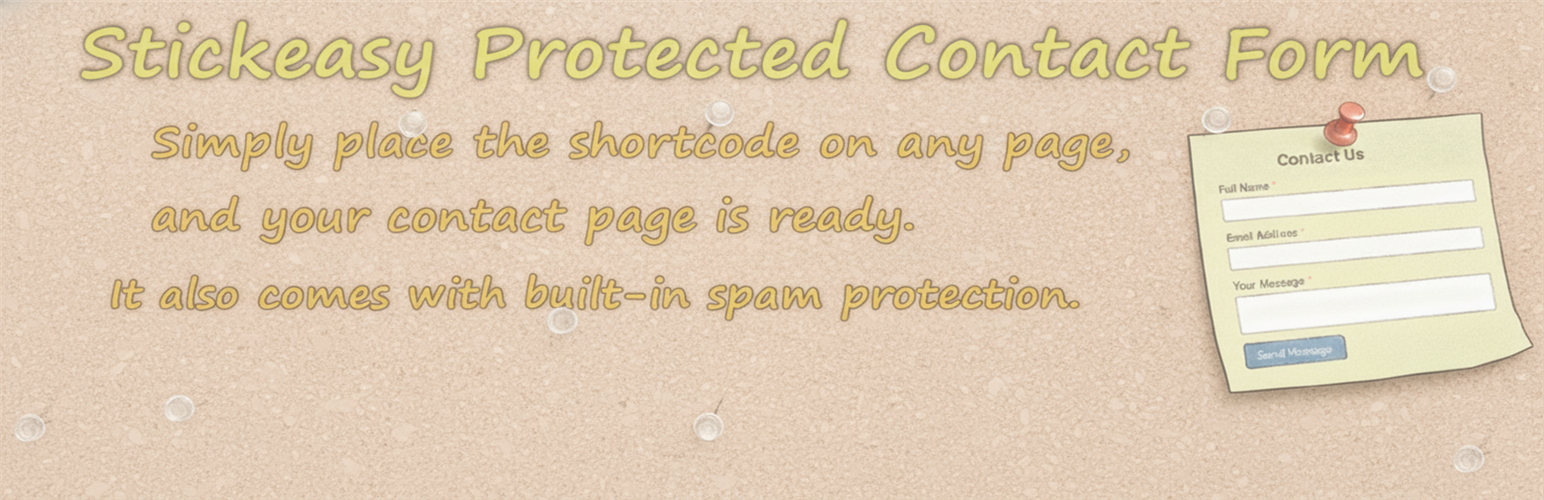
總結:StickEasy Protected Contact Form是在您的WordPress網站上快速獲得功能性聯絡表單的最快方式。這個外掛專注於簡單性和速度,讓您只需在任何頁面上放置一個短代碼即可創建一個簡約的聯絡表單。此外,此表單包含內建的基本垃圾郵件保護功能,以防止大多數自動機器人,無需CAPTCHA或第三方服務。
問題與答案:
1. 如何快速在WordPress網站上添加聯絡表單?
- 只需在任何文章或頁面中插入以下快捷方式即可即時添加聯絡表單:[spcf_form]
2. 可以從哪裡調整聯絡表單的基本行為?
- 您可以從“設置”→“StickEasy聯絡”中調整基本表單行為。
- 您可以自訂每個字段(名稱、電子郵件、信息)的可見標籤以配合您網站的口吻或語言。提供基本的HTML,如<強>或<br>進行強調或格式化。
3. 如何自訂成功提交後的訊息?
- 編輯成功提交表單後顯示的訊息。
- 您也可以使用簡單的HTML格式,如<br>進行分行。
- 例如:“謝謝!<br>我們將在2個工作日內回覆您”。
4. 如何啟用或停用所有內建垃圾郵件保護功能?
- 您可以一次啟用或停用所有內建的防垃圾郵件功能。
- 包括的保護功能有:吸引特定對象機制、提交時間檢查和禁止詞篩選器。
5. 如何設置參觀者在提交之前必須在頁面上停留的最短時間?
- 設定參觀者必須在提交之前在頁面上停留的最短秒數。
- 通常建議設置在3到10秒之間的一個值。
6. 如何防止垃圾提交?
- 可以新增阻止詞語、域名、電子郵件模式或IP地址來防止垃圾提交。
- 禁止詞篩選器清單也適用於參觀者的電子郵件地址和IP地址,而不僅限於訊息內容。
外掛標籤
開發者團隊
② 後台搜尋「StickEasy Protected Contact Form」→ 直接安裝(推薦)
原文外掛簡介
StickEasy Protected Contact Form is the fastest way to get a functional contact form on your WordPress site. This plugin is focused on simplicity and speed, allowing you to create a minimal contact form by simply placing a shortcode on any page.
There’s no complex setup or field builder. Just install, place the shortcode, and start receiving messages.
As an added benefit, the form includes built-in basic spam protection (nonce verification, a honeypot field, submission time validation, a bad words filter, and a human interaction check) to keep most automated bots away without the need for CAPTCHAs or third-party services.
Usage
1. Simple Setup (Shortcode)
To instantly add the contact form, insert the following shortcode into any post or page:
[spcf_form]
2. Basic Customization
You can adjust the basic form behavior from Settings → StickEasy Contact.
The following options are available:
Contact Form Settings
Edit Form Labels
Customize the visible labels for each field (Name, Email, Message) to match your website’s tone or language.
NOTE: Basic HTML such as or
can be used for emphasis or formatting.
Toggle the Name field on or off with a single checkbox. Useful when you prefer a shorter form or want to accept anonymous messages.
Specify the recipient email address for messages.
By default, messages are sent to the Administration Email Address set in your WordPress settings (“Settings” → “General”).
Custom Success Message
Edit the message shown after the form is successfully submitted.
You can also use simple HTML formatting, such as
for line breaks.
Example: “Thank you!
We will get back to you within 2 business days.”
Spam Protection Settings
Enable or disable all built-in spam protection features at once.
Included protections: Honeypot, Submission Time Check, and Forbidden Word Filter.
Minimum Submission Time
Set the minimum number of seconds a visitor must remain on the page before submitting.
A value between 3 and 10 seconds is generally recommended.
Forbidden Word Filter
Add blocked words, domains, email patterns, or IP addresses to prevent spam submissions.
Note:
The Forbidden Word Filter list also applies to the visitor’s email address and IP address, not just the message body.
Examples:
viagra
bit.ly
[email protected]
123.45.67.89