內容簡介
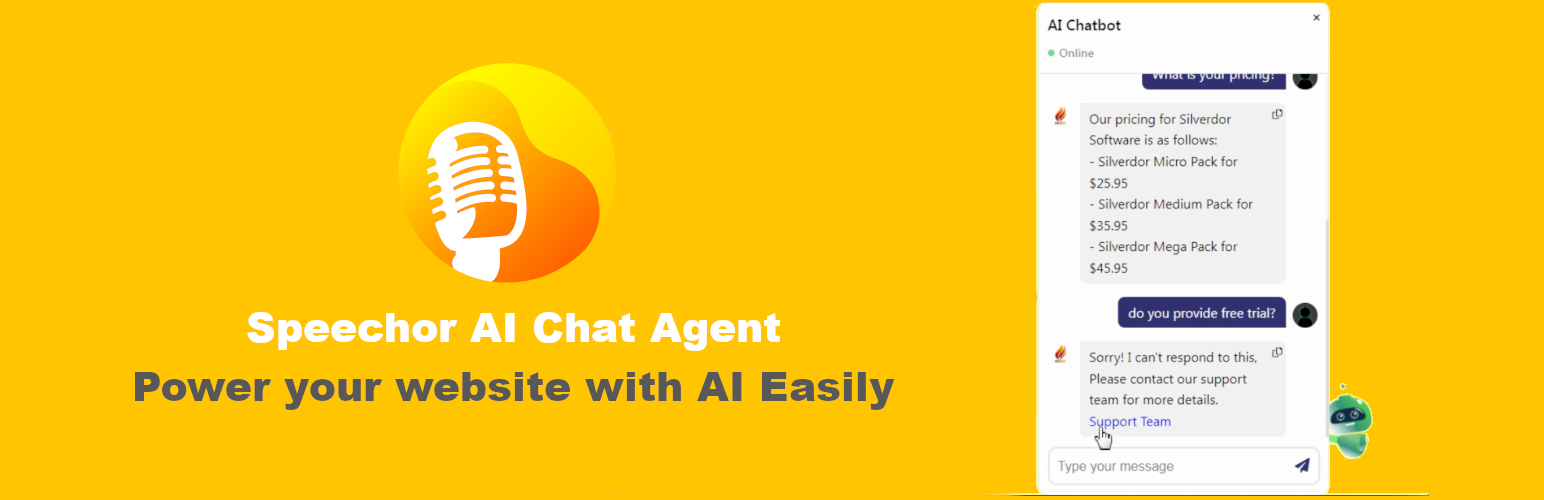
總結: Speechor AI Chat Agent 是一個能快速智能整合自訂 AI 聊天代理的工具,支援大多數熱門 AI 模型供應商,可提供準確回應給顧客,提供支援、售賣產品、提供折扣碼等。這將使您的網站訪客保持參與,並在您睡覺時增加銷售額。
問題與答案:
- Speechor AI Chat Agent 能做什麼?
- 它可以快速智能整合自訂 AI 聊天代理,支援熱門 AI 模型供應商,提供準確回應給顧客,支援銷售產品、提供折扣碼等功能。
- 如何開始使用 Speechor AI Chat Agent?
- 請啟用外掛,創建多個代理人,並透過簡短代碼集成到頁面中。
- Speechor AI Chat Agent 的特點有哪些?
- 可以建立自訂 AI 聊天代理,自定義指令和數據上下文,自訂聊天框、代理人頭像、用戶頭像等,輕鬆管理每個代理人的線上/離線狀態。
- 有哪些支援的 AI 模型供應商?
- 支援 OpenAI、Deepseek 和 xAI 等熱門 AI 模型供應商。
- 如何設置 Speechor AI Chat Agent 並創建第一個代理人?
- 首先,創建一個帳戶並獲取支援的 AI 模型供應商的 API 金鑰和模型名稱,然後將其複製到代理人創建表單中。
外掛標籤
開發者團隊
原文外掛簡介
Speechor AI Chat Agent allows you a fast and smart integration of customized AI chat Agents, supports most of popular ai llm providers, The AI chat agent will be able to provide accurate responses to your customers, give support, sell products, provide discount codes etc. Speechor AI Chat Agent will keep your website visitors engaged, and boosts sales, while you’re sleeping. To get started: activate the plugin, you can create multiple agents and integrate them by short codes into pages.
Speechor AI Chat Agent features:
Create custom Ai chat agents with custom instructions and data context.
Customize the Chat box, agent avatar, user avatar and more.
Easy to manage the status online/offline of each Agent.
Simple integration to pages with short codes.
Control and limit the maximum questions a customer can ask to an agent.
Supported LLM providers :
Speechor AI Chat Agent Supports the most popular LLM (AI companies) providers:
OpenAI
Deepseek
xAI
Setup Speechor AI Chat Agent and create your 1st Agent:
How to get your LLM API key and model name:
Create your account with one of the supported LLM providers: OpenAI, Deepseek and xAI
Nivigate to the dashboard and create an API key copy it into your Agent creation form.
Get the name of the model you want to use (depends on the LLM provider) copy it into the form.
External Services
This plugin connects to 3 AI models providers (OpenAI, Deepseek and xAI) APIs to respond to your website vistors questions sent from the chat widget. The plugin collects the visitor question and the instructions and the reference data you provided when you created the chat widget, then send all this data to one of the AI Third parties (OpenAI, Deepseek or xAI) depending on which one you have selected when you created the chat widget, then this third party respond back to your website visitor.
The third party companies linked to this plugin are:
* “OpenAI, L.L.C”: terms-of-use privacy-policy
* “Hangzhou DeepSeek Artificial Intelligence Co., Ltd”: terms-of-use privacy-policy
* “X.AI LLC”: privacy-policy legal security