全新外掛
安裝啟用
—
尚無評分
34 天前
最後更新
—
問題解決
WordPress 5.2+ PHP 7.4+ v1.5 上架:2025-03-28
內容簡介
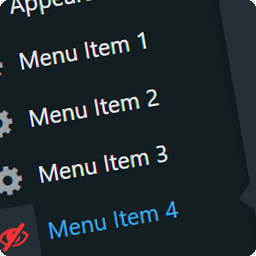
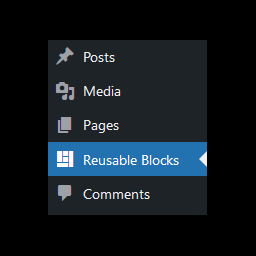
SMNTCS Show Active Plugins 外掛可簡化 WordPress 控制台中的外掛管理,直接在外掛選單中新增「啟用的外掛」連結,讓使用者能快速查看所有啟用的外掛,提升管理效率。
【主要功能】
• 在外掛選單中新增「啟用的外掛」連結
• 直接跳轉至啟用的外掛列表
• 簡化外掛管理流程
外掛標籤
開發者團隊
原文外掛簡介
The Plugins menu in WordPress links to Installed Plugins and Add New Plugin. To see only the active plugins you have to open Installed Plugins and then pick the Active view.
SMNTCS Show Active Plugins adds an Active Plugins link to the Plugins menu that takes you straight there.
Contribute
Contributions are more than welcome. Simply head over to GitHub and open an issue or a pull request.