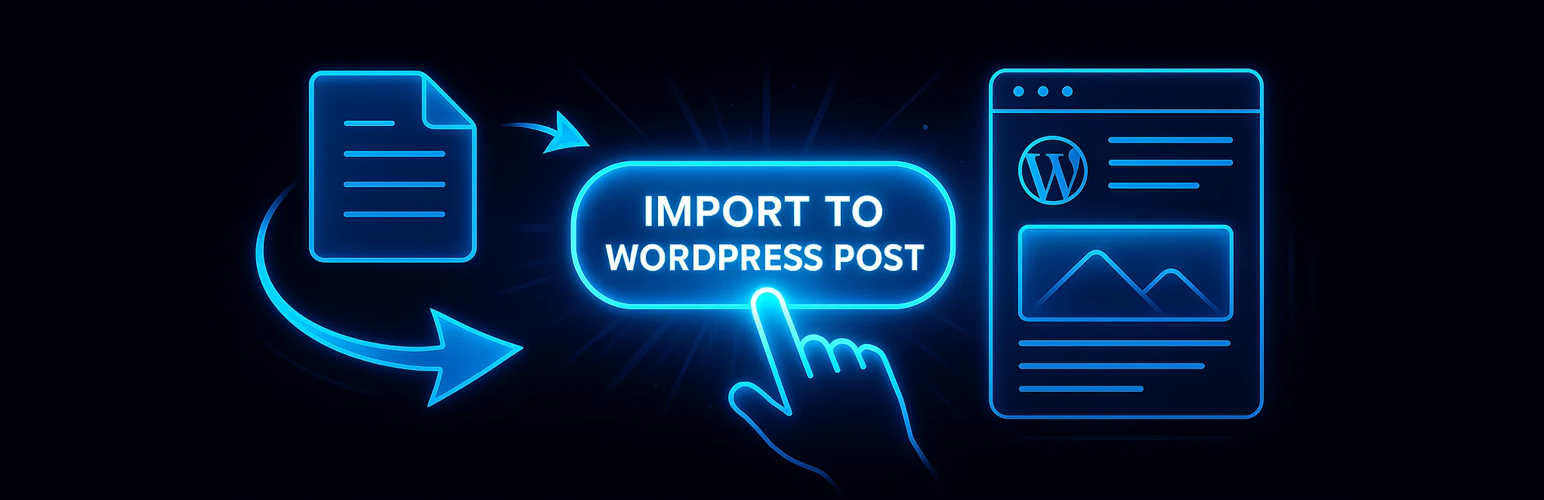
內容簡介
總結:SmartDoc to Post Importer 是一款 WordPress 外掛,旨在使將 Microsoft Word 文件(.docx 和 .doc)無縫可靠地匯入您的網站變得容易。無論您是在遷移部落格內容、上傳文檔或轉移教育資源,這款外掛確保您文件的結構和樣式保持完整。
問題與答案:
1. 這個 WordPress 外掛的名稱是什麼?
- 答:SmartDoc to Post Importer。
2. 這個外掛的主要功能是什麼?
- 答:主要功能是將 Microsoft Word 文件(.docx 和 .doc)無縫可靠地匯入 WordPress 網站,並確保文件的結構和樣式保持完整。
3. 這個外掛如何處理文檔的格式轉換?
- 答:這個外掛使用先進的 XML 解析來解讀文件的內部結構,並將其轉換為原生的 WordPress 內容。在匯入過程中保留所有格式設置,包括標題、列表、表格、圖像和內部鏈接。
4. 使用者如何上傳 Word 文件?
- 答:使用者可以通過 WordPress 管理面板中的拖放界面上傳 Word 文件,然後通過匯入精靈指導,分配文章類型、分類,並在發佈之前預覽匯入的內容。
5. 這個外掛適合哪些使用者?
- 答:這個外掛適合內容創作者、技術寫作者、教育機構和企業,他們希望在 WordPress 內直接管理基於 Word 的內容而不失去文件的保真度。
6. 請簡述使用這個外掛的步驟。
- 答:前往 WordPress 管理菜單中的“SmartDoc to Post Importer”,點擊“上傳文件”並選擇您的 .docx 或 .doc 文件,選擇匯入選項,預覽匯入的內容進行必要的編輯,點擊“匯入”添加到您的網站作為草稿,審查帖子編輯器中的內容,準備好時發佈。
外掛標籤
開發者團隊
原文外掛簡介
SmartDoc to Post Importer is a WordPress plugin designed to make importing Microsoft Word documents (.docx and .doc) into your website seamless and reliable. Whether you’re migrating blog content, uploading documentation, or transferring educational resources, this plugin ensures that the structure and style of your documents remain intact.
The plugin uses advanced XML parsing to interpret the document’s internal structure and convert it into native WordPress content. All formatting—headings, lists, tables, images, and even internal links—is preserved during the import process. Uploaded documents are processed locally on your server, ensuring privacy and compliance with data protection policies.
Users can upload Word files via a drag-and-drop interface in the admin dashboard. The plugin then walks them through an import wizard, allowing them to assign post types, categories, and review a preview of the imported content before publishing.
SmartDoc to Post Importer is ideal for content creators, technical writers, educational institutions, and businesses who want to manage Word-based content directly within WordPress without losing document fidelity.
Usage
Go to ‘SmartDoc to Post Importer’ in the WordPress admin menu.
Click “Upload Document” and select your .docx or .doc file.
Choose import options such as post type (Post, Page), category, and whether to extract SEO metadata.
Preview the imported content and make any necessary edits.
Click “Import” to add it to your site as a draft.
Review the post in the editor and publish when ready.
Key Features
100% Formatting Preservation – Maintains all text formatting including bold, italic, underline, and colors
Complete Structure Support – Preserves headings (H1-H6), paragraphs, and document hierarchy
Advanced List Handling – Converts both bulleted and numbered lists with proper nesting
Link Preservation – Maintains all hyperlinks with proper URLs and targets
Image Import – Automatically uploads and embeds images from Word documents
Table Support – Preserves complex table layouts and formatting
SEO Optimization – Automatically extracts meta titles and descriptions
Multiple Post Types – Import as posts, pages, or custom post types
Category Assignment – Automatically assign imported content to categories
Draft Mode – All imports start as drafts for review before publishing
Perfect For
Content Migration – Moving existing Word documents to WordPress
Blog Content – Converting Word articles to blog posts
Documentation – Importing technical documentation and manuals
Educational Content – Converting course materials and resources
Business Content – Importing reports, proposals, and presentations
Technical Features
Advanced XML Parsing – Processes Word’s internal XML structure for accurate conversion
Media Library Integration – Automatically uploads images to WordPress media library
SEO Plugin Compatibility – Works with Yoast SEO, RankMath, and All in One SEO
Security First – All uploads are validated and sanitized
Performance Optimized – Efficient processing of large documents
Error Handling – Comprehensive error reporting and recovery
Supported Formats
Microsoft Word 2007+ (.docx)
Microsoft Word 97-2003 (.doc)
Maximum file size: 10MB
Requirements
WordPress 5.0 or higher
PHP 7.4 or higher
ZipArchive PHP extension
DOMDocument PHP extension
Technical Details
System Requirements
WordPress: 5.0+
PHP: 7.4+
Memory: 128MB minimum (256MB recommended)
ZipArchive extension: Required
DOMDocument extension: Required
File uploads: Enabled
Max upload size: 10MB minimum
Supported Elements
Text formatting (bold, italic, underline, strikethrough)
Font colors and highlighting
Headings (H1 through H6)
Paragraphs and line breaks
Bulleted and numbered lists
Nested lists
Hyperlinks (internal and external)
Images (JPEG, PNG, GIF)
Tables with formatting
Blockquotes
Line spacing and indentation
Security Features
File type validation
File size limits
Content sanitization
XSS prevention
SQL injection protection
Nonce verification
Capability checks
Temporary file cleanup
Support
For support, feature requests, or bug reports, please visit our support forum or contact us through our website.
Privacy Policy
SmartDoc to Post Importer does not collect, store, or transmit any personal data. All document processing happens locally on your server, and temporary files are automatically deleted after processing.
Credits
Developed with ❤️ for the WordPress community. Special thanks to all beta testers and contributors who helped make this plugin possible.