內容簡介
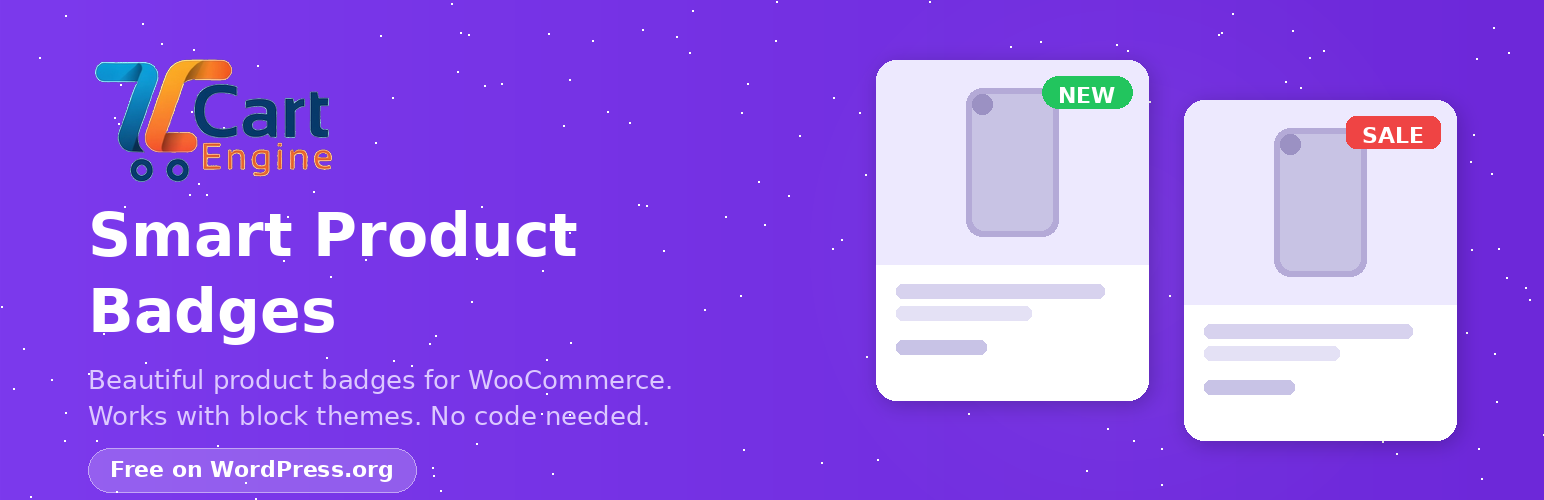
Smart Product Badges for WooCommerce 是一款免費且輕量的外掛,能自動在 WooCommerce 產品上顯示美觀的標籤,幫助突出促銷、新品、庫存不足等資訊,無需編寫任何程式碼。
【主要功能】
• 4 種美觀模板:促銷、新品、熱門、限量
• 4 種智能規則:根據促銷狀態、類別、價格範圍或發佈日期自動分配標籤
• 自訂標籤文字:可輸入自訂文字或使用預設模板
• 通用主題支援:與任何 WordPress 主題兼容
• WooCommerce 區塊:完全兼容新型基於區塊的商店頁面
• 手機響應式:標籤在各種螢幕尺寸上自適應
外掛標籤
開發者團隊
② 後台搜尋「Smart Product Badges for WooCommerce」→ 直接安裝(推薦)
原文外掛簡介
Smart Product Badges for WooCommerce is a free, lightweight plugin that automatically displays beautiful badges on your WooCommerce products. Highlight sales, new arrivals, low stock items, and more — without touching any code.
Why Product Badges?
Product badges increase conversion rates by 15-25% by drawing attention to key products. Whether it’s a sale, a new arrival, or a low-stock item, badges help customers make faster buying decisions.
Why Smart Product Badges instead of YITH?
YITH Badge Management has a 2.9/5 rating — ours just works
CSS-only rendering (no frontend JavaScript)
Built for modern block themes from day one
Free version has no feature locks or upgrade nags
Key Features (Free)
4 Beautiful Templates — Sale, New, Hot, and Limited badge styles with modern gradient designs
4 Smart Rules — Auto-assign badges by On Sale status, Category, price range, or publish date
Custom Badge Text — Enter any text for each badge, or use the template default
Universal Theme Support — Works with any WordPress theme (classic or block-based)
WooCommerce Blocks — Full compatibility with the new block-based shop pages
Performance Optimized — CSS-only rendering, intelligent caching, < 5ms per badge
Mobile Responsive — Badges adapt beautifully to all screen sizes
Multilingual Ready — Full UTF-8 support for any language
Unlimited Badges — Create as many badge rules as you need
How It Works
Go to WooCommerce → Badges
Click Add Badge
Choose a template (Sale, New, Hot, or Limited)
Set a display rule (e.g., “On Sale”, “Category”, “Price under $50”, or “Published in last 7 days”)
Save — badges appear instantly on matching products!
Automatic Badge Rules
On Sale — Show badge on products that have a sale price (discounted)
Category — Badge all products in specific categories (with convenient multiselect)
Price — Badge products above, below, or between price ranges
Publish Date — Auto-badge new arrivals (e.g., published in last 14 days)
Works With Popular Themes
Tested and compatible with:
Twenty Twenty-Three, Twenty Twenty-Four, Twenty Twenty-Five
Astra, OceanWP, GeneratePress
Kadence, Neve, Storefront
Hello Elementor
Any WooCommerce-compatible theme
Need More Features?
BadgePro unlocks:
6 Badge Templates — Sale, New, Hot, Limited, Low Stock, plus fully Custom style
Custom Style Designer — Pick your own colors, gradients, shape, font size, and padding
7 Rule Types — Category, tag, stock level, on sale, price, publish date, and manual assignment
Manual Assignment — Choose exactly which products display which badges
Variable Products — Different badges for different product variations
Multiple Badges — Show up to 5 badges simultaneously on a single product, ordered by priority
Badge Scheduling — Show badges only during specific date ranges
Dynamic Text — Use placeholders in badge text: {discount%}, {sale_price}, {regular_price}, {price}, {stock_qty}
CSS Animations — Add pulse, bounce, or fade-in effects to any badge
Priority Support — Fast, dedicated help
Upgrade to BadgePro →