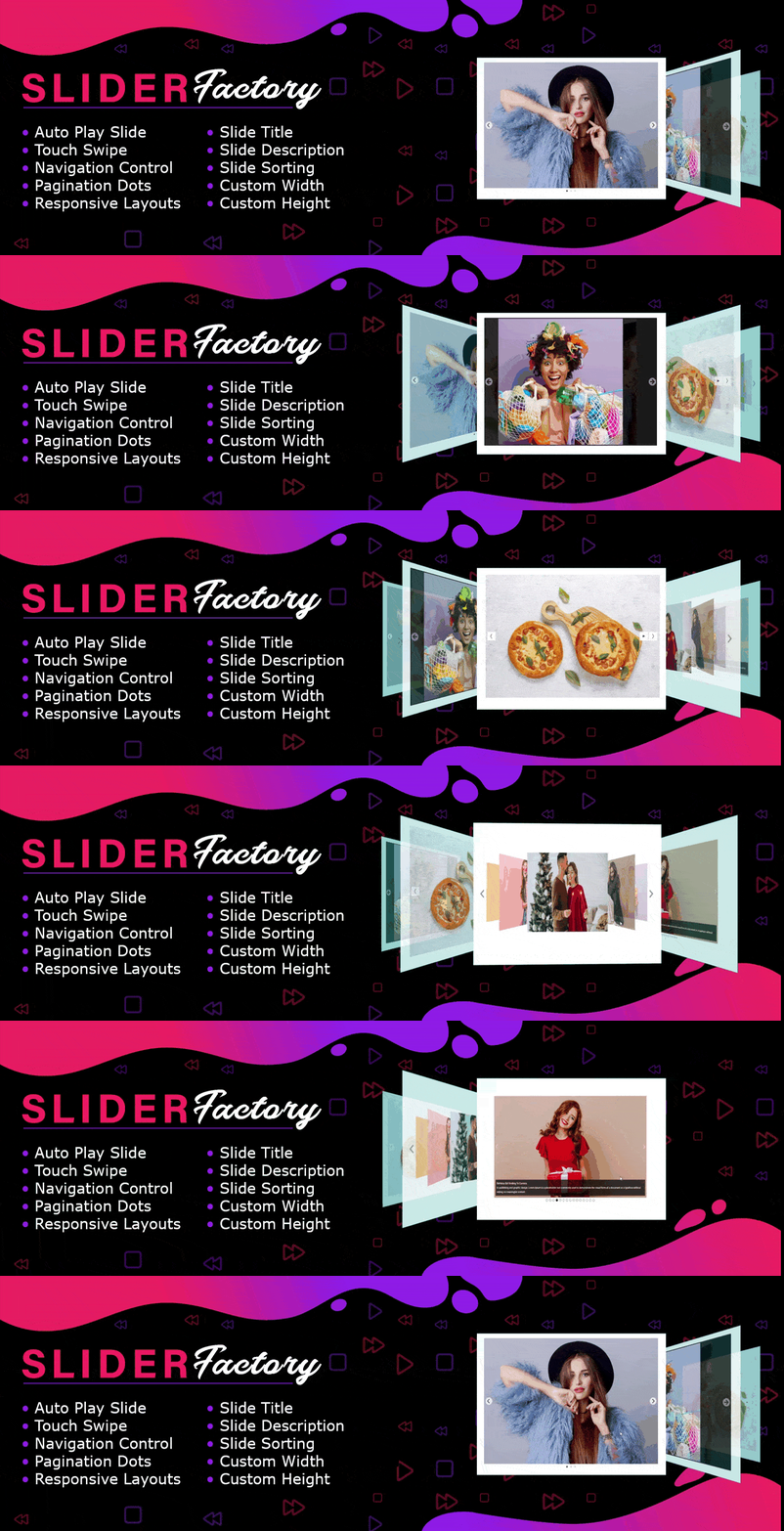
內容簡介
Slider Factory 是一款響應式的 WordPress 外掛,專為快速建立精美的圖片滑動秀、輪播和幻燈片而設計。用戶可以從媒體庫選擇照片,選擇 12 種免費的響應式佈局,並透過簡單的短碼將滑動秀嵌入任何文章或頁面。
【主要功能】
• 12 種免費響應式滑動佈局
• 拖放式滑動建構器
• 手機友好的觸控滑動
• 品牌標誌與客戶輪播
• WooCommerce 產品滑動
• 影片滑動(專業版)
外掛標籤
開發者團隊
② 後台搜尋「Slider, Image Slider & Carousel by Slider Factory – Responsive Slideshow, Video Slider」→ 直接安裝(推薦)
📦 歷史版本下載
原文外掛簡介
Slider Factory is a responsive WordPress slider plugin designed to build stunning image sliders, carousels, and slideshows in minutes. Choose photos from your WordPress Media Library, select from 12 responsive free layouts, and embed your slider on any post or page with a simple shortcode — zero coding required.
Slider Factory Useful Links
Pro Version Details: Learn More About Pro
Pro Version Demo: View Pro Slider Demo
Purchase Pro: Buy Slider Factory Pro
Slider Factory Video Tutorial
Whether you need a full-width hero image slider, an interactive product carousel, an infinite logo slider, or a responsive video slider, Slider Factory delivers lightweight performance and seamless integration with the Gutenberg block editor, Elementor, Divi, WPBakery, and all major page builders.
Key Features at a Glance
12 Free Responsive Slider Layouts — Classic slider, carousel slideshow, 3D coverflow, accordion, infinite scroll logo ticker, and product sliders.
Drag and Drop Slider Builder — Reorder slides, configure slide titles, add URLs, and preview changes in real time.
Touch-Swipe & Mobile-Friendly — Smooth hardware-accelerated touch swipe for smartphones and tablets.
Logo Slider & Client Carousel — Showcase brand logos, partners, and sponsors with smooth infinite loop scrolling.
WooCommerce Product Slider — Display store products and eCommerce items in modern card carousels.
Video Sliders (Pro) — Embed YouTube and Vimeo videos directly inside your responsive slideshows.
Gutenberg & Elementor Compatible — Works effortlessly with WordPress blocks, Elementor shortcode widgets, Divi, and Beaver Builder.
SEO & Speed Optimized — Lightweight footprint, clean HTML5 markup, alt tag support, and conditional CSS/JS loading.
Responsive Image Sliders
Create modern photo sliders and image carousels with smooth transition effects, arrows, pagination dots, and captions. Select photos from your Media Library, drag them into the perfect order, and publish:
Hero Image Sliders — Full-width banner slideshows for homepage headers.
Photo Gallery Sliders — Showcase photography portfolios and image galleries with lightbox and thumbnails.
Accordion & 3D Sliders — Interactive expanding cards and Flipster 3D coverflow layouts.
Logo Slider & Client Carousel
Display your client logos, sponsor banners, partner trademarks, and certifications with an infinite scrolling logo carousel:
Continuous auto-scrolling ticker with customizable speed.
Grayscale-to-color hover transitions for professional brand showcases.
Clickable logo slides with custom external URLs.
WooCommerce Product Slider & eCommerce Carousel
Showcase your featured products, bestsellers, and store items in an interactive product carousel slider:
Clean product cards with image, product title, and custom link.
Perfect for e-commerce stores, WooCommerce shops, and landing page product spotlights.
Responsive column controls for desktop, tablet, and mobile screens.
Video Sliders (Pro)
Create dynamic video sliders by embedding YouTube and Vimeo videos:
Mix video slides and image slides within the same carousel.
Video auto-pause on slide navigation to prevent background audio playback.
High-definition video player integration with responsive aspect ratio scaling.
Drag and Drop Slider Builder
Building a custom slideshow takes less than 60 seconds with our visual admin interface:
Live Instant Preview — Review changes and animations before publishing.
Multi-Select & Bulk Delete — Manage high-volume slide galleries effortlessly.
Clone Slider — Duplicate any existing slider layout with a single click.
Quick Reordering — Drag and drop slides to reorder your sequence instantly.
Page Builder & Block Editor Integration
Slider Factory works seamlessly with your favorite page builders via shortcode:
Gutenberg Block Editor — Insert your slideshow using the standard Shortcode block.
Elementor Slider — Add your slider into any Elementor section using the Shortcode widget.
Divi, WPBakery, Beaver Builder & Oxygen — 100% compatible with all visual builders.
12 Free Slider Layouts
Carousel Slideshow — Touch-enabled responsive image carousel with navigation arrows, dots, and thumbnail previews.
PhotoRoller Slider — Interactive mouse-over rolling slideshow for photography galleries.
Accordion Slider — Expanding horizontal accordion layout showcasing image cards and text titles.
Camera Master — Classic slideshow with a visual progress loading bar and cinematic transition effects.
Cover Flow 3D — Flipster 3D coverflow carousel transition slider for portfolios and galleries.
Carousel Wipe — Full-screen sliding banner transitions with direction controls for hero image sliders.
Rotating Slider — Wheel rotating layout with curved angles and dynamic slide rotation.
Infinite Scroll Carousel — Continuous looping slide strip for logo showcases and brand tickers.
Photo View Slider — Polaroid-styled photo grid slider with thumbnail navigation.
Snap Page Slider — Full-screen section slider grids with vertical scroll snapping.
Product Slider — eCommerce product cards carousel slider designed for WooCommerce showcases.
Before-After Comparison — Interactive side-by-side image comparison slider with a draggable handle.
Free Plugin Demo: View Image Slider Demo
Slider Factory Pro Features
Upgrade to Slider Factory Pro for advanced features and premium slider layouts:
21 Total Slider Layouts — Nine additional premium layouts for image and video sliders.
Video Sliders — Embed YouTube and Vimeo videos with autoplay and smart pause.
Advanced Transition Effects — 3D flips, CSS3 cube animations, fade, and zoom effects.
Custom Navigation & Dots — Fully customizable arrow styles, bullet indicators, and progress bars.
Thumbnail Navigation Bar — Clickable thumbnail carousel synced with the main slider.
Slide Linking & Action Buttons — Add custom call-to-action buttons and external links to each slide.
Adaptive Height & Auto-Scaling — Automatically adjusts slider height based on active slide dimensions.
Custom CSS Editor — Fine-tune styling directly inside the slider settings panel.
Priority Support & Regular Updates — Dedicated technical support and feature additions.
Pro Plugin Demo: View Responsive Slider Pro Demo