內容簡介
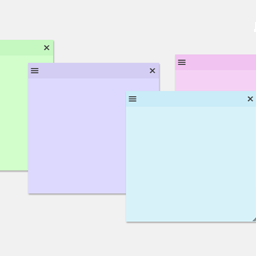
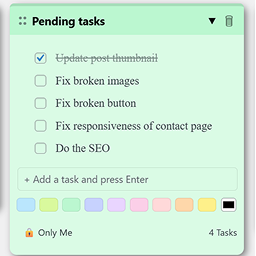
透過在網站的任何頁面上留下便條,與其他人溝通和協同作業。您可以隨意拖放它們,輸入便箋內容,並更改其顏色/優先順序。
此外掛是 StickyNotate 的衍生版本,原插件請見 https://wordpress.org/plugins/stickynotate/
以下是操作方式:
登入後,前往您網站的任何頁面
在螢幕頂部的管理工具列中點選「新增便箋」按鈕
點擊並抓取便箋的頂部,將其移動到頁面上的任何位置
輸入您的便箋文字
按下便箋右下角的「儲存」按鈕以保留更改
外掛標籤
開發者團隊
原文外掛簡介
Communicate and collaborate by leaving sticky notes on any page of your site. Drag and drop them anywhere you’d like, type a note, and change its color/priority.
This plugin is a fork of StickyNotate https://wordpress.org/plugins/stickynotate/
Here’s how it works:
While signed in, go to any page on your site
Click the Add Note button in the admin bar at the top of the screen
Click and grab the top of the note to move it anywhere on the page
Type your note text
Click the save button in the lower right of your note to keep your changes