內容簡介
總結:
SimpleBar 是一款免費的 WordPress 外掛,讓您可以輕鬆自定義管理列和側邊選單。您可以更改顏色、添加自己的連結、隱藏元素,或使用拖放來重新排序。
問題與答案:
1. SimpleBar 提供了哪些功能?
- 可以更改管理列 (前端和後端) 和左側管理選單的顏色。可以更改文本、圖標,以及背景/滑鼠懸停/當前項目的顏色。
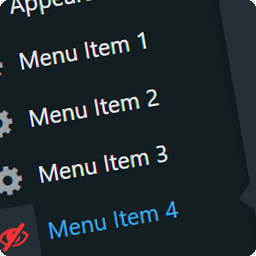
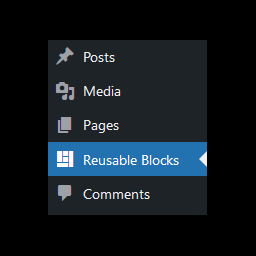
- 提供角色控制:可以隱藏常見核心節點、添加自定義連結並使用拖放功能進行排序,以及選擇首選頂級項目的順序。
2. SimpleBar 是什麼類型的外掛?
SimpleBar 是一個免費且開源的 WordPress 外掛,您可以在 GitHub 上找到它的存儲庫 (repo)。
3. 有哪些注意事項?
外掛重新排序是盡力而為,WordPress 和其他外掛可能會在外掛運行後添加節點。
外掛標籤
開發者團隊
② 後台搜尋「SimpleBar – Admin Bar Customiser」→ 直接安裝(推薦)
原文外掛簡介
The WordPress admin bar is powerful — but it gets cluttered quickly. SimpleBar exists to give you back control of your WordPress admin experience.
SimpleBar is a free, lightweight tool that lets you hide what you don’t need and keep your workflow tidy.
SimpleBar gives you:
* Custom colours for your Admin Bar (front‑end & admin) and the left Admin Menu.
* Per‑role controls: hide menu items, add custom links with drag & drop re-order.
* Live appearance preview and accessibility checks while editing colours.
* Seven built-in colour presets.
* Import/export tools for moving settings between sites.
* Discovery of third-party admin bar menu items for role-based hiding.
* Front-end admin bar visibility rules by role and post type.
SimpleBar is both free and open-source, and is designed for developers, web builders, site owners, and anyone who values a clean admin experience.
Notes
Reordering is best‑effort. WordPress and plugins may add nodes after our hook runs.