內容簡介
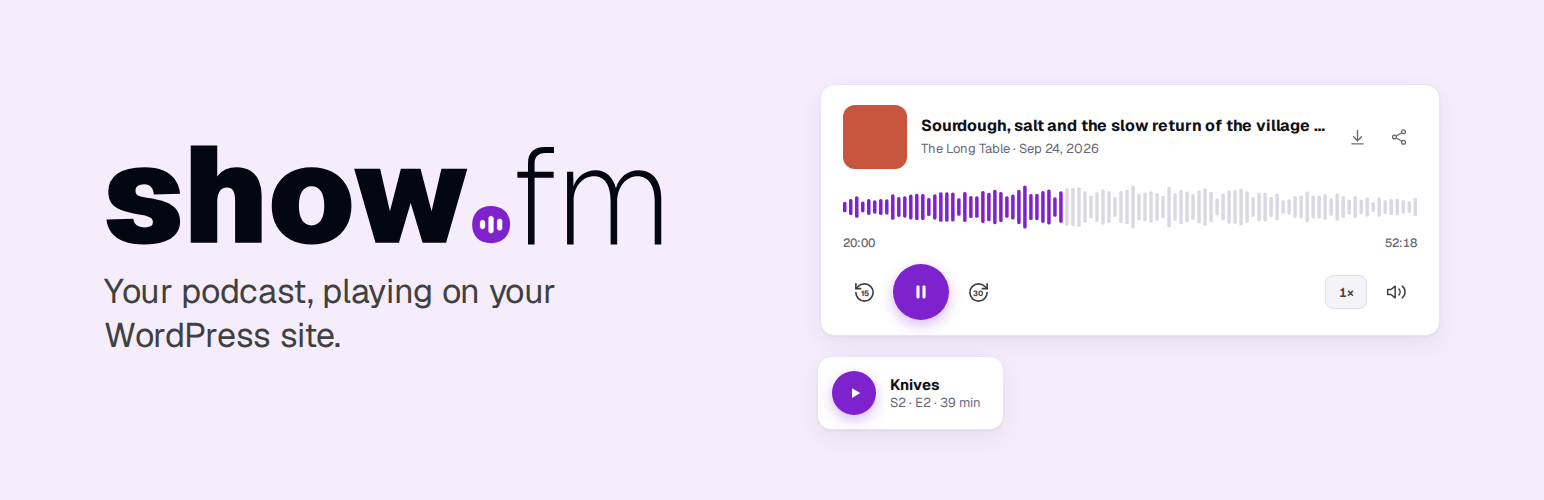
show.fm Podcast Player 外掛讓使用者能夠將 show.fm 的播客節目輕鬆整合到 WordPress 網站中,提供多種播放選項和自動化功能,提升網站的播客展示效果。
【主要功能】
• 支援顯示任意公開節目
• 提供單集或最新集播放選項
• 自動將新集數轉換為 WordPress 文章
• 可選擇顯示逐字稿和迷你播放器
• 支援從其他播客平台遷移內容
• 具備 WP-CLI 命令支援
外掛標籤
開發者團隊
原文外掛簡介
show.fm hosts podcasts. This plugin brings a show.fm show into WordPress.
Blocks for any public show, with no account
Player: one episode, or always the latest, in standard or compact size, with a waveform, an optional transcript, and an optional mini-player that keeps it playing at the bottom of the page when the visitor scrolls away.
Episode list: a show’s episodes as cards or a minimal list, filtered by season, with or without trailers and bonus episodes. The playing episode has a Transcript button when its transcript is on show.fm.
Play button: a button or a link in a sentence that plays an episode in a mini-player along the bottom of the page.
Transcript: a follow-along transcript that highlights the words as they are spoken.
Each block previews the real player in the editor. Type the show’s address, then pick an episode or “Latest episode”. The same elements are available as the [showfm] shortcode, and a pasted show.fm link becomes a player.
Publish to WordPress, for show.fm accounts
Connect the site to show.fm in Settings > show.fm and each new episode becomes a post: scheduled episodes are scheduled, unpublished ones go back to draft and deleted ones go to the bin. You choose the post type, category, author and template, and whether to add the transcript and use the episode artwork as the featured image. Posts you edit in WordPress keep your edits.
Move from another podcast host
The Migrate tab finds players from Buzzsprout, Libsyn, Captivate, Transistor, Spotify, Podbean, PowerPress and Seriously Simple Podcasting in your posts and pages. It shows a dry run first, and swaps them for show.fm blocks only when you confirm. WordPress keeps a revision of every post it changes.
Built for WordPress
Players render on the server from a local cache, so pages never wait for show.fm.
The player scripts ship with the plugin. Nothing loads from a CDN.
The “Powered by show.fm” credit is off for every show unless you turn it on.
WP-CLI: wp showfm connect, status, disconnect, sync, cache flush and migrate-embeds.
Multisite: each site connects separately.
Source code
The plugin’s source and build instructions are on GitHub at ShowDotFM/showfm-wordpress. The block editor scripts in build/ are compiled from src/ there with @wordpress/scripts. The player scripts in assets/showfm-embed/ are copied unchanged from the MIT-licensed @showfm/embed 1.6.2 package, and a test checks every file byte for byte. The package’s MIT licence is in assets/showfm-embed-license.txt. With “Load players only after a visitor clicks” on, the plugin loads the package’s self-hosting click loader (click-loader-local.js) instead of the player script. It names no host: it loads only the bundled v1.js the plugin gives it, after a visitor presses a block, and without that it does nothing. The package’s CDN click loader is not in the plugin, and a release check fails if any script in the plugin names embed.cdn.media.
External services
This plugin connects to show.fm, a podcast hosting service run by show.fm Ltd. It sends nothing until you add a show or an episode to a page, paste a show.fm link, or connect the site to show.fm. It collects no analytics or telemetry. show.fm’s Terms of Service and Privacy Policy apply to every service below.
A site’s own code can point the plugin at a different show.fm environment for testing, with the showfm_environment filter. The plugin then uses that environment’s hosts instead of the ones below, and sends the site key only to that environment’s API.
show.fm public API (api.show.fm)
Gives the titles, descriptions, artwork, audio links and transcript links of public shows and episodes.
When: WP-Cron refreshes a show or episode you added to a page when its cached copy is missing or more than 15 minutes old. Pages read only the cache and never wait for a request. While the site is connected, the sync also fetches each newly published episode’s public details (/v1/episodes/{id}) in the background, so the post’s first view already has them. With featured images on, that same answer gives the artwork. In the block editor, the site looks up a show when someone who can edit posts enters its address or opens a show.fm block. WordPress asks /v1/oembed about a pasted show.fm link once, and keeps the answer in post meta.
On a connected site, opening Settings > show.fm may schedule a WP-Cron refresh of each connected show’s public details (/v1/podcasts/{id}), for the artwork shown there. The screen itself makes no request.
In visitors’ browsers: see “What visitors’ browsers request” below.
What is sent: the show or episode identifier, and your site’s address in the User-Agent header. show.fm sees your server’s IP address. From a browser, show.fm sees the visitor’s IP address and browser details, as with any web request. No visitor data is sent from your server.
show.fm API for connected sites (api.show.fm)
Used only after an administrator connects the site to a show.fm account.
Connecting: once, when the administrator returns from my.show.fm. Sent: a one-time code and the verifier this site created. show.fm answers with a site key and ping secret, which the plugin stores encrypted. With wp showfm connect, the plugin sends the site key you give it, the site’s address and REST API address, and a one-time state and challenge.
Reporting in: right after connecting, and again before the next sync if that fails. Sent: the site key, the plugin, WordPress and PHP versions, and the site’s name.
Health report: once a day while connected. Sent: the site key, the plugin, WordPress and PHP versions, the time of the last sync and the number of sync errors. After connecting and after each report, the plugin reads the account holder’s name and the shows the key can read, to show on the settings screen. For a connection made before 1.0.1, the plugin also reads them once in the background, at most hourly, when an administrator opens the Publishing tab, to learn whether transcripts were approved.
Sync: every 15 minutes, when show.fm sends a wake-up ping, and when someone runs wp showfm sync. Sent: the site key and the last change the site applied. After each post is created, published or moved to the bin, the plugin reports the episode ID, post ID, post address, post status and the content hash show.fm sent for that post, so show.fm knows which version the post holds. No post text and no visitor data are sent.
Block editor: while connected, when someone who can publish posts adds a show.fm block, the site lists the account’s shows and episodes, including scheduled ones. Sent: the site key, and show and episode IDs. The key never reaches the browser.
Migrate: when an administrator runs a scan, the plugin lists the account’s shows and published episodes, with fingerprints of their audio files, to match old players. Post content and old player addresses stay on your site.
Disconnecting: one request asks show.fm to revoke the site key. The plugin removes the key from the site whatever the answer.
Requests from show.fm to your site
While an administrator connects, show.fm requests /wp-json/showfm/v1/challenge once to confirm the site asked to connect. The site answers with the one-time challenge only.
While connected, show.fm sends signed, empty requests to /wp-json/showfm/v1/ping when an episode changes. The plugin checks the signature, then syncs in the background.
show.fm media (m.cdn.media and media.podcasterplus.com)
Serves the artwork, audio and transcript files of show.fm shows and episodes. media.podcasterplus.com is show.fm’s older media host, which some older episodes still use.
When, in visitors’ browsers: see “What visitors’ browsers request” below. A page with a Player or an Episode list contacts the media host on every view, for the artwork. The settings screen also shows each connected show’s artwork in the administrator’s browser.
When, from your server: with “Use the episode artwork as the featured image” on (Settings > show.fm > Publishing), the sync downloads each episode’s artwork once into the media library.
What is sent: the file’s address. show.fm sees the visitor’s IP address and browser details, or your server’s IP address for artwork downloads. No site key is sent.
What visitors’ browsers request
The Player loads the episode’s details from api.show.fm and its artwork as soon as it appears, the audio when the visitor plays it, and the transcript file when the visitor opens the transcript (or as soon as it appears, if the transcript is set to open). The Episode list loads the show’s episode details from api.show.fm and each episode’s artwork as soon as it appears, the audio when the visitor plays an episode, and that episode’s transcript file when the visitor opens its transcript. The Play button loads the episode’s details from api.show.fm as soon as it appears, and the audio and artwork when the visitor plays it. The Transcript loads the episode’s details from api.show.fm and the transcript file as soon as it appears. Artwork, audio and transcript files come from m.cdn.media, or media.podcasterplus.com for some older episodes. With “Load players only after a visitor clicks” turned on, each block first shows a button (“Play podcast episode”, “Load episodes” or “Load transcript”), and nothing is requested from show.fm until the visitor presses it. The block then makes the requests above. Each request shows show.fm the visitor’s IP address and browser details, as with any web request.
show.fm embed CDN (embed.cdn.media)
Not used. The plugin’s own code never loads anything from a CDN: the player scripts ship inside the plugin, and the click loader loads only the bundled copy. show.fm embeds in pasted links are always replaced with the plugin’s local player, or with a plain link to the show.fm page when the plugin can’t play them locally.
show.fm account (my.show.fm)
When: an administrator clicks Connect to show.fm. my.show.fm opens in their browser, where they sign in and approve the connection.
What is sent, in the address the browser opens: your site’s address, its REST API address, the settings page to return to, a one-time state and challenge, and a partner code if your host set one. The address never holds a key.