內容簡介
這個外掛可以讓您從您的 Podigee 播客訂閱中提取集數資訊,並直接複製到 WordPress 編輯器中。它還會自動添加一個開源 Podigee Podcast 播放器的短碼。
這個外掛是為具有準備方案的 Podigee 使用者設計的 – 您可以在這裡檢查您的方案是否包括使用此外掛。如果您只需要 Podigee 網站音頻播放器而不需要所有播客的 meta 資訊,請查看我們的全免費「Podigee 玩家短碼」外掛,該外掛利用短碼在您的 WordPress 文章中呈現 Podigee Podcast。
注意:這個外掛現在可以與 Gutenberg 編輯器一起使用!但是,將資料導入文章編輯器的方法已經發生了變化。請查看常見問題和以下的手冊。
由Jürgen Krauß為 Podigee 開發的。
MIT 授權證書
版權所有 (c) 2021 Podigee
特此授權,免費向任何獲得本軟體及相關文件的人提供複製,修改,合併,出版,分發,再授權及販售本軟體及相關文件的權利,但需遵守以下條件:
在所有副本或實質部分中均需包括上述版權聲明和本許可聲明。
本軟體不提供任何形式的明示或暗示保證,包括但不限於商業適售性,特定用途適用性和非侵權性的保證。在任何情況下,作者或版權持有人均不對任何索賠,損害或其他責任負責,無論是在合同,侵權行為或其他方面引起的,與本軟體或使用或其他交易行為有關或與之有關。
外掛標籤
開發者團隊
② 後台搜尋「Podigee for WordPress: Podcast Episodes to Blog Posts」→ 直接安裝(推薦)
📦 歷史版本下載
原文外掛簡介
Your podcast lives on Podigee. Your website runs on WordPress. This plugin connects the two, so every new episode can become a blog post on your own site in a few seconds, without copying show notes or embed codes by hand.
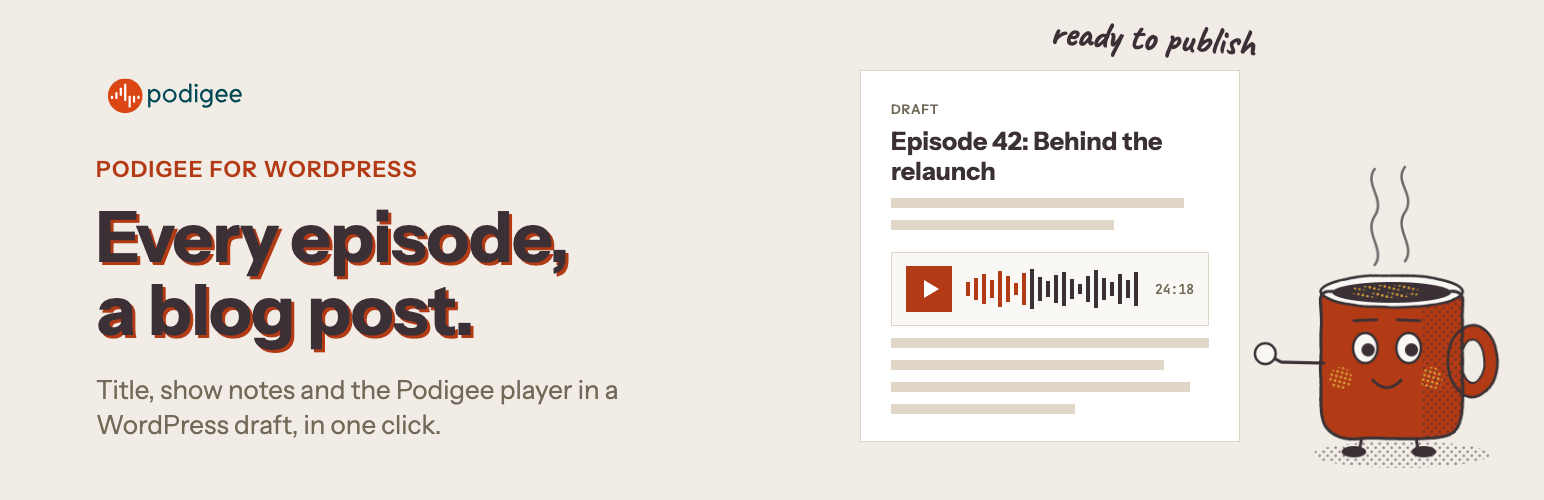
The plugin lists all episodes from your Podigee podcasts on one page in your WordPress admin. Pick one episode, or many at once, and the plugin creates a draft post for each: the episode title, the subtitle, the full show notes and the Podigee Podcast Player. You review the draft and publish when you are ready.
Who it is for
Business podcasters and solo creators who use their podcast to win clients, build an audience or sell courses, and want every episode on their own website for search and for their newsletter.
Marketing teams that run a company podcast and need each episode on the corporate blog quickly, in a consistent format, without a developer.
Studios, agencies and networks that look after several shows and publish episode pages on the websites of their clients.
What you get
One-click episode posts. Turn any episode into a WordPress draft with title, subtitle, show notes and player.
Bulk import. Select several episodes and create all drafts in one go, for example after importing a back catalogue.
The Podigee Podcast Player on every post. The [podigee-player] shortcode is added for you. Listeners play the episode, subscribe and share it without leaving your site.
Several podcasts in one place. Connect more than one Podigee podcast, by subdomain or by your own custom domain.
Shortcodes on demand. Copy the player shortcode of any episode and paste it into any page or post.
Drafts, not surprises. Nothing is published automatically. You stay in control of every post.
Block editor and classic editor. Drafts work in both.
How it works
Install and activate the plugin.
In WordPress, open the Podigee page in the admin menu. Enter your podcast’s Podigee subdomain (or your custom feed URL) and your plugin token.
Choose an episode and click turn into post, or select several and use New posts from episodes.
Edit the draft if you like, then publish.
Requirements
You need a Podigee account. The plugin is included in all current Podigee plans, including the free Launch plan. Some older plans need an upgrade. See Podigee pricing.
New to Podigee? Podigee is podcast hosting from Germany for audio and video podcasts, with analytics, distribution to Spotify, Apple Podcasts and YouTube, and a podcast player for your website. Start for free.
Only need the player on a page, without importing episodes? Use our free Podigee Player Shortcode plugin.
External services
This plugin connects to services run by Podigee GmbH:
Plugin authorization. When you open the plugin page or save its settings, the plugin sends your podcast subdomain or custom feed URL and your plugin token to https://app.podigee.io/apps/wordpress-quick-publish/authorize to confirm that the podcast belongs to your Podigee account. No visitor data is sent.
Your podcast feeds. The plugin loads the public RSS feeds of your podcasts (https://
The Podigee Podcast Player. Posts that contain the [podigee-player] shortcode load the player from https://player.podigee-cdn.net when a visitor views the post.
Podigee’s privacy policy and imprint apply.