內容簡介
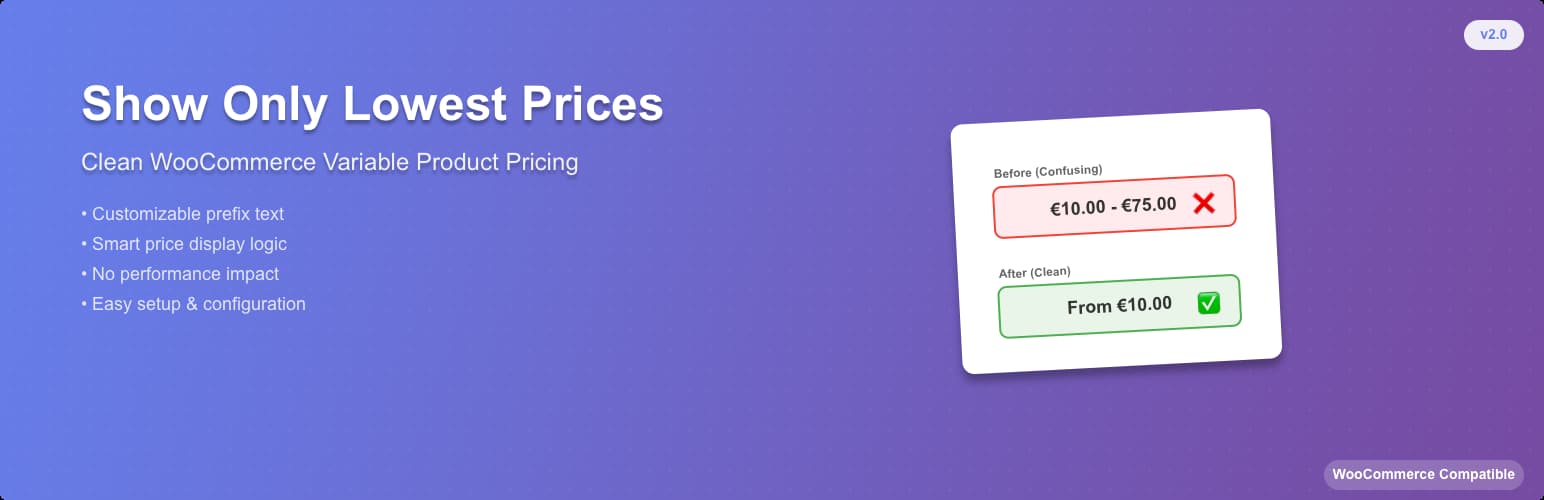
不要因為商店和產品頁面上的完整價格範圍而錯過收入!只顯示最低優惠和價格,以鼓勵銷售。
解決與 WooCommerce 最新版本相關的問題,即顯示具有亂碼完整價格範圍和銷售的可變產品。啟用此外掛程式,可讓可變產品僅顯示最低價格和銷售。
沒有任何選項,只需啟用外掛程式,就完成了。
外掛標籤
開發者團隊
② 後台搜尋「Show only lowest prices in variable products for WooCommerce」→ 直接安裝(推薦)
原文外掛簡介
Transform your store’s pricing display and boost conversions by showing only what matters most to your customers: the lowest available price.
Instead of showing confusing price ranges like “$10 – $50” that can overwhelm and confuse customers, this plugin displays clean, simple pricing that encourages purchases.
New from version 2.x:
* Settings page – Customize the prefix text, spacing, and display options
* Smart prefix control – Choose whether to show “From” when all variations have the same price
* Custom CSS classes – Add your own styling with custom CSS classes
* Better performance – Optimized code following WordPress standards
* Enhanced security – Improved data sanitization and validation
* HPOS compatibility – Full support for WooCommerce High-Performance Order Storage
Key Features:
* Shows only the lowest price from all product variations
* Customizable prefix text (default: “From”)
* Option to hide prefix when all variations have the same price
* Custom CSS class support for advanced styling
* No performance impact – lightweight and efficient
* Translation ready
* Full WooCommerce and WordPress compatibility
Perfect for:
* Stores with complex variable products
* Fashion and clothing retailers
* Electronics stores with multiple variants
* Any shop wanting cleaner price displays
The plugin automatically detects your WooCommerce installation and starts working immediately. Access the settings through Marketing > Lowest Prices in your admin dashboard.