
內容簡介
### 總結:
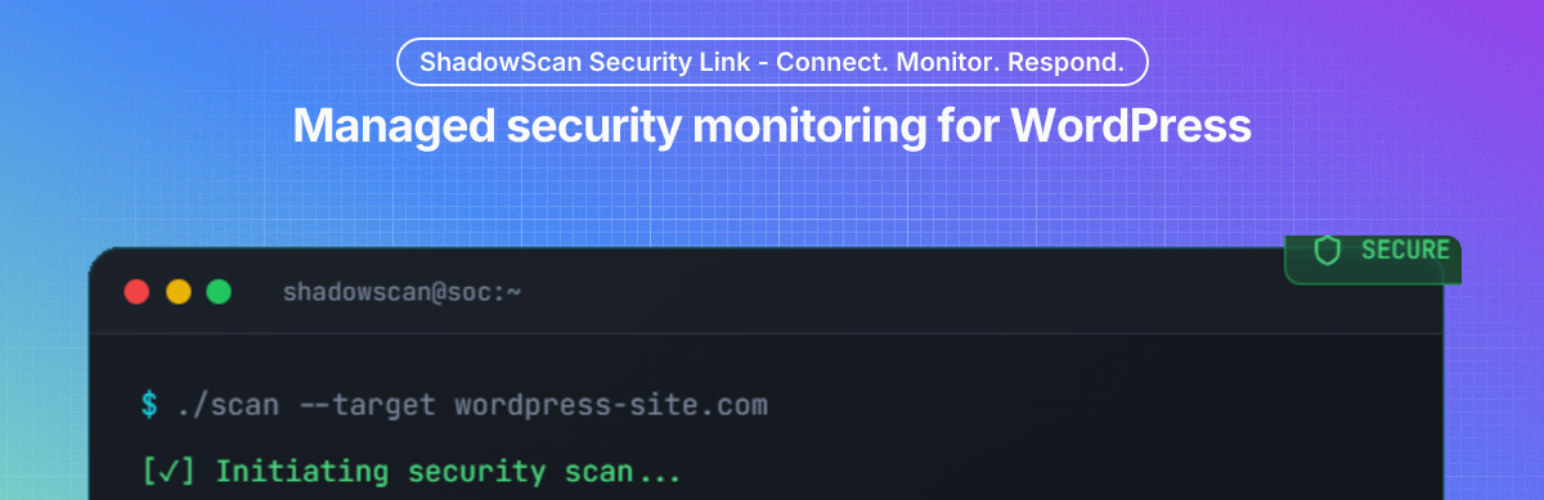
ShadowScan Security Link將您的網站連接至ShadowScan門戶,並保持與心跳狀態、防衛層信號、登入濫用檢測和安全命令同步。外掛並不會安裝、啟用或配置第三方安全工具,若有其他安全外掛存在,連接器僅將其記錄為元數據,同時與外部服務進行連接以同步狀態、處理安全工作流程,以及支援可選診斷。
### 問題與答案:
1. 這個外掛的功能是什麼?
- 答:將您的網站連接至ShadowScan門戶,並確保與心跳狀態、防衛層信號、登入濫用檢測和安全命令同步。
2. 外掛是否會安裝、啟用或配置第三方安全工具?
- 答:外掛不會安裝、啟用或配置第三方安全工具,只會記錄其存在為元數據。
3. 這個外掛連接到哪些外部服務?
- 答:此外掛連接到ShadowScan API(托管在Supabase Edge Functions)、Have I Been Pwned Passwords API和Sentry。
4. Have I Been Pwned Passwords API用於什麼?
- 答:用於選擇性的被盜密碼檢查以進行密碼政策執行。
5. Sentry服務用於什麼目的?
- 答:用於提供選擇性的錯誤和致命事件遙感以協助故障排除。
6. 這個外掛包含哪些第三方庫?
- 答:pragmarx/google2fa(MIT許可證)和bacon/bacon-qr-code(BSD-2-Clause)。
7. 什麼時候可以使用shadowscan_log?
- 答:當外掛發出內部日誌消息時觸發,您可以在必用插件或主題中使用此功能以捕獲日誌。
外掛標籤
開發者團隊
原文外掛簡介
ShadowScan Security Link pairs your site to the ShadowScan portal and keeps it in sync with heartbeat status, Guard Layer signals, login abuse detection, and security commands.
ShadowScan does not install, activate, or configure third-party security tools. If another security plugin is present, the connector only records its presence as metadata.
External services
This plugin connects to external services to sync status, process security workflows, and support optional diagnostics.
Service: ShadowScan API (hosted at Supabase Edge Functions)
URL: https://foemwjtosslaiynduiyt.supabase.co/functions/v1/
Used for: site pairing, heartbeat sync, command polling, command-result upload, subscription/policy sync, and support contact submissions.
Data sent and when: site URL, WordPress version, PHP version, connector version, Guard Layer/control status, heartbeat timestamps, and command execution metadata whenever the connector syncs with ShadowScan; contact form fields only when an admin submits support contact.
Terms: https://shadowscan.com.au/terms
Privacy: https://shadowscan.com.au/privacy
Service: Have I Been Pwned Passwords API
URL: https://api.pwnedpasswords.com
Used for: optional breached-password checks in password policy enforcement.
Data sent and when: k-anonymity password hash prefix (first 5 SHA-1 characters, no raw passwords) only when a password is checked by the policy flow.
Terms: https://haveibeenpwned.com/TermsOfUse
Privacy: https://haveibeenpwned.com/Privacy
Service: Sentry
URL: https://sentry.io
Used for: optional error and fatal-event telemetry to assist troubleshooting.
Data sent and when: error event metadata (such as exception messages, stack traces, and runtime context) only after an admin explicitly enables Sentry telemetry in plugin settings and a Sentry DSN is configured; the optional MU diagnostics helper can send early-startup fatal errors only while both Sentry telemetry and remote diagnostics are enabled.
Terms: https://sentry.io/terms/
Privacy: https://sentry.io/privacy/
Third-Party Libraries
This plugin bundles:
* pragmarx/google2fa (MIT License)
* bacon/bacon-qr-code (BSD-2-Clause; Copyright (c) 2017-present, Ben Scholzen “DASPRiD”)
Hooks
shadowscan_log
Fires when the plugin emits an internal log message. You can hook this in a must‑use plugin or theme if you want to capture logs.














