內容簡介
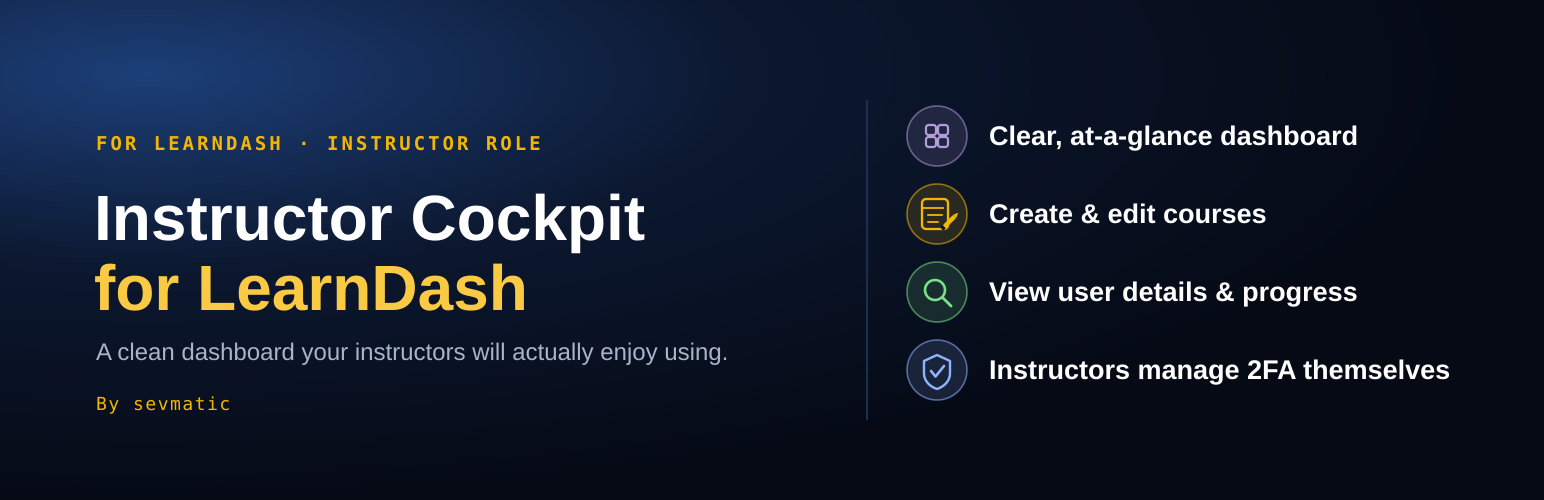
Instructor Cockpit for LearnDash 為 LearnDash 的講師提供一個乾淨、現代的工作空間,讓他們能在專注的控制台中管理課程結構、參與者及學習進度,提升教學效率。
【主要功能】
• 直觀的拖放編輯器,快速建立課程結構
• 參與者管理,輕鬆查看活躍學習者
• 課程進度一目了然的儀表板
• 搜尋和排序的課程列表
• 安全的講師帳戶管理,支援雙重身份驗證
• 行動裝置友好,適用於手機和平板
外掛標籤
開發者團隊
② 後台搜尋「Instructor Cockpit for LearnDash」→ 直接安裝(推薦)
📦 歷史版本下載
原文外掛簡介
Give your LearnDash instructors a clean, modern workspace of their own. Instructor Cockpit brings everything they need for day-to-day teaching into one focused dashboard: build course structures by drag and drop, manage participants, and see at a glance who is actively learning.
Your instructors stay productive, and you no longer have to explain the WordPress admin to them.
Instructor Cockpit requires LearnDash LMS. It creates and manages its own “Instructor” user role, so no other add-on is needed – though it also works alongside LearnDash’s official “Instructor Role” add-on (included in the LearnDash Elite plan) if you already have it.
Why Instructor Cockpit?
Built for teaching, not for site administration. Instructors see their own courses and participants, nothing else.
Fast course building. A visual drag-and-drop editor for lessons, topics, quizzes and section headings, with undo before saving.
Progress at a glance. A dashboard with active learners over the last 7 days and learning progress per course.
Speaks your site’s language. Uses your custom LearnDash labels, so “Course” or “Lesson” appear exactly as you named them. Available in English and German.
Works on its own. No separate add-on required. Already using “Instructor Role”? Safe to add alongside it without modifying it.
Free features
Dashboard: course overview, participant activity with a 7-day active-learners trend, and a per-course learning-progress table.
Course list: searchable and sortable, with thumbnails, status and inline renaming.
Course detail: drag-and-drop structure editor, participant management, course status (published, draft, pending review, private), featured image, and frontend preview.
Building Blocks: every lesson, topic and quiz across all of an instructor’s courses in one list.
Users: search, sort and a detail page for every user, including last login. Look up any user by name or email and add them to a course.
Secure instructor accounts: self-service two-factor login (authenticator app plus backup codes), if the free “Two-Factor” plugin is installed.
Login redirect: send instructors straight to the Cockpit after login.
Mobile friendly: usable on phones and tablets.
Instructor Cockpit Pro
The Pro add-on turns the Cockpit into a complete instructor workspace:
Grading: review and grade essays and assignments directly in the dashboard.
Dashboard widgets: open assignments and recent essays waiting for grading.
User management: add, edit and delete users, including their course and group enrollment.
Groups: manage group courses, participants and group leaders.
Design & Branding: set site title, favicon, logo, cockpit header logo and LearnDash accent colors right from the Cockpit.
The Pro add-on is a separate plugin and is detected automatically once installed. The free plugin works fully on its own.
Learn more about Instructor Cockpit Pro
Privacy
Instructor Cockpit uses the WordPress user data already on your site (name, email, role) and stores the time of each login to show participant activity. No data is sent to third parties.
Independent add-on
Instructor Cockpit is an independent, unofficial add-on. It is not affiliated with, endorsed by, or sponsored by LearnDash, the maker of LearnDash LMS and the “Instructor Role” plugin. “LearnDash” is a trademark of its respective owner and is used here only to describe compatibility.
Source code
The Cockpit is a React application. The JavaScript and CSS files in this plugin’s dist/ folder are its compiled build output. The uncompiled source and build tooling are published at download.sevmatic.com/instructor-cockpit-src.