
內容簡介
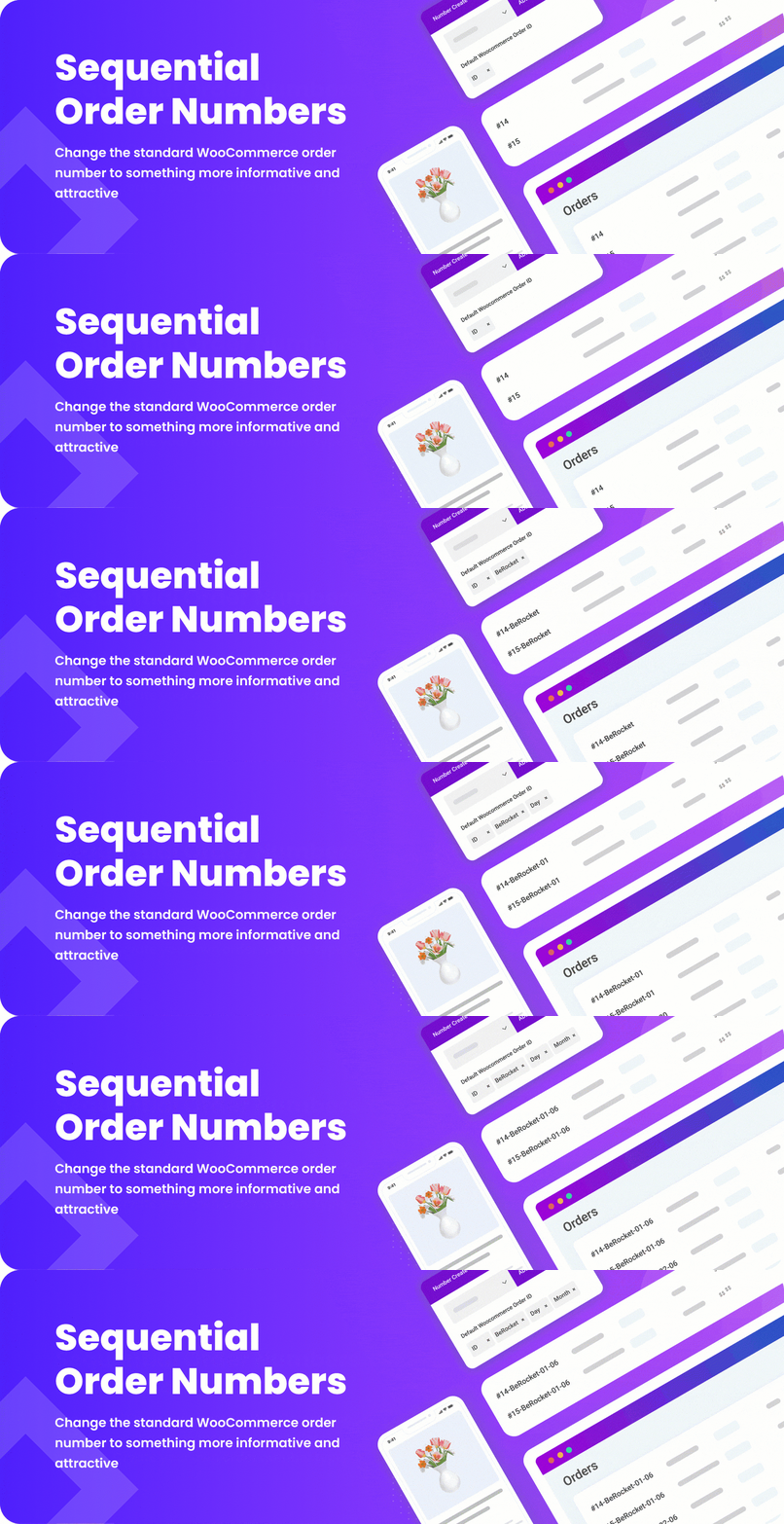
Sequential Order Numbers for WooCommerce 是一款專為 WooCommerce 設計的外掛,允許用戶自訂訂單編號格式,提升訂單管理的靈活性與可讀性。
【主要功能】
• 自訂訂單編號文字
• 使用多種資料作為訂單編號
• 支援自訂 ID 和 WooCommerce ID
• 可顯示訂單日期和時間
• 包含用戶角色名稱和訂單總價
• 顯示訂單中的產品數量
外掛標籤
開發者團隊
② 後台搜尋「Sequential Order Numbers for WooCommerce」→ 直接安裝(推薦)
📦 歷史版本下載
原文外掛簡介
Sequential Order Numbers for WooCommerce – Plugin for change woocommerce orders number. Create your own order number type.
Features:
✅ Custom order number text
✅ Possibility to use a lot of data in order number text:
✅ ID – Custom ID, start number can setup in option
✅ ID WC – WooCommerce ID, order ID that WooCommerce provide by default
✅ Date Time – Day, Month, Year, Hour, Minute, Second from order date
✅ Input – any text that you need
✅ User Role – Name of role for user that order did
✅ Total price – order total price
✅ Product count – count of products in order
✅ Post meta – you can display any post meta from order
How It Works:
check installation
Advanced Settings (Plugin Settings):
Plugin settings can be found in admin area, WooCommerce -> Sequential Order Numbers for WooCommerce


