
內容簡介
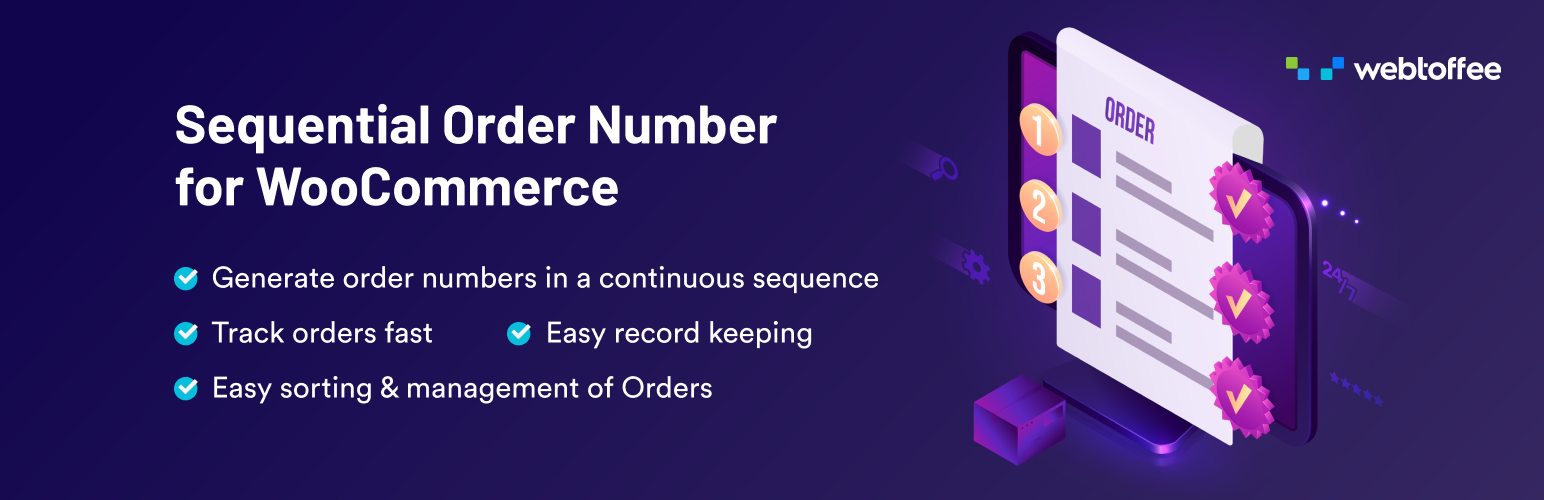
Sequential Order Number for WooCommerce 外掛幫助用戶以自訂格式組織 WooCommerce 的訂單編號,透過前綴、後綴、起始號碼和增量設定,讓訂單追蹤變得簡單且一致。
【主要功能】
• 支援 WooCommerce 的順序訂單編號
• 設定自訂的訂單起始號碼
• 可新增訂單編號的前綴
• 提供訂單號碼長度設定
• 支援訂閱訂單
• 允許管理員搜尋自訂訂單號碼
外掛標籤
開發者團隊
② 後台搜尋「Sequential Order Number for WooCommerce」→ 直接安裝(推薦)
📦 歷史版本下載
原文外掛簡介
The Sequential Order Number for WooCommerce plugin helps organize order numbers in custom formats using prefixes, suffixes, starting numbers and increments. This allows you to format or rearrange both existing and new WooCommerce order numbers into a clear consecutive sequence, making order tracking simple and consistent.
Why are WooCommerce order numbers not in sequential order?
The reason is quite simple! WordPress uses a single ID system for posts, pages, and media files. WooCommerce uses the same ID system to generate order numbers. This means that when a new WooCommerce order is created, it may not always receive the next number in sequence because that ID may have already been used by another post or page. As a result, WooCommerce order numbers can appear to skip or break sequence.
However, using this custom order number plugin, you will always get sequential numbers for your WooCommerce orders.
When you activate the sequential order number plugin, you can easily organize WooCommerce order numbers in a custom sequence. If your store has no existing orders, numbering will begin at 1 or at any custom starting number you set. If you already have existing orders, the plugin will continue the sequence from the latest order number.
To get a complete walkthrough of the WooCommerce sequential order plugin settings, check out this video
Free Version: Features of the WooCommerce Sequential Order Number Plugin
Supports sequential order numbers for WooCommerce
Set custom starting number for orders
Let’s you add custom prefix to order numbers
Add order date prefix
Option to choose order template (order number only, prefix & order number, date & order number, etc.)
Set custom order number length
Option to keep existing order numbers
Order number preview available
Enable admin order search for custom order numbers
Supports subscription orders
Enable order tracking to easily find order details
Supports WooCommerce custom order numbers
Compatible with HPOS
Tested OK with PHP 8.3
Tested OK with WooCommerce 11.1.0
To learn about the installation and setup of this free sequential order plugin, visit the WooCommerce sequential order number plugin documentation.
Note: If you like to make any of your other plugins (invoice/payment/shipment) compatible with the Sequential Order Numbers for WooCommerce, please make the below tweak.
Instead of referencing $order->get_id() when fetching order data, use $order->get_order_number()
Features of Sequential Order Number Plugin for WooCommerce-Premium Version
✅ Add a custom suffix to order numbers
✅ Include order date as a suffix
✅ Auto-reset WooCommerce order numbers daily, monthly, or yearly
✅ Set a seperate custom order sequence for free orders
✅ Choose from more order number templates
✅ Define a custom increment for the order number sequence
For more information about the custom order number plugin checkout the Sequential Order Number for WooCommerce Premium.
Compatible Plugins
WooCommerce Shipment Tracking Pro by PluginHive
Subscriptions for WooCommerce by ThemeHigh
PayPal Plus for WooCommerce By Inpsyde GmbH
PayPal for WooCommerce By AngellEye
WooCommerce PDF Invoices, Packing Slips, Delivery Notes and Shipping Labels By WebToffee
WooCommerce PDF Invoices, Packing Slips, Delivery Notes and Shipping Labels (Pro) By WebToffee
PayPal Express Checkout Plugin for WooCommerce By ThemeHigh
Order Export & Order Import for WooCommerce By WebToffee
Mollie Payments for WooCommerce By Mollie
WooCommerce Subscriptions
Point of Sale POS for WooCommerce
WooCommerce Stripe Payment Gateway By ThemeHigh
Stripe By WooCommerce
WooCommerce PayPal Payments by WooCommerce
WooCommerce POS
Advanced Order Export For WooCommerce by AlgolPlus
WooCommerce QuickPay by Perfect Solution
WooCommerce Amazon Pay by WooCommerce
WPML
RMA Return Refund & Exchange For WooCommerce Pro
Razorpay for WooCommerce
Importance of Sequential Order Numbers for WooCommerce
Usually, a WooCommerce store receives hundreds and thousands of orders each day. Each of these orders has to be recorded for the smooth functioning of the store and any future reference of the orders. When WooCommerce order numbers are linearly ordered it makes order management easy.
The WooCommerce Sequential order number plugin helps to make store management effortless by converting all order numbers to a sequential format. You can sort, delete, or change order numbers without taking up much time.
A sequential order number system has its advantages in improving the efficiency of the store and the pace of its transactions. Therefore, enabling your store to generate sequential or custom order numbers is a must for the effective management of your WooCommerce store orders.
Benefits of WooCommerce Sequential Order Numbers for WooCommerce
Makes store management easy – Sequential order numbers make store management easy and flexible. Consecutive order numbers helps easily estimate the orders received each day, thus, making order management easy for the store.
Helps you to find and track orders fast – If you have a huge WooCommerce store with orders pouring in each day, tracking a particular order is going to be a tiresome task. Thus, by assigning a unique identity to each order, it gets easy to track or find a particular order among thousands of orders.
Effortless estimation of the number of orders received – When order numbers are given in a sequence of natural numbers or alphabets it becomes easy to estimate the number of orders in your store within seconds.
Easier recording of orders – Sequential order numbers helps to record orders easily. When random numbers are given for orders store owner will have a hard time keeping a record of the orders.
About WebToffee
WebToffee creates quality WordPress/WooCommerce plugins that are easy to use and customize. We are proud to have thousands of customers actively using our plugins across the globe.
Our Flagship Cookie Consent Plugin
WebToffee’s GDPR Cookie Consent Plugin by WebToffee is a leading solution for implementing cookie compliance on WordPress and WooCommerce websites. As a certified Google CMP Partner, the plugin ensures adherence to GDPR, CCPA, and other privacy laws.
Key features of the plugin include customizable cookie banners, automated cookie scanning, and advanced consent management tailored to different geolocations.
Related plugins from WebToffee
PDF Invoice, Packing Slips, Delivery notes, and Shipping Label Plugin for WooCommerce – Automatically generate and print invoice and related shipping documents in your WooCommerce store.
Order/Coupon Import Export Plugin – Custom or bulk export orders and/or coupons to a CSV and import them to your WooCommerce store.