
[WordPress] 外掛分享: Send Anywhere (File transfer)

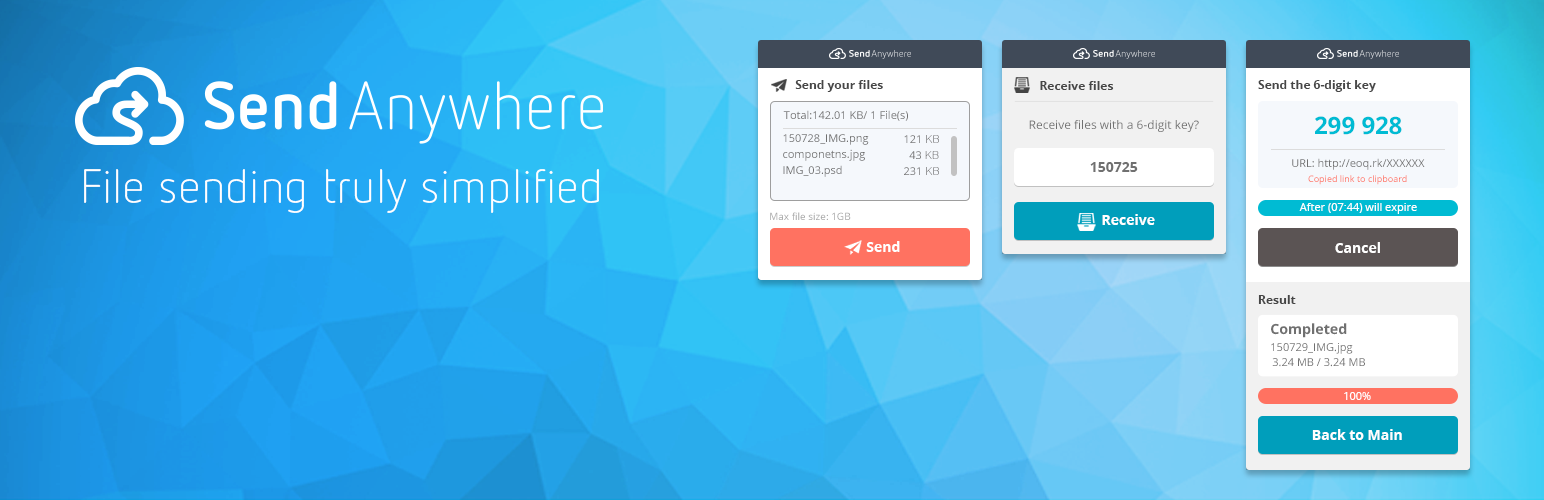
WordPress 外掛 Send Anywhere (File transfer) 的封面圖片。

前言介紹

  • 這款 WordPress 外掛「Send Anywhere (File transfer)」是 2015-09-06 上架。 目前已經下架不再更新,不建議安裝使用。
  • 目前有 20 個安裝啟用數。
  • 上一次更新是 2016-06-23,距離現在已有 3535 天。超過一年沒更新,安裝要確認版本是否可用。以及後續維護問題!
  • 外掛最低要求 WordPress 3.5 以上版本才可以安裝。
  • 有 3 人給過評分。
  • 還沒有人在論壇上發問,可能目前使用數不多,還沒有什麼大問題。

外掛協作開發者

estmob |

外掛標籤

file | files | widget | widgets | file transfer |

內容簡介

最簡單的檔案傳送方式

Send Anywhere 是跨平台的檔案分享服務,允許使用者在實時且點對點的情況下輕鬆分享數位內容,無需雲端儲存。
與訊息應用程式或基於雲端儲存的應用程式不同,Send Anywhere 允許最終使用者在任何時候、跨 Android、iOS 和桌面平台上隨意傳送任何類型和大小的檔案。SA 使用 p2p 網路來繞過雲端儲存,從而使傳輸過程更安全、更快速。此外,Send Anywhere 不需要登錄或註冊,只需要一次性的六位數代碼即可同步發送和接收裝置。

功能:

即時傳送檔案:Send Anywhere 是通過創建臨時的六位數代碼來工作的,接收者可以使用這些代碼在十分鐘的時間範圍內訪問發送給他們的檔案。
安全地在任何裝置上接收:在接收端,您只需輸入六位數的代碼即可。

標籤

檔案傳輸,小工具,小工具,檔案,檔案,傳輸,移動,上傳,上傳者,分享,下載,簡單,容易,免費,側邊欄,多裝置,跨平台,同步,實時

原文外掛簡介

The simplest way to Send files Anywhere
Send Anywhere is a cross-platform file sharing service which allows users to easily share digital content peer-to-peer, in real-time, without cloud storage.
Unlike messenger or cloud based storage apps Send Anywhere allows the end user to send as many files, of any file type and size, as many times as they want, across Android, iOS, and Desktop. SA utilizes p2p networking to bypass cloud storage thereby making the transfer process more secure and quicker. Furthermore, Send Anywhere requires no login or registration – all that is needed is a one time six digit code that will sync the sending and receiving device.
Features:

Instantly Send Files: Send Anywhere works by creating a temporary six digit which recipients can use to access files sent to them, so long as they download the files within a ten minute time frame.
Receive Securely on Any Device: On the receiving end, all you need to do is enter the six digit code.

Tags
file transfer, widget, widgets, file, files, transfer, move, upload,uploader, share, download, easy, simple, free, sidebar, multi device, cross platform, sync, real-time


各版本下載點

  • 方法一:點下方版本號的連結下載 ZIP 檔案後,登入網站後台左側選單「外掛」的「安裝外掛」,然後選擇上方的「上傳外掛」,把下載回去的 ZIP 外掛打包檔案上傳上去安裝與啟用。
  • 方法二:透過「安裝外掛」的畫面右方搜尋功能,搜尋外掛名稱「Send Anywhere (File transfer)」來進行安裝。

(建議使用方法二,確保安裝的版本符合當前運作的 WordPress 環境。


1.0.0 | 1.0.1 | 1.1.0 | trunk |

延伸相關外掛(你可能也想知道)

  • One Click Demo Import 》這個外掛的最佳功能在於主題作者可以在他們的主題中定義導入文件,所以所有使用該主題的用戶只需點擊「導入演示數據」按鈕即可。, , 你是主題作者嗎?, 為你...。
  • Ocean Extra 》mplates IMPORT, With Ocean Extra, you get access to a wide range of both free and premium website templates to import to your website with a single...。
  • SiteOrigin Widgets Bundle 》rdPress website since 2013. Our Widgets Bundle is actively developed and regularly updated to ensure compatibility with the latest WordPress update...。
  • Jeg Kit for Elementor – Powerful Addons for Elementor, Widgets & Templates for WordPress 》這是為了 Elementor 頁面建構器所設計的額外小工具,它包含 40 種高度可自訂的小工具。, 必要小工具, 我們提供小工具,您可以按照自己的需求進行自訂。, , 手...。
  • Blocksy Companion 》Blocksy Companion 是一個外掛,將 Blocksy 主題轉化為強大的瑞士軍刀工具。, 只有在安裝並啟用 Blocksy 主題時,它才會運行並添加增強功能。, 最小需求, , W...。
  • Widget Importer & Exporter 》Widget Importer & Exporter 是一個有用的外掛,可將小工具從一個WordPress站點移動到另一個站點,備份小工具,並供主題開發人員為用戶提供範例小工具。...。
  • Unyson 》, 您覺得這款外掛有幫助嗎?請考慮給它一個五星評價。, , Unyson - 一個免費的拖放框架,附帶許多內建的擴充功能,可以協助您輕鬆快速地開發高級主題。, 贊助...。
  • WooSidebars 》使用 WooSidebars,您可以根據情境(例如特定頁面、特定博客文章、某些類別或搜尋結果屏幕)更改顯示在側邊欄(小部件區域)中的小部件。設置顯示在多個條件...。
  • Widget CSS Classes 》Widget CSS Classes 可以讓您給 WordPress Widget 添加自定義的 class 和 id, 請注意,此外掛並不支援輸入自定義的 CSS。您需要修改主題的 style.css,或加入...。
  • Lightweight Sidebar Manager 》通常您會在網站上看到一個側邊欄,但有時需要在特定頁面上顯示相關的不同側邊欄。例如,在 WooCommerce 頁面上,顯示相關或熱門產品的側邊欄比最新評論或博客...。
  • Hello Plus 》**總結:**, Hello+ 是一個免費的 WordPress 外掛,專為與 Elementor 的 Hello Themes(例如 Hello Biz)無縫合作而設計。它提供了堅固的基礎,讓使用者可以...。
  • Sidebar Widgets by CodeLights 》❗ 很抱歉,由於 SiteOrigin 的 widgets API 完全更改,CodeLights 不再支援 SiteOrigin Page Builder 的原生使用。解決方案:您仍然可以在純文字編輯器中創...。
  • UiCore Elements – Free widgets and templates for Elementor 》```html, <!DOCTYPE html>, <html>, <body>, , <h3>UiCore Elements 外掛總結:</h3>, <p>UiCore Elements 是一個多功...。
  • Widget Context 》使用 Widget Context 外掛在網站的特定部分 (如首頁、文章、頁面、檔案、搜尋等) 中顯示或隱藏小工具。該外掛可支援使用 URL 定位來達到最大的彈性。, , 高級...。
  • Widgets on Pages 》這是添加小工具到文章和/或頁面最簡單,也是評價最高的方法。您可以創建無限的動態側邊欄(小工具區域),把它們插入到 WordPress 文章或頁面中。, 從設置菜...。

文章
Filter
Mastodon





