內容簡介
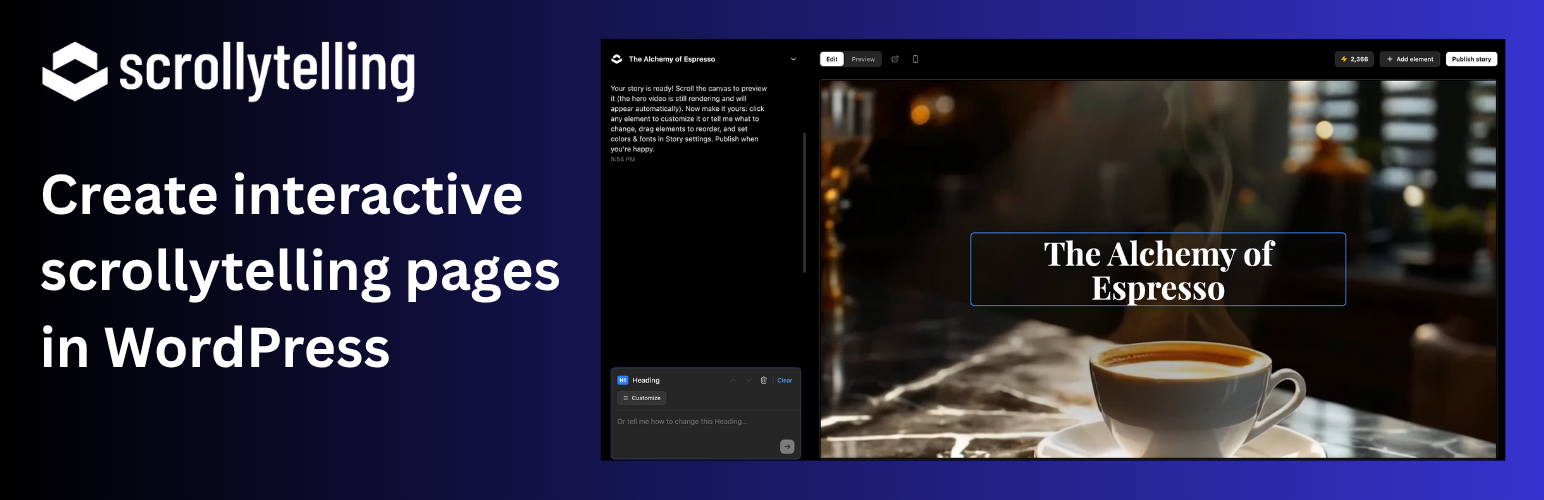
Scrollytelling 外掛能將故事轉換為單一的滾動式網頁,提供動畫效果和電影般的呈現,並完全可編輯。使用者可以輕鬆將已發佈的故事嵌入 WordPress 網站中。
【主要功能】
• 支援「Scrollytelling Story」區塊,輕鬆嵌入故事
• 短碼功能,快速插入故事 URL
• 自動嵌入,簡單粘貼故事 URL
• 兩種顯示模式:內嵌或卡片式
• 可選擇連接帳戶,快速插入故事
外掛標籤
開發者團隊
原文外掛簡介
Scrollytelling turns an idea into a single, scroll-driven web page — animated, cinematic, and fully editable. This plugin lets you drop your published stories into WordPress.
Block — add the “Scrollytelling Story” block, paste a story URL, and choose how it appears.
Shortcode — [scrollytelling url="https://my-story.scrollytelling.ai"].
Auto-embed (oEmbed) — paste a story URL on its own line and it embeds automatically.
Two display modes — inline (the story embeds in the page, with a fullscreen button) or a card (a poster that opens the full immersive story).
Connect your account (optional) — add an API key to browse your own stories and insert them with a click, no copy-pasting URLs.
You create and publish stories at scrollytelling.ai; this plugin only displays already-published, public stories.
Getting started (2 minutes)
Publish a story at scrollytelling.ai — every published story gets its own address, like https://my-story.scrollytelling.ai. You can copy it from your dashboard.
Open any post or page in the WordPress editor.
Click the + button (top left of the editor), search for “Scrollytelling Story”, and add the block.
Paste your story URL into the block — the story appears right in the editor.
In the block settings (right sidebar), choose Inline (the story plays inside your page) or Card (a poster that opens the full story), and adjust the height.
Shortcuts: pasting a story URL on an empty line embeds it automatically, just like a YouTube link — or type /scrollytelling in the editor. In the Classic editor, use the shortcode below.
Optional: connect your account under Settings → Scrollytelling with an API key (created at Scrollytelling → Settings → Connect WordPress) to insert stories from a picker instead of pasting URLs. The same settings page has a “How to embed” recap whenever you need it.
External services
This plugin connects to the Scrollytelling API (https://api.scrollytelling.ai):
oEmbed — when a story is embedded, WordPress requests https://api.scrollytelling.ai/published/oembed?url=
Account connection (optional) — if you save an API key, the plugin requests https://api.scrollytelling.ai/wp/stories and /wp/ping server-side, sending your API key, to list your own published stories in the editor.
Embedded stories load from your story’s public address (e.g. https://your-story.scrollytelling.ai).
Terms: https://scrollytelling.ai/terms-of-service/ — Privacy: https://scrollytelling.ai/privacy-policy/