外掛標籤
開發者團隊
原文外掛簡介
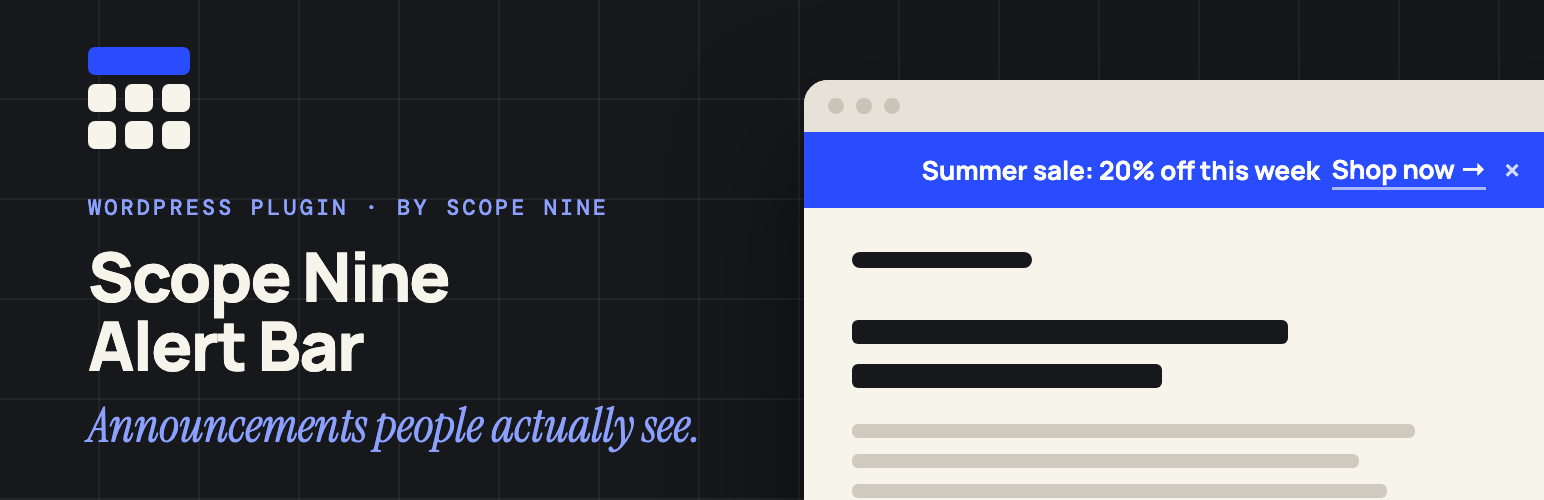
Scope Nine Alert Bar adds a clean, dismissible announcement bar to the top of your site. Use it for sales, launches, shipping notices, maintenance windows, or any message visitors shouldn’t miss.
You design the bar on one settings screen and see a live preview as you go. Nothing to code, no page builder, and no extra requests on the frontend beyond one small script.
Features
Live preview – every change shows up instantly while you edit
Rich text message – bold, italic, underline, links, and text color
Your colors – background and text color with a color picker or hex value
Font size and padding – fine-tune top, right, bottom, and left spacing
Dismissible – visitors can close the bar; upload your own close icon if you like
Placement – show the bar before or after your theme header
Scrolling text – optional news-ticker motion on mobile only or on all screens, in either direction
Targeting – show it site-wide, on the homepage only, or on specific pages and posts
Feature a post – link the bar to any post, with an optional custom title and expiry date
On/off switch – turn the bar off without losing your settings
Responsive – looks right on phones, tablets, and desktops
Lightweight – no jQuery on the frontend, no tracking, no external requests
How it works
Go to Alert Bar → Design in your WordPress admin.
Write your message in the editor.
Pick colors, spacing, placement, and where it should appear.
Save. The bar appears on your site right away.
Feature a post (optional)
Edit the post you want to promote.
In the Alert Bar box, tick Feature in Alert Bar.
Optionally set a custom link title and an expiry date.
The bar then links to that post until it expires. Only administrators can choose the featured post.