
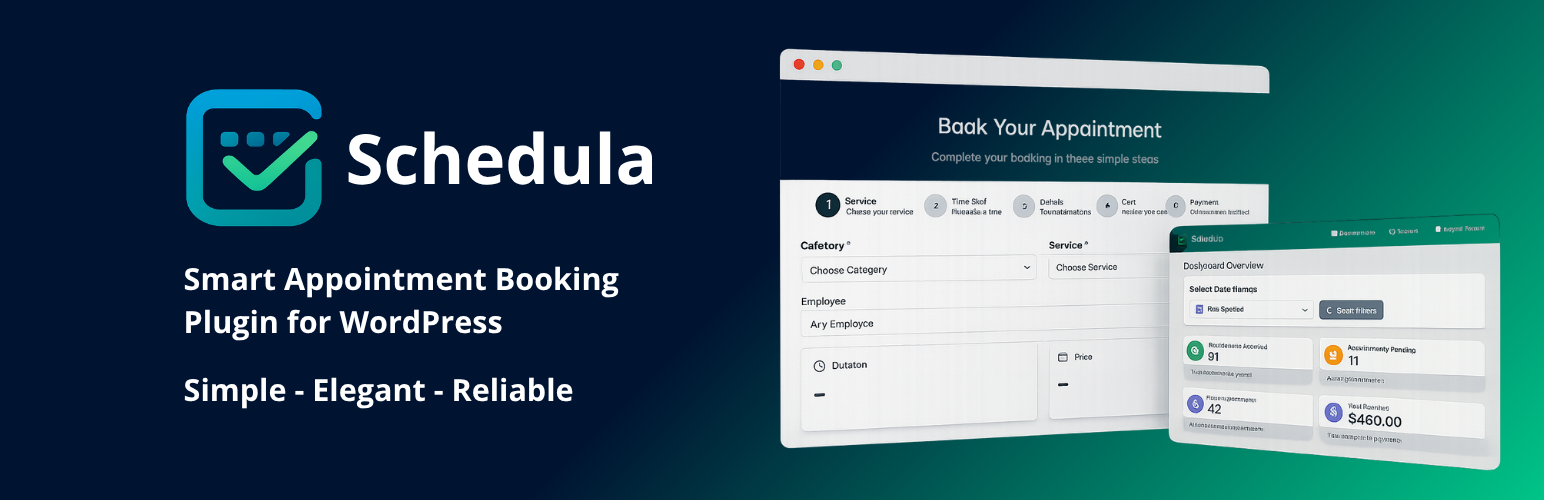
內容簡介
總結: Schedula 是針對 WordPress 的完整預約管理解決方案,能夠協助服務型企業全天候接受線上預約、管理員工排班、維護整潔的日曆,並自動發送提醒,使您能夠專注於提供優良服務。
1. Schedula 主要提供哪些功能?
- 提供以行動裝置為主的預約表單
- 提供服務、分類和可變持續時間
- 管理員工排班和可用性
- 電子郵件通知和提醒
- 乾淨的管理日曆(日/週/月)
- 與任何主題配合使用,不需要編碼
2. 為什麼應該選擇使用 Schedula?
- 透過快速的3步驟預約流程,轉換更多訪客
- 以色彩編碼整理行事曆,保持組織性
- 透過自動通知,減少未出現的情況
- 在成長時輕鬆轉為專業版功能
3. 主要使用對象包括哪些?
- 美容與健康、醫療與診所、健身與教練、教育與輔導、車庫與工作坊、專業服務(法律、金融、諮詢)等行業
4. Schedula 免費版主要提供哪些關鍵功能?
- 現代、响应式的預約表單
- 創建服務、分類和定價
- 可變服務持續時間
- 員工(基本)和可用性
- 日/週/月管理日曆
- 電子郵件通知(預約、更新、取消)
- 具有從日曆快速添加的客户列表
- 簡碼和古騰堡區塊
- 可翻譯且適用於主題。
5. 如何升級至 Schedula Pro 並解鎖更進階的功能?
- 無限服務和員工
- 高級表單自定(步驟、標籤、字段)
- 多種支付方法(Stripe, WooCommerce Checkout)
- 短信通知和提醒
- 電子郵件的高級模板
- Google日曆同步
- 報告與分析看板
- 存款、優惠券、緩衝和黑名單日期
- 人工智慧輔助時間段最佳化。
外掛標籤
開發者團隊
② 後台搜尋「Schedula – Smart Appointment Booking」→ 直接安裝(推薦)
原文外掛簡介
Schedula is a complete appointment booking solution for WordPress. It helps service businesses accept online bookings 24/7, manage staff schedules, keep a clean calendar, and automate reminders — so you can focus on delivering great service.
Whether you run a salon, clinic, training center, garage, consulting practice, or any local service, Schedula gives you a frictionless booking flow on the front end and a powerful, simple admin on the back end.
• Mobile-first booking form
• Services, categories, and variable durations
• Staff schedules and availability
• Email notifications and reminders
• Clean admin calendar (day / week / month)
• Works with any theme — no coding required
Live demo: https://demos.vertimcoders.com/schedula-smart-appointment-booking-live-demo/
Docs: https://docs.vertimcoders.com/docs/schedula-smart-appointment-booking-doc
Plugin site: https://vertimcoders.com/apps/schedula-pro-smart-appointment-booking/
Why Schedula
• Convert more visitors with a fast, 3-step booking flow
• Keep your calendar organized with color-coded services
• Reduce no-shows with automated notifications
• Scale easily with Pro features when you grow
Who uses Schedula
Beauty & wellness, medical & clinics, fitness & coaching, education & tutoring, garages & workshops, professional services (legal, finance, consulting), and more.
Key Features (Free)
Modern, responsive booking form
Create services, categories, and pricing
Variable service durations
Staff members (basic) and availability
Day/Week/Month admin calendar
Email notifications (booking, update, cancel)
Customer list with quick add from calendar
Shortcode and Gutenberg block
Translatable and theme-friendly
Schedula Pro (Upgrade)
Unlock advanced scheduling:
Unlimited services and staff members
Advanced form customization (steps, labels, fields)
Multiple payment methods (Stripe, WooCommerce Checkout)
SMS notifications and reminders
Advanced templates for emails
Google Calendar sync
Reports & analytics dashboard
Deposits, coupons, buffers, blackout dates
AI-assisted slot optimization
Learn more: https://vertimcoders.com/apps/schedula-pro-smart-appointment-booking/
Benefits
For your customers
Book in minutes on mobile or desktop
See only real-time available slots
Get instant email confirmations and reminders
For your business
Reduce manual admin and back-and-forth
Keep staff schedules centralized
Customize the form to match your brand
Track bookings and customers in one place
Blocks
This plugin provides 1 block.
Schedula – Booking Form
Shortcodes
Use the shortcode anywhere (pages, posts, widgets):
[schedula_booking]
Optional attributes (examples):
* service=”ID” – preselect a service
* category=”ID” – preselect a category
* staff=”ID” – preselect a staff member
* layout=”compact|steps” – choose form layout
Example:
[schedula_booking layout=”steps” service=”12″]
Integrations
Stripe (Pro) – secure payments at booking
WooCommerce (Pro) – use existing checkout, tax, and receipts
Google Calendar (Pro) – 2-way syncing per staff member
WP Mail / SMTP – transactional emails
Compatibility
Works with any modern WordPress theme
Compatible with Gutenberg and classic editor
Tested with major page builders via shortcode and block
External Services / Privacy
To deliver some features, Schedula may connect to third-party services:
Stripe – payment processing (customer name/email, appointment details, card/payment data via Stripe elements). Policies: https://stripe.com/privacy
Google Fonts – optional fonts loaded by the browser (IP address may be transmitted to Google). Policies: https://policies.google.com/privacy
IP2C (ip2c.org) – optional country detection for phone field (IP address to determine country code)
ipapi.co – optional timezone detection fallback in admin (IP address to determine timezone)
Email – uses WordPress wp_mail or configured SMTP to send transactional emails (recipient name/email, booking details)
Site owners are responsible for displaying an appropriate privacy notice and obtaining any required consent in their jurisdiction.
Developer Notes
Source code (unminified assets included):
https://github.com/vertim-coders/schedula-smart-appointment-booking
Actions/Filters and template overrides are documented in the developer section of the docs.














