
外掛標籤
開發者團隊
原文外掛簡介
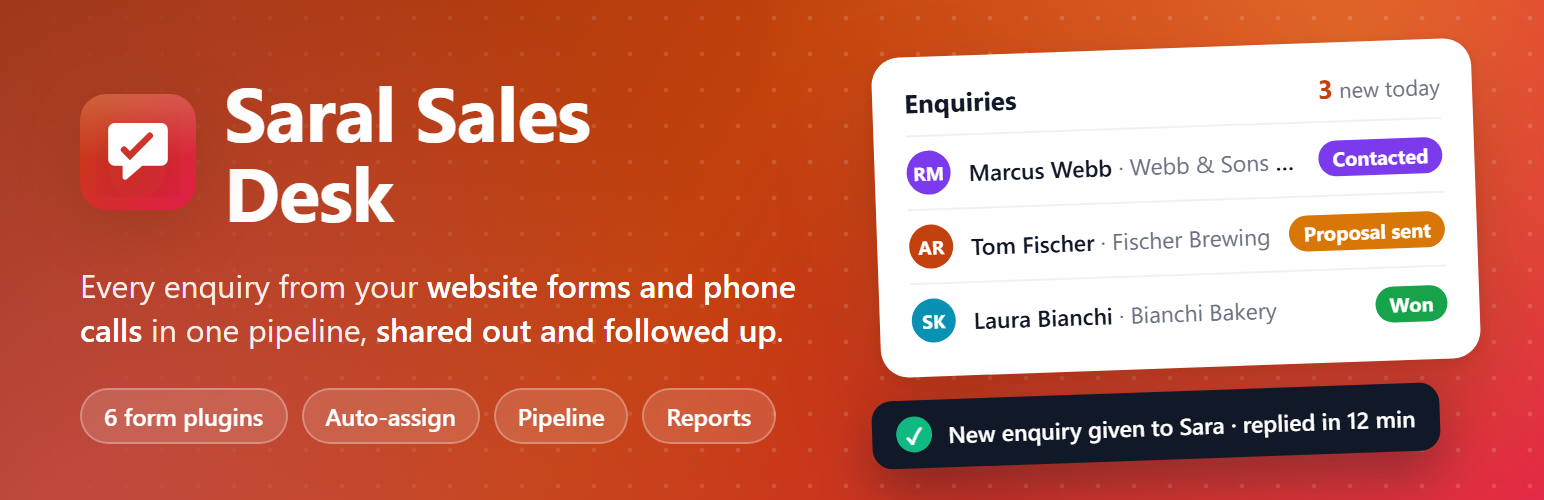
Enquiries from a website usually end up in someone’s inbox. Some get answered in minutes, some in days, some never, and nobody can say how many turned into sales. Saral Sales Desk turns WordPress into a sales desk for your team: every enquiry lands in one place, goes to the right person, and stays on someone’s list until it is won or lost.
Every enquiry in one place
Submissions from Contact Form 7, WPForms, Elementor Pro, Gravity Forms, Fluent Forms and Ninja Forms become enquiries the moment they are sent, with no setting needed in the form plugin (Elementor doesn’t need “Collect submissions”). Fields are matched by type and label, so name, company, email, phone, what they’re interested in and the message land in the right place; anything else is kept as extra details. No form plugin? Use the built-in [saral_sales_form] shortcode.
Phone calls, walk-ins, emails and referrals are added by hand in a few seconds.
Switch off forms that aren’t sales enquiries, such as a newsletter sign-up or job applications.
Obvious junk and your own test submissions go to Spam (never deleted).
Someone who sends the form twice gets one enquiry, with the second message in its history.
The right person, straight away
A manager can assign each enquiry, or let Sales Desk do it:
A returning customer goes to whoever looked after them before.
Keyword rules: “website, wordpress” to one person, “seo, ads” to another.
Everything else is shared fairly, to whoever has the fewest open enquiries.
Or turn on Up for grabs: enquiries nobody has yet are visible to the whole team, and the first to pick one up gets it. Salespeople can transfer an enquiry to a colleague with a note on where it stands. Anyone away (holiday, sick day) is skipped until they are back.
Nothing slips through
Response-time alerts: if nobody has been in touch within, say, 4 working hours, the managers are told, and the enquiry can be given to someone else. Only working hours count, so an enquiry sent on Saturday night isn’t late on Monday morning.
Every open enquiry keeps a next step: when it moves on without a follow-up date, one is set a couple of working days ahead.
Each salesperson gets a to-do email every working morning: new enquiries to contact, follow-ups due, and enquiries waiting to be picked up. Managers get a summary of the team. Nobody gets an empty email.
A notice appears in Sales Desk when a new enquiry arrives while you’re working.
Work the enquiry without leaving WordPress
Reply by email from the enquiry, starting from a template (“{first_name}” and the like are filled in), with your signature. Replies are sent in the salesperson’s name, and the customer’s answer goes to their own inbox. A shared inbox can get a copy of every reply.
Call or WhatsApp with one click, and log the call and what happens next.
Notes, status changes, assignments, emails and alerts all go into one history.
See if they bought from your WooCommerce shop before, and their earlier enquiries.
A pipeline you can see
A list with “today” cards (new, follow-ups today, overdue, not assigned) and a board where you drag enquiries from one stage to the next. Mark one won and you’re asked for the value; mark one lost and you’re asked why. Rename, recolour, reorder and add your own stages.
Reports that answer real questions
Enquiries received, median first-response time in working hours, how many were contacted, win rate and sales won, each compared with the period before. A 12-week chart, the open pipeline, results by salesperson, by channel and by form, and the reasons deals are lost. Salespeople see the same report for their own work. Download any list as CSV.
Where enquiries come from
A small script remembers whether a visitor came from a Google ad, a search engine, social media, a newsletter or another website, and shows the channel on each enquiry and in the reports. It works on cached pages and respects consent plugins that use the WP Consent API.
Your team, your rules
Sales Executive: sees their own enquiries (and, if on, ones up for grabs).
Sales Manager: sees and assigns every enquiry, and sees the whole team’s reports.
Administrators manage settings and the team, and can be on the team too.
Salespeople land on their enquiries when they log in.
Private by design
Enquiries stay in your WordPress database. Saral Sales Desk sends nothing to Saral Techies or anyone else. WordPress’s Export and Erase Personal Data tools include enquiries, and a suggested paragraph is added to your privacy policy guide.
Developer hooks
saralsales_capture (action): add an enquiry from your own code: do_action( 'saralsales_capture', $fields, $args ).
saralsales_capture_fields, saralsales_capture_form, saralsales_spam_reasons: change what is captured.
saralsales_enquiry_created, saralsales_enquiry_assigned, saralsales_enquiry_claimed, saralsales_status_changed, saralsales_enquiry_deleted: react to changes.
saralsales_auto_assign, saralsales_available: change automatic allocation, e.g. for a leave calendar.
saralsales_access, saralsales_visible_sql: share enquiries with more people.
saralsales_statuses, saralsales_sources, saralsales_channel, saralsales_placeholders, saralsales_reply, saralsales_digest, saralsales_nav_pages, saralsales_activity_types.
saralsales_enquiry_side (action): add a card to the enquiry sidebar.
SaralSales_Mailer::reply() and send() accept files to attach.
External services
Saral Sales Desk doesn’t connect to any external service. Emails (replies, notices, the daily to-do list) are sent with WordPress’s own wp_mail(), through whatever email setup your site uses. The WhatsApp button opens a wa.me link in the salesperson’s browser; nothing is sent until they choose to send a message in WhatsApp.













