
內容簡介
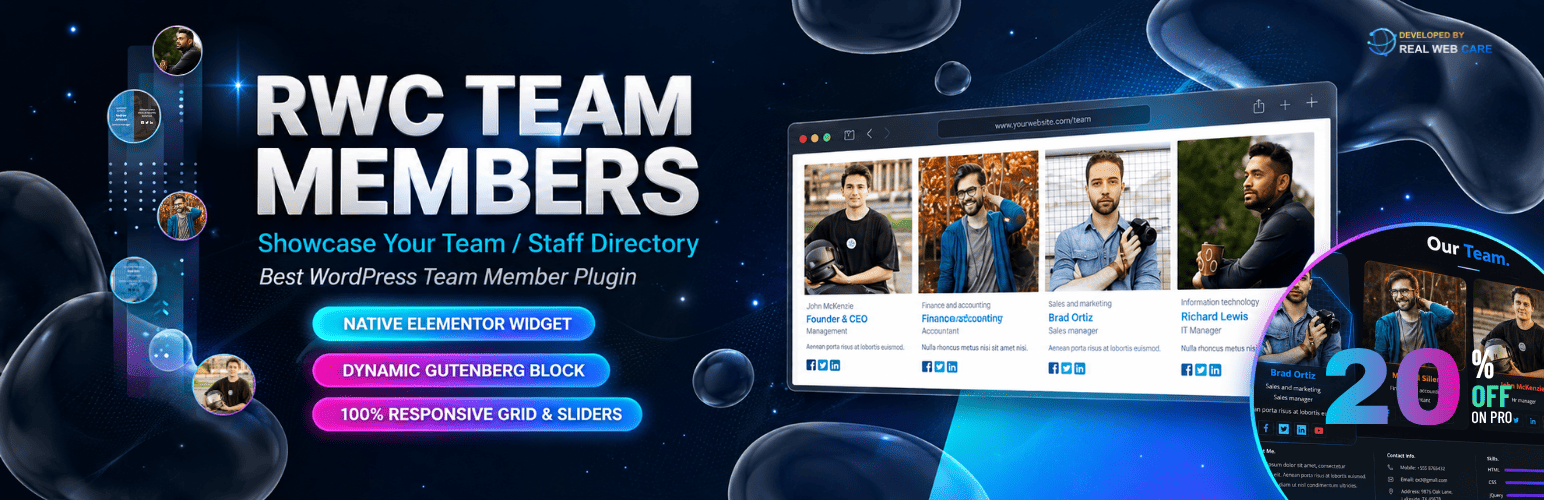
RWC Team Members 是一款功能豐富的 WordPress 外掛,專為建立專業的員工名錄而設計。它能快速幫助您在網站上展示團隊成員的照片、職稱、社交連結及簡介,提升網站的專業形象。
【主要功能】
• 100% 響應式設計,適合各種設備
• 提供 10 種現成模板,快速上手
• 簡單管理團隊成員及其資訊
• 自訂顏色選項,符合網站風格
• 支援 Elementor 和 Gutenberg 編輯器
• 付費版提供更多設計選項和動畫效果
外掛標籤
開發者團隊
② 後台搜尋「RWC Team Members – Team Showcase, Staff Directory & Profiles」→ 直接安裝(推薦)
原文外掛簡介
The Best Way to Showcase Your Team
RWC Team Members is a simple yet feature-rich WordPress team plugin to build a professional staff directory. It helps you design a beautiful meet the team showcase or employee profile section for your website in minutes. You can easily display your staff members, their photos, job titles, social links, and short bios.
FREE VERSION DEMO | PRO VERSION DEMO | EXPLORE PRO | TEST DRIVE PRO
Watch Free Version Video Walkthrough
Mobile-Friendly and Ready-to-Use Layouts
A broken team layout on mobile looks bad. That is why our plugin is 100% responsive. Your team showcase will look great on phones, tablets, and desktops. To help you start fast, we have included 10 ready-made templates. Plus, you get unlimited color settings to match your website theme.
Manage Team Members Easily
This plugin makes it simple to add team members along with their photos, job titles, bios, and social media links. You can rearrange the order of team members anytime and display them on any page or post using a shortcode. Whether it’s for a small team or a large organization, this plugin ensures your team stands out beautifully.
Flexible Design for Every Website
Customize your team sections to fit your website’s style. With a variety of layouts and unlimited color choices, you have full control over the look and feel. The plugin ensures every team member’s details are presented in a clear and visually appealing way, making your website more engaging and informative.
Works Seamlessly with Elementor & Gutenberg
We understand that modern websites are built using page builders. That is why RWC Team Members now includes a native Elementor Widget and a dynamic Gutenberg Block. Say goodbye to manual shortcodes – just drag, drop, select your team from the dropdown, and see a live preview instantly inside your favorite editor!
Get More with Premium
Need more design options? RWC Team Members Pro gives you extra templates, engaging animation effects, beautiful image hovers, and dedicated customer support to build a professional staff directory.
Premium features of RWC Team Members:
Instantly create team showcases with 28 pre-designed templates.
Choose from four dynamic layout types: grid, slider, popup, and expand.
Access 51 engaging filter animation effects.
Add YouTube videos directly to member profiles.
Customize colors for each member’s profile individually.
Highlight and showcase the unique skills of every team member.
Enjoy 28+ dynamic hover effects on member images.
Explore Premium features
Click to Watch Pro Version Walkthrough
Key Features of Our Team Plugin
10 Ready Templates: Pick a design and publish your team section instantly.
Create Unlimited Teams: Build multiple groups and show them on any page or post using a shortcode.
Rich Member Profiles: Add a bio, job title, contact details, and social links for every staff member.
Team Categories: Group your members by department or role.
Filter Option: Let visitors sort your team by department using clickable filters.
Full Design Control: Change colors, font sizes, and layout styles to match your site.
Custom CSS Support: Add your own CSS code for advanced styling.
Backup Settings: Easily export and import your team data.
Other Features of the Plugin
Custom margin of member thumbnails (Top, Right, Bottom, Left)
display ribbons for individual team members, adding a distinctive element to their presentation.
Define a personalized width and height for member images.
Configure the number of members displayed per row for different device views.
Choose from three layout types: Grids, Slider and Pop-up
Determine which specific elements to show or hide in the team member display
Easily sort and locate specific team members based on departments
Adjust font styles and sizes to ensure readability and alignment with your overall design..
Easy to customize
Available fields:
Member Name,
Description/bio,
Short bio,
Tagline,
Department,
Designation,
Experience,
Email,
Telephone,
Mobile,
Fax,
Web URL,
Location,
Photo, Social links
Usage
After activating the plugin, navigate to RWC Teams in your WordPress admin panel.
Choose from the provided team templates or create a new team from scratch.
Customize individual member details, colors, and images in the Edit Members section.
Fine-tune layout, typography, and styling in the respective tabs.
Enable filter navigation for enhanced user interaction.
Use the Custom Style tab to apply your own CSS without affecting core styles.
Utilize the Tools section for global options, custom styles, and backup/restore functionalities.
Support
For any queries, feedback, or assistance, please visit our Plugin Support Page. We’re here to help you make the most of the RWC Team Members plugin.
🌟 100% Responsive and Mobile-Friendly 📱
With a strong emphasis on user experience, our plugin ensures that your team member profiles look stunning and are perfectly functional across all devices, be it desktops, tablets, or smartphones.
🎨 Easily Customizable to Match Your Brand 🎉
Tailoring your team display to align with your brand’s aesthetics has never been easier. With our user-friendly customization options, you can effortlessly tweak layouts, colors, and designs, creating a seamless integration with your website’s look and feel.
🧩 Built for Elementor & Gutenberg ⚡
Enjoy a fully visual building experience. We have included a native Elementor widget and a dynamic Gutenberg block. Simply select your team from a dropdown menu and see a live preview directly on your page. No manual shortcodes needed.
🔗 Effortless Publishing with Shortcodes ⚙️
If you still prefer the classic way, our plugin fully supports shortcodes. You can swiftly embed and showcase your dynamic team on any standard WordPress page or post.
👥 Unlimited Teams, Anywhere 🌐
Whether you’re managing multiple teams or departments, our plugin supports the creation of limitless teams. Display them all on a single page or distribute them across various pages – the choice is yours.
🎉 10 Striking Design Layouts 🎨
Selecting the perfect layout for your team display is very easy. Choose from 10 visually captivating design templates that perfectly present your team setup.
🚀 Swiftly Add and Rearrange Members 📤
Adding new team members has never been smoother. Effortlessly incorporate their photos, positions, bios, and social media links, and rearrange them at any time to ensure a dynamic and up-to-date team display.
📏 Grids, Pop-up and Slider Layouts 📐
Diversify your team presentation with an array of layouts, including grids, pop-up, and slider views, offering engaging and captivating ways to showcase your team members.
🏙️ Showcase Your Team in Style 🌆
From grid views to sleek slider displays, our plugin lets you exhibit your team in a way that resonates with your audience, effectively capturing their attention.
📐 Customize Margins to Perfection 📏
Achieve flawless visual balance with customizable margins, ensuring that your team member profiles are impeccably presented.
Why Choose This Plugin?
The RWC Team Members plugin gives you everything you need to build a professional staff directory or team showcase. It is lightweight, fast, and very easy to configure. Give it a try today and make your team page stand out!
Credits
Scrollbar – jquery Custom Scrollbar
Slider – Slick Slider
Select – Selectize
Developed By: Realwebcare
Facebook Page
License
This plugin is released under the GPLv2 license. You can find a copy of the license here.














