內容簡介
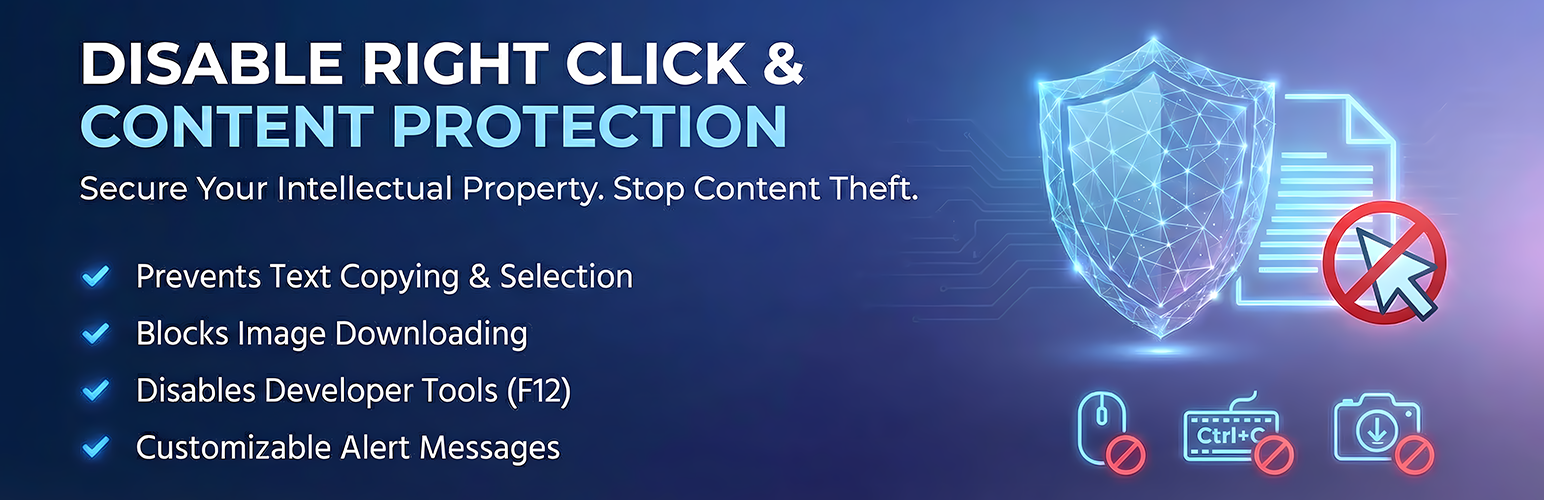
Right Click Ban 是一款輕量級的 WordPress 外掛,旨在保護網站內容不被隨意複製與盜竊。它禁用右鍵選單、阻止文字選取、禁止圖片拖曳,並阻擋常見的鍵盤快捷鍵,讓內容保護變得簡單而有效。
【主要功能】
• 禁用右鍵選單,防止內容複製
• 阻止文字選取,保護文章內容
• 禁止圖片拖曳,防止圖片盜用
• 支援所有主流瀏覽器,包含行動裝置
• 內建分析功能,追蹤複製嘗試次數
• 零性能影響,保持網站速度
外掛標籤
開發者團隊
② 後台搜尋「Right Click Ban – Disable Right Click & Content Copy Protection」→ 直接安裝(推薦)
原文外掛簡介
Right Click Ban is a lightweight WordPress plugin that helps you protect your website content from casual copying and theft. It disables the right-click context menu, blocks text selection, prevents image dragging, and stops common keyboard shortcuts — all without slowing down your site.
If you have ever found your blog posts, photos, or product descriptions copied onto another website, you know how frustrating content theft can be. Right Click Ban gives you a simple way to fight back. Once activated, it adds a layer of protection that deters the vast majority of people who try to copy your content using everyday browser actions.
Pro Live Demo – Right Click Ban Pro Live Demo
Buy Pro – Right Click Ban Content Protection Pro →
Why Website Owners Trust Right Click Ban
Just install it, toggle the features you want, and your content starts being protected immediately.
Here is what makes it different:
Zero performance impact – Uses lightweight inline JavaScript with no external libraries. Your PageSpeed score stays the same.
Works on every browser – Tested on Chrome, Firefox, Safari, Edge, and Opera, including mobile browsers on iOS and Android.
Admin-friendly – Protection only applies to your visitors. You and your team can still use your site normally.
Built-in analytics – See exactly how many copy attempts, right clicks, and shortcut events are being blocked on your site.
How It works – Tutorial Video
Who Is This Plugin For?
Photographers and artists who want to stop visitors from downloading or dragging their images.
Bloggers and writers who need to protect original articles from being copied and republished.
Online course creators who want to make it harder for people to steal their lessons and materials.
Business owners who publish proprietary information, pricing strategies, or product descriptions they do not want competitors to steal.
Anyone running a WordPress site who wants a simple, effective content copy protection solution.
Free Features
Right Click Ban includes a generous set of features in the free version — enough for most websites to feel confident their content is being actively protected.
🛡️ Right Click Protection
Blocks the browser context menu so visitors cannot use “Save Image As,” “Copy,” “View Page Source,” or other right-click options. You can show a custom message when someone tries, or block it silently.
🔒 Text Selection Blocking
Prevents visitors from highlighting and copying your text using click-and-drag selection. Great for protecting long-form content like blog posts and articles.
🖼️ Image Drag Prevention
Stops users from dragging your images to their desktop, another tab, or into a file manager to save them.
🔗 Link Drag Prevention
Prevents hyperlinks from being dragged to bookmarks, browser tabs, or external applications.
⌨️ Keyboard Shortcut Blocking
Blocks Ctrl+C (Copy), Ctrl+U (View Source), and other commonly used keyboard shortcuts that expose your content. F12 developer tools access is also blocked.
📱 Mobile Protection
Enable or disable protection specifically for mobile and tablet visitors. Long-press context menus on touch devices are blocked automatically.
🔔 Custom Alert Message
Choose to display a modern, styled modal popup when someone tries a blocked action. Customize the message text to inform your visitors politely.
📊 Protection Analytics
Built-in analytics dashboard shows you how many right-click events, copy attempts, and shortcut triggers have been blocked — in total and broken down by day.
🛠️ Admin Control
Choose whether logged-in administrators should also see protection or browse normally. By default, admin access is unrestricted.
📈 Daily Block Counter
A real-time counter in the settings header shows you how many events were blocked today and in total.
🗑️ Full Data Control
Reset your analytics statistics at any time, and optionally delete all plugin data automatically when you uninstall.
🔐 Privacy Ready
Right Click Ban integrates with the WordPress Privacy Policy system and includes a suggested privacy policy text you can add to your site. No data is sent to external servers. GDPR friendly.
How Right Click Protection Works
Right Click Ban uses clean, standards-compliant JavaScript that runs only on the frontend of your website. When a visitor tries to right-click, select text, drag an image, or use a blocked keyboard shortcut, the browser action is intercepted and cancelled before it can complete.
There are no heavy scripts, no external API calls, and no server-side processing. Everything runs in the browser, keeping your site fast and your server resources free.
Need More Advanced Protection?
If you need enterprise-grade content protection, the Pro version takes things much further:
See the Pro version in action: Live Demo
Custom Modal Popup – Replace browser alerts with 7 beautifully designed popup themes (Light, Dark, Glass, Neon, Sunset, and more) with 4 animation styles.
Full Keyboard Shortcut Blocking – Block 18+ shortcuts including Ctrl+V, Ctrl+A, Ctrl+S, Ctrl+P, Ctrl+Shift+I, and all Mac Command equivalents.
Developer Tools Detection – Detect when DevTools is opened and respond with a warning, content hiding, or automatic redirect.
Focus Loss Detection – Detect tab switching and window minimizing to catch screenshot extensions. Respond with alerts, page blurring, overlays, or redirects.
Print Protection – Block Ctrl+P and JavaScript print calls with a custom message.
Image Watermark – Add automatic CSS text watermarks to all images with 6 position options and adjustable opacity.
Advanced Mobile Protection – Configurable long-press duration, gesture detection, screenshot detection with blur protection, and Force Touch blocking for iOS.
IP Address Blocking – Block specific IPs or IP ranges using CIDR notation with custom block messages.
Country Blocking – Block visitors from 250+ countries and territories with a searchable list, bulk selection, and per-region analytics.
Spam Bot Blocking – Automatically block 40+ known malicious bots, scrapers, and content thieves with configurable rate limiting.
Page Exclusions – Disable protection on specific pages and posts with a searchable selection interface.
Role-Based Protection – Control protection per WordPress user role (Administrator, Editor, Author, Contributor, Subscriber).
Per-Page Settings – Override global settings on individual pages or posts using a meta box in the editor.
Advanced Analytics – 7-day activity charts, event breakdown by type, browser and device stats, threat feed, and CSV export.
Upgrade to Right Click Ban Pro →