外掛標籤
開發者團隊
原文外掛簡介
Rhoos gives you clear, honest data about who visits your site, where they come from, and how they behave — all without cookies, without third-party services, and without storing IP addresses.
A small first-party script records each page view and sends it to your own site, where it is stored in your WordPress database. Nothing is loaded from, or sent to, a third party. IP addresses are never stored: Rhoos keeps a salted one-way hash to count unique visitors, and by default drops the last part of the address before it does (Anonymise IP, in the setup wizard).
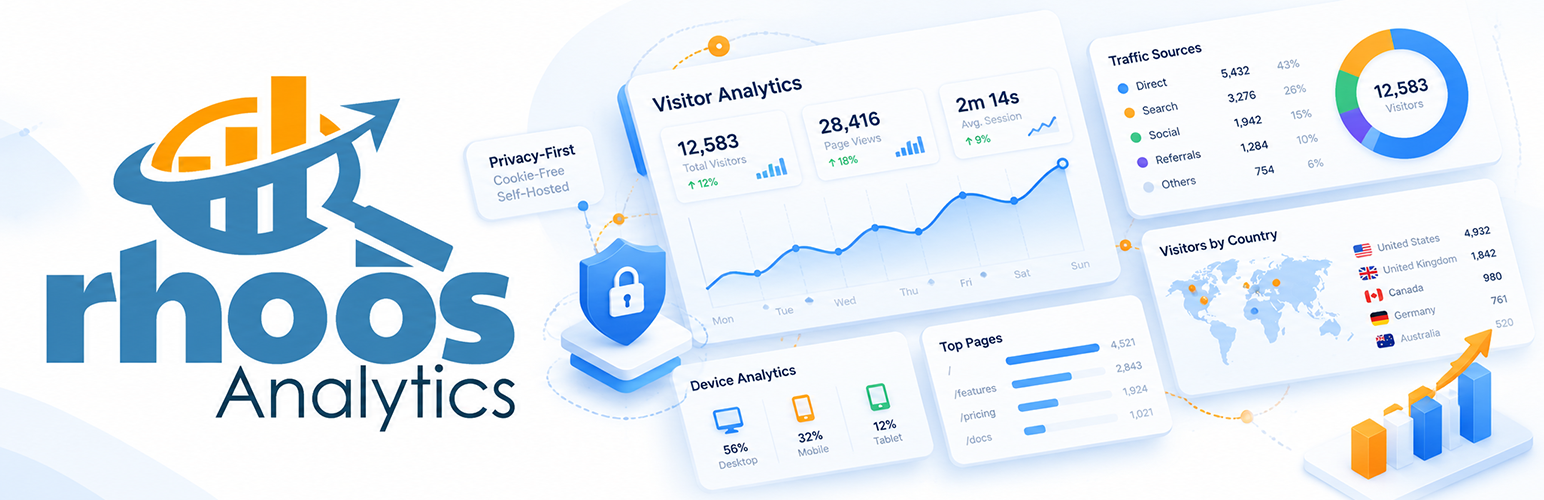
Visitor Analytics
Know your audience at a glance. The dashboard shows unique visitors, total visits, and downloads in a D3 chart across 7, 30 or 90 days, or month by month over 12 months, with percentage change against the previous period. A live visitor card updates every 30 seconds showing the most recent page view.
Pages & Content
See which pages attract the most traffic. A D3 horizontal bar chart ranks your top pages and downloads by visit count, with a sortable table showing average scroll depth, time on page, and load time per page.
Referrers & Campaigns
Understand where your traffic originates. Traffic is grouped by source type (organic search, social, referral, direct) and by referring domain, alongside your site’s own search terms and the outbound links visitors click. Pro adds source performance: time on page, pages per session and bounce rate for each source.
Geography
A D3 choropleth world map shows visitor distribution by country, with countries, cities and browser languages in sortable tables alongside it. Pro adds a live traffic map.
Devices
Browser market share is shown as a D3 ring chart. Operating systems are broken down by family and version in a two-column ring layout. Screen resolutions are visualised as a D3 treemap grouped by category — Widescreen, Mobile, Tablet, Ultrawide — alongside a sortable table.
Behaviour
Rhoos passively records scroll depth (at 25%, 50%, 75%, and 100% milestones), time on page, and page load time — no additional scripts, no cookies. The overview tab shows three D3 charts: a scroll depth funnel, a time-on-page distribution, and a load time traffic-light breakdown. Per-page behaviour tables and a bounce rate chart are available in Pro.
404 Monitoring
Track every broken URL on your site. A D3 bar chart shows the top broken pages by hit count, separating real visitor hits from bot and scanner activity. Pro users get an external referrer outreach table with one-click contact finding and a pre-filled email template to notify site owners of broken links.
Reports
Generate clean, printable PDF reports via DOMPDF. The Traffic Summary covers visitors, downloads, top pages, countries, devices, and referrers. The 404 Report covers broken URLs, hit counts, and bot analysis. Both cover the last 7, 30 or 90 days.
Settings
Configure tracking exclusions, geolocation database options, and data retention from a single Settings page.
Pro Features
Per-page behaviour tables (scroll, time, load) across all behaviour tabs
Bounce rate by page chart
Entry pages, exit pages and bounce rate by page
Sessions tab and source performance
Live traffic map
404 external referrer outreach tools
CSV data export (visits, pages, referrers, countries, devices)
New vs Returning visitors tab
Period Comparison and Year on Year comparison charts
Premium Features
Security Monitor — login brute force and credential stuffing detection with D3 threat map with zoom and city dots
Security alert email notifications (brute force, real account probes, possible compromise, credential stuffing)
Security PDF report and CSV export
Whitelist individual login attempts (“not a threat”)
Live traffic map city dots
All Pro features included
Rhoos does not collect, store, or transmit any personal data externally. All tracking is performed locally within your WordPress environment.
Feature Summary
Self-hosted — all data stays in your own database
No cookies — zero cookies set on visitors’ browsers
No IP storage — used for the location lookup and a salted one-way hash, then discarded
No external scripts — no tracking pixel or third-party JS on your front end
First-party tracking — your own small script, no third-party tags
Bot filtering — known crawlers and scanners flagged and separated
Download tracking — files counted separately from page views
D3.js charts throughout — treemaps, ring charts, choropleth maps, funnel charts, bar charts
Behaviour metrics — scroll depth, time on page, load time recorded passively
Session tracking — multi-page journeys with entry and exit pages
404 monitoring with bot detection and referrer outreach (Pro)
PDF reports via DOMPDF
Universal sortable tables across all pages
Uninstall
Deleting Rhoos from the Plugins screen always removes its scheduled tasks. Your data is kept by default, so reinstalling picks up where you left off.
To remove everything, tick Delete all Rhoos tables and settings when the plugin is deleted in Rhoos → Settings before deleting the plugin. Rhoos then removes:
All its database tables (visits, sessions, daily totals, outbound clicks, video plays, 404 and security logs)
All plugin settings and options prefixed with rhoo_
Its private folder in your uploads directory (visit archives and the GeoLite2 database)
A separate tick box deletes the GeoLite2 database file on its own. Uninstalling does not delete:
Any PDF reports you have already downloaded to your computer
Any site content — posts, pages, users, WooCommerce data, etc.
Disclaimer
Rhoos tracks visitor activity on your WordPress site. Whilst every effort is made to ensure data accuracy, bot filtering is heuristic and not guaranteed to be exhaustive. Visitor counts should be treated as indicative rather than absolute.
Rhoos is provided as-is, without warranty of any kind. Rob Snow / Rob Art | WordPress Development accepts no responsibility or liability for data loss, inaccurate analytics, or any damage arising from the use of this plugin. You are solely responsible for ensuring that your use of this plugin complies with applicable privacy law in your jurisdiction.
Rhoos’s built-in geolocation is approximate. City and region-level data in particular may be inaccurate, especially for mobile users connecting via cellular networks.
External Services
Rhoos uses the GeoLite2-City database for IP geolocation. The database is installed separately via the automatic installer in Settings (requires a free MaxMind licence key) or by providing a path to a manually downloaded copy. No visitor data is sent to MaxMind or any external service during normal operation.
If you use the automatic GeoLite2 installer in Settings → MaxMind, the plugin will make a direct HTTPS request to download.maxmind.com using your licence key to download the GeoLite2-City.tar.gz archive. The downloaded file is extracted locally and no data about your visitors is sent to MaxMind. The licence key you provide is stored in your WordPress options table.
Please review MaxMind’s privacy policy: https://www.maxmind.com/en/privacy-policy
Country flag images are bundled with the plugin (assets/flags/) and served from your own site, so no request is made to a flag service.
Rhoos Pro, sold separately, contacts robart-illustration.eu to check its licence key. The free plugin never does.
Credits
The free plugin bundles these open-source libraries for PDF reports, unmodified, in vendor/dompdf/:
Dompdf 3.1.5: LGPL-2.1
php-font-lib: LGPL-2.1-or-later
php-svg-lib: LGPL-3.0-or-later
HTML5-PHP: MIT
PHP CSS Parser: MIT
Each library’s licence file is included alongside its code.
The charts and maps use these, unmodified:
D3 7.9.0 (assets/js/d3.min.js): ISC. Source: https://github.com/d3/d3/tree/v7.9.0
TopoJSON Client 3.1.0 (assets/js/topojson.min.js): ISC. Source: https://github.com/topojson/topojson-client/tree/v3.1.0
World Atlas countries-110m.json (assets/maps/): ISC, from Natural Earth (public domain)
Country flags (assets/flags/, 16×12 PNG) from Flagpedia, based on the public-domain flag artwork on Wikimedia Commons
Support
For documentation, guides, and FAQs visit the Help & Documentation page.
For bug reports or feature requests, please use the support forum on the plugin page or contact us via the Rhoos plugin page.