內容簡介
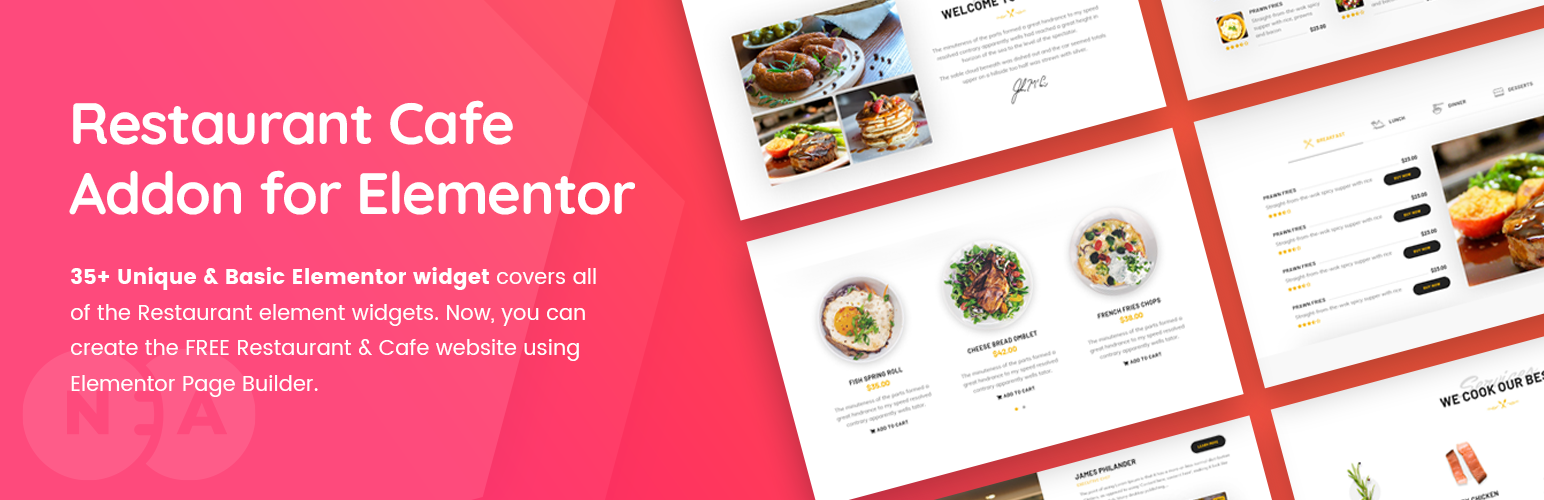
餐廳和咖啡廳 Elementor 外掛涵蓋了創建完美餐廳網站的所有必要元素,提供了 50 多種獨特和基本的 Elementor 小工具,可涵蓋所有餐廳元素。
了解更多
所有元素列表 | 演示餐廳網站
創建一個令人驚艷的餐廳網站
如何使用餐廳外掛元素?- 播放列表視頻
50+ 餐廳網站小工具 (免費和 Pro)
每個 Elementor 小工具都是根據餐廳網站而製作的。因此,此外掛程式涵蓋了 35+ 免費必須的 Elementor 小工具,滿足您的餐廳網站需求。同時,它可以吸引訪問者的注意。:)
易於定制
對於 WordPress 中的頁面生成器而言,使用者友好的 Elementor 是最佳選擇。我們可以確保這個這種編輯體驗也適用於我們的插件。每個小工具都帶有豐富的選項和易於編輯的使用體驗。
專業支援
我們的經驗豐富的團隊會認真解決您的每一個問題,您的意見/備註將提交給核心開發團隊,進一步改進我們的插件。
詳細的文檔
我們在詳細的文檔中解釋了關於插件的所有內容,它不僅解釋了 (如何) 使用,還解釋了使用這個外掛的有效方法。
基本元素文檔
獨特元素文檔
50+ 餐廳免費/專業小工具並持續更新
您可以在以下列出的 50 多個最常用的小工具中找到所有令人驚嘆的餐廳網站所需功能:
元素列表:元素列表
基本小工具
1.About Me – 姓名、職業、社交媒體鏈接、描述和按鈕鏈接。
2.About Us – 所有基本公司詳細信息、元信息、社交圖標、描述和對齊方式。
3.Blog – 最多四列、限制、排序和排序按某些類別的帖子,某些 ID’s,斷言及其長度、分頁等。
4.Chart Free/Pro – 包含條形圖和餅圖。
5.Contact – 聯繫表格框、標題、簡短內容和聯繫表格短代碼。
6.Gallery – 濾波器、標題、副標題、位置控件、縮放和鏈接。
7.Get Apps – 應用程序商店、播放商店和 Chrome 瀏覽器擴展圖像和鏈接。標題、子標題和簡短內容。
8.History –
外掛標籤
開發者團隊
② 後台搜尋「Restaurant & Cafe Addon for Elementor」→ 直接安裝(推薦)
📦 歷史版本下載
原文外掛簡介
Restaurant & Cafe Addon for Elementor covers all the must-needed elements for creating a perfect Restaurant website using Elementor Page Builder. 50+ Unique & Basic Elementor widget covers all of the Restaurant elements.
Learn More
All Elements List | Demo Restaurant Website
Create a Awesome Restaurant Website
How-To Use Restaurant Addon Elements? – Playlist Videos
50+ Restaurant Website Widgets (Free & Pro)
Each elementor widget crafted based on Restaurant Websites in Mind. So, this plugin covers all 35+ free must-needed elementor widgets to fulfill your restaurant website needs. At the same time, it grabs your visitor’s attention. 🙂
Easy to Customize
User-Friendly wise Elementor is the best choice of Page Builder in WordPress. We assured that same editing experience in our Addons plugin too. Every widget comes with plenty of options with easy to edit user experience.
Professional Support
Our experienced Team supports your every question carefully, and your points/notes will take to the core development team to improving our plugin gradually.
Detailed Documentation
We’ve explained everything about the plugin in our detailed documentation, it does not only explain the (How to’s?) instead it’ll explain the effective way of using the addon.
Basic Elements Documentation
Unique Elements Documentation
50+ Restaurant Free/Pro Widgets & Counting
You can find all of the following 50+ most useful widgets of your Awesome Restaurant Website.
All elements list: Elements List
Basic Widgets
About Me – Name, Profession, Social Media Links, Description, and Button link.
About Us – All Basic Company Details Meta Information, Social Icons, Description, and Alignments.
Blog – Columns up to four, Limit, Order & Order by, Certain Category posts, Certain ID’s, Excerpt and it’s length, Pagination, and more.
Chart Free/Pro – Contains – Bar and PIE Charts.
Contact – Contact form box, Title, Short Content and Contact form shortcode.
Gallery – Filter, Title, Subtitle, Positioning Controls, Zoom, and Links.
Get Apps – App Store, Play Store, and Chrome Browser Extension images, and links. Title, Sub-title, and short content.
History – Time or Year, Title, Short Content, and Read More link. With Swappable Image.
Image Compare – Before and After Images with a vertical and horizontal controller.
Process – Includes Three Types of Different Design Layouts, Title, Icon, or Numbers and, Short Content.
Separator – Vertical Alignment and Horizontal Alignment with Headings, Icon, or Text between separator lines.
Services – Five style types of a service element, icon or image, Headings, Short Content and, Read More link.
Slider – Sider animation control, background image uploads, Heading, Short Content and, two buttons.
Subscibe – Title, Short Content with Shortcode Placement area. That you can able to install any third-party subscribe form plugin and include that shortcode into this design.
Table – Easy to add row and columns, Supported multiple inside elements.
Team Single – Name, Profession, Meta Informations, Contact Details, Social Links, and, Short Content.
Team – Four Styles, Name, Short Content, Social Links, and Profession.
Testimonials – Three Styles, Images, Content, and Client Name, Professions.
Type Writter – Typing Animation Controls, Speed, and Cursor Controls.
Video – Title, Cover Image with Animated Button – Video Popup.
Restaurant-Specific Widgets
Addon Menu – Pro – Title, Description, Added Items List, Star Review, Price and Button
Benefits – Pro – Icon, Title, Description
Branch Slider – Pro – Map, Title, Addresses, Email and Phone Numbers
Branches – Map, PinPoint, Point Title
Chefs Recipe – Chef Photo, Name, Profession, Button, Gallery Slider, Contact Details
Food Item – Pro – Food Item Style, Listing Style, Limits, Order, Order By, Food Item Column, Show Certain Categories, Hide Certain Categories, Show Certain Product, And All Carousel Controls like Speed Limit, Loop, Navigation, Auto Play so on…
Food Menu – Image, Title, Description, Price, Type
Food Tab – Image, Title, Name, Description, Number
Gift Card – Pro – Title, Form, Form Controls, Price.
Ingredients – Icon, Title
Layered Image – Pro – Each Image as in separate layer and Controls of scrollings
Offers – Title, Buttons, % of Offers value and more.
Open Table – Pro – Pre-Defined Open-Table Form, Image, Title, Address Details, Offer Details and, Styles
Image Parallax – Pro – Two Images scroll on parallax mode, speed control, positioning.
Particular Recipe – Pro – Video in Popup, Ingredients, Nutrition info, Steps to Prepare Food and, more.
Pricing Tab – Pro – Title, Description, Pricing Value, Features, Images and Buttons.
Pricing – Title, Features, Pricing Value and Currency, Button, Featured Pack.
Restaurants – Whole Image BG, Icon, Title, Description and, link.
Rooms – Title, Sub-Title, Image, Description, Pricing, Button and, Features.
Rooms Slider – Pro – Same as Rooms widget but with full screen slider.
Specialties – Image, Title, Description, Points and, Positions.
Stats – Icon, Title, Counter Values.
Tab – Pro – Tab Title, Image, Content Title, Description, Button and, More.
Valuable Box – Icon, Title, Description and Link.
Working Hours – Title, Sub-Title, Days and Time.
Food Banner – Pro – Title, Sub-Title, Link Text & Link.
WooCommerce Specific – All In Premium Version
Product Addon – Pro – Limit, Order, Orderby, Show Particular Products by Categories & Product Titles, Hide Particular Products by Categories & Product Titles.
Product Filter – Pro – Limit, Order, Orderby, Show Particular Products by Categories & Product Titles, Hide Particular Products by Categories & Product Titles, Filter “All” text, Product Columns, Categories Limit, Filter Enable & Disable, Filter Type(Ajax, Normal), Pagination.
Food Item – Pro – Food Item Style, Listing Style, Limits, Order, Order By, Food Item Column, Show Certain Categories, Hide Certain Categories, Show Certain Product, And All Carousel Controls like Speed Limit, Loop, Navigation, Auto Play so on…
Product Food Menu – Pro – Menu Style, Limit, Order, Show Certain Categories, Hide Certain Categories, Show Certain Product, Order, Order By.