
內容簡介
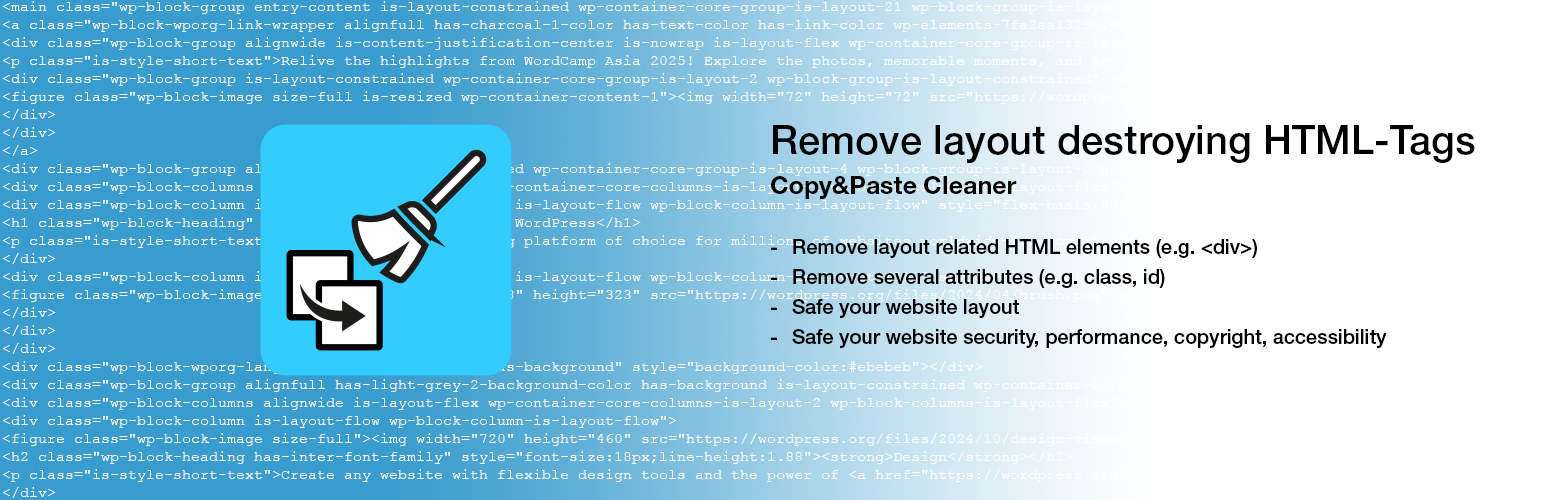
Remove layout destroying HTML-Tags 外掛旨在解決從不同來源複製與粘貼內容時,導致網站佈局破壞的問題。它能自動檢測並清除不必要的 HTML 標籤,確保內容格式正確,提升網站的可讀性與美觀。
【主要功能】
• 自動檢測並清除 DIV 標籤
• 保留圖片的替代文字
• 支援多種頁面編輯器與佈景主題
• 符合 GDPR 數據保護規範
• 轉換標記為語意化元素
外掛標籤
開發者團隊
② 後台搜尋「Remove layout destroying HTML-Tags」→ 直接安裝(推薦)
📦 歷史版本下載
原文外掛簡介
Copy&Paste Cleaner. If you want to quickly fill a post or a page with content that already exists, copy&paste is often used and it can destroy the layout of a website!
The basic problem is that if you copy&paste content from different sources into the visual editor, any formatting is copied over. Specifically, whether from text documents, other websites, online-shops and cms or even from social media, something comes along everywhere. This also applies to content generated in AI chats, which often contains unwanted formatting as well.
As there are often DIVs in addition to harmless HTML elements, these can cause the rendering of your own website to be faulty or interrupted. The integrated DIV-Detector automatically detects div elements in your content after pasting and shows a visual warning with a direct cleanup link.
To avoid this, this plugin checks the existing formatting and attributes and removes all those that could lead to a problem and then saves it directly.
If you copy and paste into the text editor, there is usually no problem.
Tested with these page builders:
Classic editor
Gutenberg
Divi 4.27
Elementor 4.3
WPBakery 9.0
Beaver Builder 2.11
Accessibility
The DIV warning in the Classic Editor is announced automatically by screen readers. Alt texts of images hosted on your own website are preserved during cleanup, so the accessibility of your content is not reduced. Cleaning up also converts presentational bold and italic markup into semantic strong and em elements.
Privacy GDPR
This plugin processes the analyzed and converted HTML only within the respective website. No content is stored or transferred to other servers or services for processing. No external analytics tools or tracking services are integrated or used. Data protection in accordance with the GDPR is therefore guaranteed at all times.














