
外掛標籤
開發者團隊
② 後台搜尋「Reinvent Rename & Replace Media」→ 直接安裝(推薦)
原文外掛簡介
Your Media Library is full of names like IMG_4521.jpg, DSC_0042.jpg and Screenshot-2024-…png. Search engines read file names, and so do people. Reinvent Rename & Replace Media finds those names, suggests better ones and renames them safely.
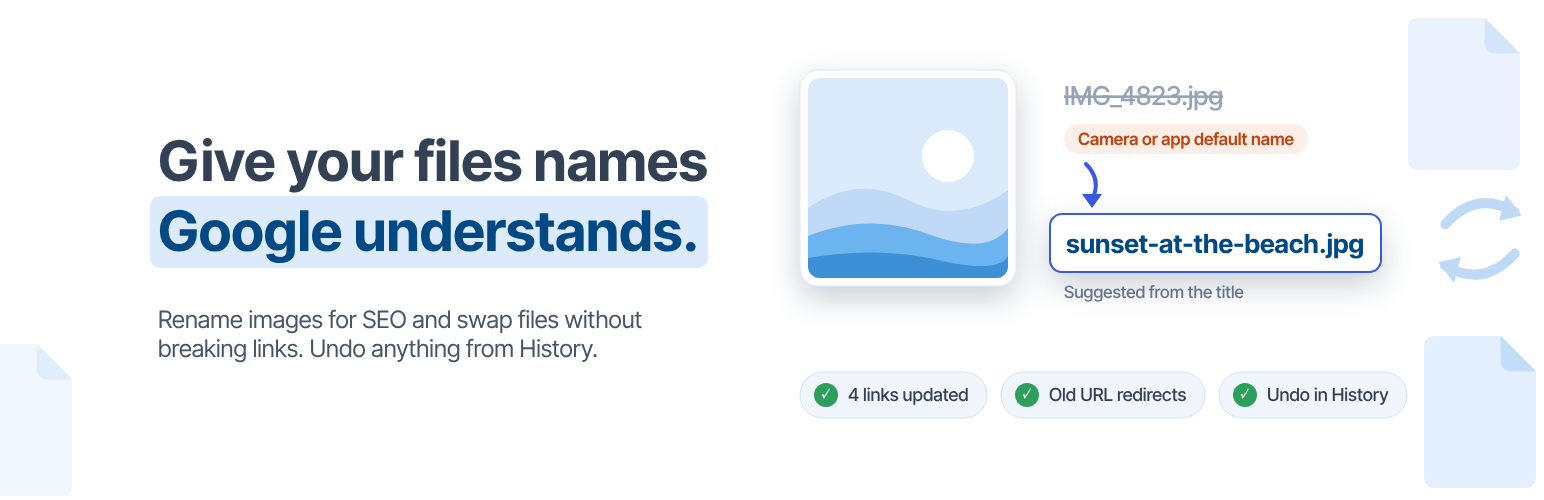
Rename images for SEO. We spot camera, phone and screenshot names, random characters and number-only names, and suggest a better name from the image title, ALT text or the post it belongs to. Rename one at a time, or many at once with a pattern like {post_title}-{counter} and a preview before anything changes.
Nothing breaks. Renaming changes every file of the image: the original, every size, the “-scaled” copy, edited versions and WebP/AVIF copies. Then every link is updated: posts and pages, page builders (Elementor, Divi, Beaver Builder, Bricks, WPBakery…), custom fields (ACF, Meta Box…), widgets, theme settings and comments. If any file can’t be renamed, everything is put back.
Old links keep working. Someone with an old link, Google Images or an email you sent last year still gets the image: old file names redirect to the new ones automatically, for every size.
Undo anything. Every rename and replace is in the History, with one-click undo for the files, the data and the links.
Replace a file, keep the URL. Upload a new version of an image or PDF and keep its URL, ID and everywhere it’s used. Or use the new file’s name and update the links. The old file is kept aside so you can undo.
Good names from the start. New uploads get clean names automatically: lowercase, no accents, hyphens instead of spaces. Or name them after the post you upload them to.
Everything is free
Find bad file names and get suggestions
Rename one file, or many with patterns and a preview
Updates links in posts, page builders, custom fields, options, widgets and comments
301 redirects from old file names, for every size
History with undo
Replace files: keep the URL, or use the new name
Clean names on upload
Lock files you never want renamed
“Rename” and “Replace file” in the Media Library
Simple and Advanced modes, plus a settings search that understands plain words
WP-CLI: wp rename-media find, rename, bulk, undo
Safe by design
Plans the whole rename first and never overwrites another file.
All or nothing: if one file can’t be renamed, the others are put back.
Serialized and JSON data (used by page builders) is decoded, updated and saved correctly. Anything that can’t be updated safely is left as is and reported.
Replaced files are moved to a private folder, never deleted, so undo always works.
Tip: keep a recent backup, like with any tool that changes files.
External services
Rename & Replace Media works on your server. Your files are never uploaded anywhere. The admin page connects to one service:
Reinvent WP services (https://services.reinventwp.com)
Settings search: when you type in the settings search box, the text you type, the plugin name and version are sent to find matching settings. Nothing is sent until you search.
Error reporting: only after you click “I Agree” on the privacy notice in the plugin’s admin page. When that page hits an error, the error message, the page URL, your browser’s user agent and the plugin version are sent so we can fix the problem. Before you agree, errors are only saved in the plugin’s own log on your site.
Terms of Service | Privacy Policy
Source Code
The admin screen is built with React and TypeScript. The compiled files in public/js are generated with webpack from the human-readable source code included in the plugin at source/admin.










