內容簡介
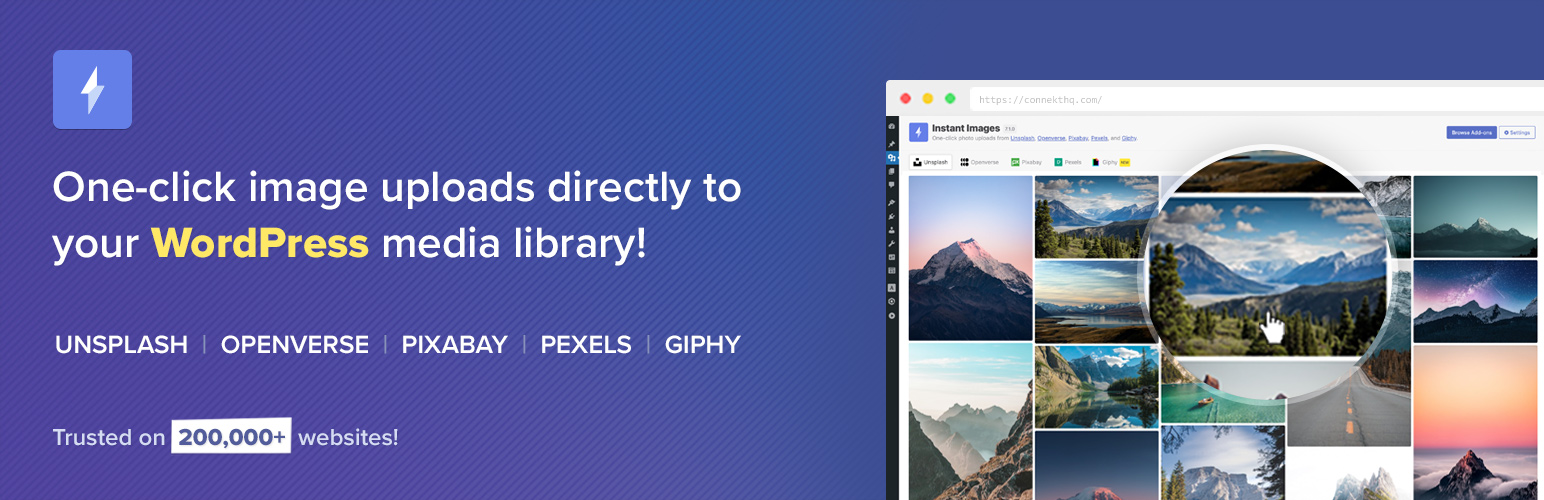
Instant Images 外掛讓使用者能夠快速從 Unsplash、Openverse、Pixabay、Pexels 和 Giphy 上傳高品質的免費圖片,無需離開 WordPress 控制台。這個外掛節省時間,提升工作效率,適合內容創作者和開發者使用。
【主要功能】
• 快速搜尋圖片,幾秒鐘內上傳
• 支援橫向、直向及方形圖片篩選
• 無需離開 WordPress 控制台即可上傳
• 與 Gutenberg 和流行佈局建構器無縫整合
• 自動生成圖片的替代文字以提升可及性
• 無需註冊任何服務提供者帳戶
外掛標籤
開發者團隊
② 後台搜尋「Instant Images – One-click Image Uploads from Unsplash, Openverse, Pixabay, Pexels, and Giphy」→ 直接安裝(推薦)
📦 歷史版本下載
原文外掛簡介
Instantly upload photos from Unsplash, Openverse, Pixabay, Pexels, and Giphy to your website all without ever leaving WordPress!
Instant Images is the fastest way to find and upload high-quality, free stock images directly from inside WordPress.
No downloads.
No switching tabs.
No copy-paste workflow.
Just search, click, and your image is instantly added to your Media Library — properly processed and ready to use.
Whether you’re building content, designing layouts, or prototyping a client site, Instant Images keeps you in your workflow and saves you time.
Supported Image Providers
Unsplash
Openverse
Pixabay
Pexels
Giphy
Works seamlessly with the Block Editor, Media Modal, and popular page builders.
The perfect tool for users who want to save time and frustration by uploading images directly inside their WordPress installation and for developers who want to prototype and develop using real world imagery.
Visit Plugin Website
Features
Image Search – The Instant Images search let’s you quickly find and upload images for any subject in a matter of seconds!
Image Orientation – Filter search results by landscape, portrait or square images.
Time Saver – Quickly upload amazing stock photos without leaving the comfort of your WordPress admin.
Theme/Plugin Developers – A great tool for developers who want to prototype and develop using real world imagery.
Gutenberg – Instant Images directly integrates with Gutenberg as a plugin sidebar.
Media Modal – Instant Images is available as a tab in the WordPress Media Modal.
Page Builders – Instant Images integrates with page builders such as Elementor, Beaver Builder, Brizy and Divi.
Edit Image Metadata – Easily edit image filename, alt text and caption prior to uploading to your media library.
Accessibility – Automatically include a relevant alt description for screen readers, visually reduced users, and SEO.
Easy to Use – It couldn’t get much more simple, just click an image and it’s automatically uploaded to your media library for use on your site.
No Accounts Needed – An account on any service provider is not required for use of this plugin. Just activate and you’re ready to go.
Add-ons
Instant Images: Extended
Enhance Instant Images with powerful professional features.
Includes:
– Search History & Autocomplete.
– Instant Images as a WordPress Block.
– WordPress CLI Imports.
– Batch Image Imports.
– I’m Feeling Lucky WordPress Block.
– Image Size Generator.
– Instant Featured Images
– Instagram-style image filters
– Persistent search terms across providers.
– And more…
Learn More
Proxy Server
Instant Images routes all API requests to service providers (Unsplash, Pexels, Pixabay, Openverse etc.) through our custom proxy server at proxy.getinstantimages.com.
Maintaining a proxy server for Instant Images allows us to:
Protect API keys from public exposure.
Normalize data from multiple providers.
Improve compatibility and reliability across plugin versions.
Please take a moment and read our Terms of Use and Privacy Policy for when using our proxy service:
Terms of Use
Privacy Policy
How Can You Contribute?
Pull requests can be submitted via GitHub.
Website
https://getinstantimages.com