內容簡介
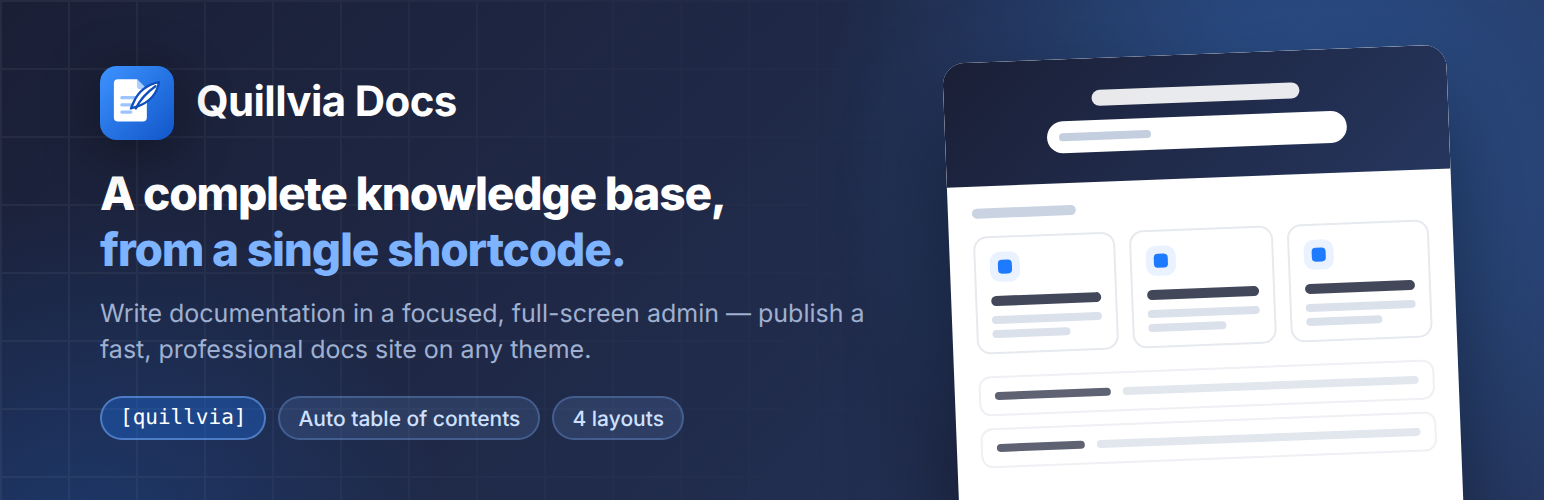
Quillvia Docs 將 WordPress 轉變為完整的知識庫、文檔和幫助中心,無需頁面建構器、訂閱或任何程式碼。使用者可以在乾淨無干擾的管理介面中撰寫和組織文章,並提供快速專業的文檔網站。
【主要功能】
• 無需外部服務或其他外掛
• 單一短碼 [quillvia] 顯示所有內容
• 四種佈局預設適應不同主題
• 完整的 WordPress 富文本編輯器
• 自動生成文章目錄
• 文章和類別的 CSV 匯出功能
外掛標籤
開發者團隊
原文外掛簡介
Quillvia Docs turns WordPress into a complete knowledge base, documentation and help center — without a page builder, a subscription, or a single line of code.
You write and organise articles inside a clean, distraction-free admin. Readers get a fast, professional documentation site: a searchable landing page, category pages, and single articles with an automatic table of contents.
Everything is published with one shortcode — [quillvia] — on any page, with any standard theme.
Why Quillvia Docs
Self-contained. No page builder, no external SaaS, no dependency on another plugin. Install it and start writing.
One shortcode, every view. [quillvia] renders the landing page, category listings, single articles and search results from a single page.
Works with your theme. Four layout presets adapt the docs site to narrow, wide and boxed themes without touching your CSS.
Built to WordPress standards. Escaped output, sanitised input, nonces and capability checks on every write, and prepared statements on every query.
Authoring
Documentation articles and categories, each managed from a dedicated full-screen admin that keeps you focused on writing.
A full WordPress rich-text (TinyMCE) editor with media-library image upload.
Paste directly from Microsoft Word or Google Docs — headings, lists, and images are preserved while unsafe markup is stripped.
Content starter templates (feature guide, how-to, FAQ, release notes) to begin an article from a proven structure.
Drafts and published states, manual ordering, and featured articles pinned to the landing page.
Quick edit in a side panel, so you never lose your place in the article list.
CSV export of your articles and categories.
The documentation front end
One shortcode — [quillvia] — renders the whole knowledge base: landing page, category pages, single articles, and search.
Selectable layout presets: sidebar, wide, boxed, and magazine.
Automatic table of contents built from the article’s headings, with scroll highlighting.
Instant article search, with grid and list result views.
Estimated reading time, view counts, and copy-to-clipboard buttons on code blocks.
Privacy-friendly “Was this helpful?” voting with aggregate feedback totals and a helpful-rate dashboard metric.
Related-article recommendations from the current category.
A print-friendly article action that removes navigation and controls from the printed page.
Category icons, so a help center landing page reads at a glance.
Responsive images: Quillvia adds srcset, sizes, and lazy loading so a reader never downloads a full-resolution file just to see it scaled down in the reading column.
Shortcodes
[quillvia] — the whole knowledge base. Optional attributes:
title and subtitle — override the hero heading and sub-heading for this page.
search — yes (default) or no to hide the search box.
columns — number of category columns on the landing page.
width and max — override the layout preset’s width for this page only.
[quillvia_categories] — just the category grid. Accepts columns (2–4).
[quillvia_articles] — a plain article list. Accepts category (slug), limit (default 10) and featured (yes/no).
Permissions and roles
Quillvia maps its own capabilities — viewing, creating, editing and deleting articles and categories, and editing settings — onto your WordPress roles. An editor can maintain the documentation without ever being given administrator access.
Privacy
Quillvia Docs does not contact any external service, does not phone home, and does not embed third-party scripts or fonts. Your documentation stays in your own database.
Reader feedback stores only aggregate helpful and not-helpful counters. A first-party, HTTP-only cookie remembers that a browser has already voted on an article; Quillvia does not store the visitor’s IP address or identity.