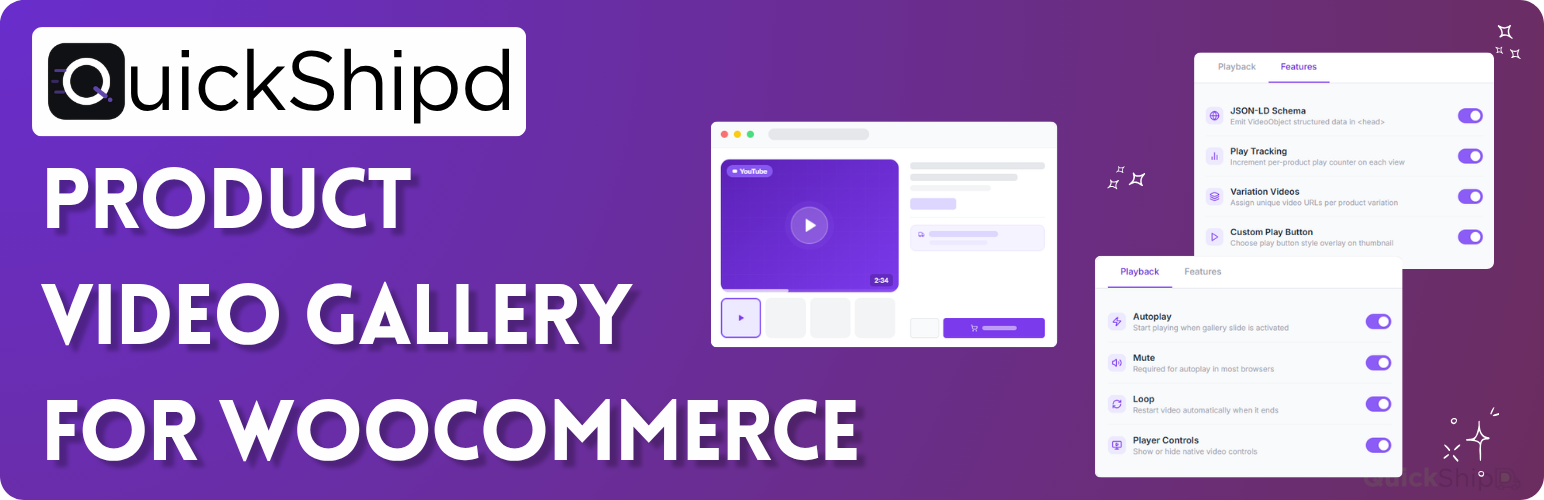
內容簡介
QuickShipD Product Video 是一款輕量級的 WooCommerce 產品影片畫廊外掛,允許用戶將 YouTube、Vimeo 和自託管影片直接添加到 WooCommerce 畫廊中,與產品圖片並存,提升購物體驗。
【主要功能】
• 產品影片畫廊:與現有產品圖片並列顯示影片
• YouTube 和 Vimeo 嵌入:簡單粘貼 URL 即可顯示影片
• 自託管影片:上傳 MP4、MOV 或 WebM 格式影片
• 畫廊排序:可調整影片在圖片前後的顯示順序
• 影片物件 SEO 架構:自動生成 JSON-LD 結構化資料
• 播放追蹤:計算每個產品影片的播放次數
外掛標籤
開發者團隊
② 後台搜尋「QuickShipD Product Video – YouTube, Vimeo & Self-Hosted Product Video Gallery for WooCommerce」→ 直接安裝(推薦)
原文外掛簡介
QuickShipD Product Video is a lightweight WooCommerce product video gallery plugin that lets you add YouTube, Vimeo, and self-hosted videos directly to your WooCommerce gallery – alongside product images, never replacing them.
Paste a video URL or upload MP4, MOV, or WebM from the Media Library. Shoppers see a gallery slide with thumbnail and play button.
Create a WooCommerce video gallery that combines product images and videos in one familiar shopping experience. The plugin supports both the classic WooCommerce gallery and the Product Gallery Block.
Ideal for stores that want product videos, product page videos, video SEO in Google, and per-product analytics without slowing down the rest of the site.
Features
Product video gallery – add videos alongside your existing WooCommerce product images
YouTube + Vimeo embedding – paste a URL and the video appears in the WooCommerce gallery
Self-hosted video – upload MP4, MOV, or WebM from the WordPress Media Library
WooCommerce video gallery – display product images and videos together in the WooCommerce product gallery
Gallery ordering – place video before the featured image, after it, or after all images
WooCommerce Block gallery – works with the Product Gallery Block (WooCommerce 8.2+)
VideoObject SEO schema – JSON-LD structured data for Google video rich results
Play tracking – count how many times each product video is played
Variation videos – different video URL per product variation; gallery updates on selection
Custom video thumbnail – override the default thumbnail from the Media Library
Playback controls – autoplay, mute, loop, and player controls (site-wide and per product)
HPOS compatible – WooCommerce High-Performance Order Storage
Performance
Assets load only on single product pages that have a video. Lightweight CSS and JavaScript (under 2 KB). YouTube and Vimeo player scripts load only after the visitor clicks play – fast product pages and better Core Web Vitals.
VideoObject SEO Schema
Automatic schema.org VideoObject JSON-LD on product pages with videos. Helps search engines understand your WooCommerce product video content and can support video thumbnails in Google results.
By QuickShipD
From the team behind QuickShipD – estimated delivery dates for WooCommerce.
External Services
This plugin connects to external services in the following situations:
YouTube
When a product has a YouTube video URL, the plugin loads the video thumbnail image from YouTube’s image servers (img.youtube.com) to display it in the gallery slide. No data about your site or visitors is sent to YouTube during thumbnail loading. The YouTube player (youtube.com) is loaded inside an iframe only when a visitor clicks the play button.
YouTube Terms of Service
Google Privacy Policy
Vimeo
When a product has a Vimeo video URL, the plugin makes a server-side request to the Vimeo oEmbed API (https://vimeo.com/api/oembed.json) to retrieve the video thumbnail URL. Only the Vimeo video ID is sent in this request. The result is cached on your server for seven days to minimise API calls. The Vimeo player (player.vimeo.com) is loaded inside an iframe only when a visitor clicks the play button.
Vimeo Terms of Service
Vimeo Privacy Policy
Self-hosted videos
Self-hosted video files (MP4, WebM, etc.) uploaded to your own Media Library are served directly from your server. No external service is involved.