內容簡介
總結:
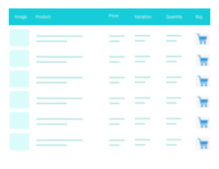
WooCommerce Product Table Widget for Elementor Page Builder是一款外掛,可以在您的網店上新增完全可自訂的產品表格,讓您的客戶能享受簡單、一頁式的購物體驗。透過產品表格,您可以以直觀的表格版面顯示產品,而不是 WooCommerce 的預設網格格式。
問題與答案:
- 這個外掛的功能是什麼?
- 該外掛可以讓您在網店上新增完全可自訂的產品表格,讓客戶能享受簡單、一頁式的購物體驗。
- 可以透過產品表格做哪些功能?
- 創建多個產品表格、添加自訂欄位、按產品類別篩選、顯示所需的產品數據、顯示產品變化等。
- 這個外掛如何幫助網店使用者?
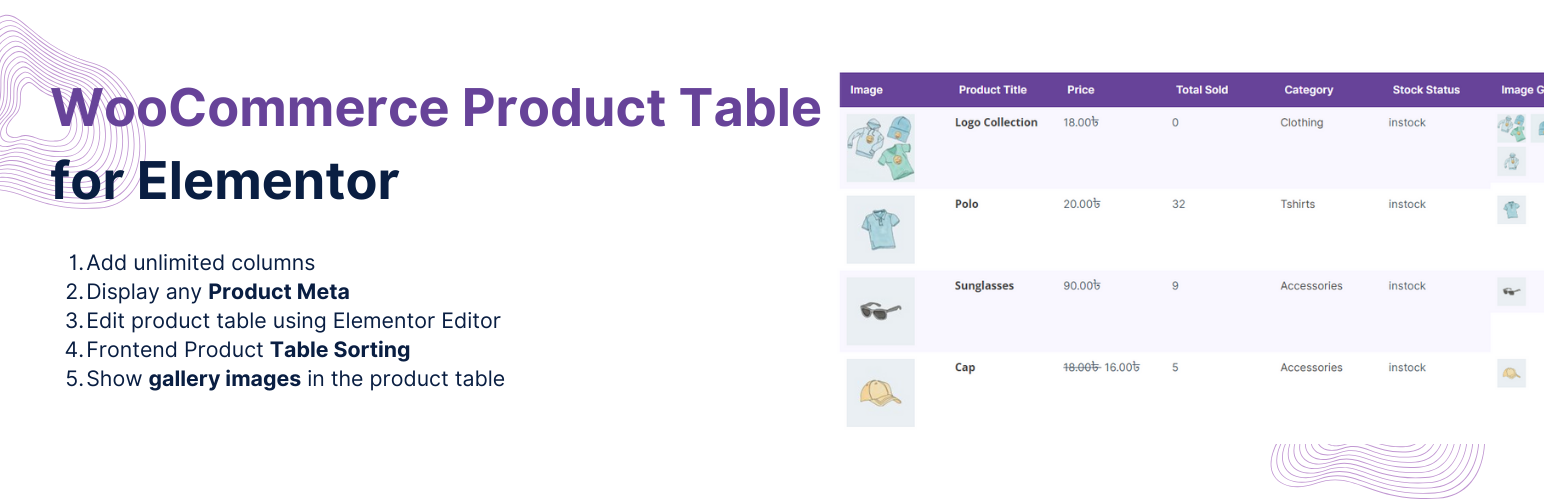
- 該外掛讓您能在 Elementor 中編輯產品表格、在前端進行產品表格排序、在表格中顯示圖庫圖像等。
- 使用這個外掛需要滿足什麼條件?
- 您必須已安裝 WooCommerce和 Elementor page builder 才能使用這個外掛。
外掛標籤
開發者團隊
② 後台搜尋「Responsive Product Table for WooCommerce and Elementor」→ 直接安裝(推薦)
原文外掛簡介
WooCommerce Product Table Widget for Elementor Page Builder
Product tables for WooCommerce is a plugin that lets you add fully-customizable product tables on your online store so your customers can enjoy a simple, one-page shopping experience.
With product tables, you can display your products in an intuitive table layout as opposed to the default grid format of WooCommerce.
🏆 Create Multiple Product Tables
🏆 Add custom column
🏆 Filter by Product Categories
🏆 Display the Product Data You Want
🏆 Display Product Variations
🏆 Edit product table using Elementor Editor
🏆 Frontend Product Table Sorting
🏆 Show gallery images in the product table
Display WooCommerce Product information without writing custom WP_Query. Display all product information right from your Elementor. Select which product category to display, set the number of products to display, set number of column and finally select the product meta information from meta keys dropdown.
Widgets
[Product Table] – List your WooCommerce Products along with product fields in a table.
Notes
This plugin is for displaying WoCommerce products in a table layout. You will not be able to use this plugin unless you have WooCommerce and Elementor page builder installed.