內容簡介
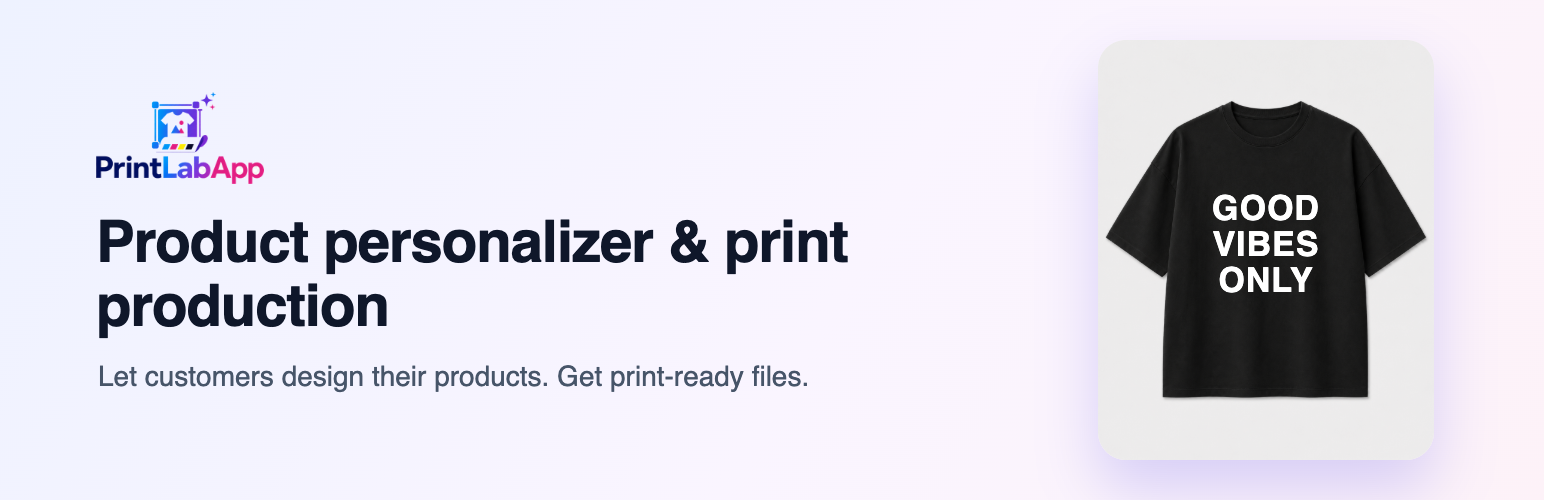
PrintLab for WooCommerce 讓顧客能在產品頁面上進行即時個性化設計,並能即時查看設計效果,方便將產品加入購物車。每筆訂單都會附上可直接用於生產的印刷檔案。
【主要功能】
• 顧客可自訂衣物前後設計
• 提供多種相框、畫布及禮品的照片模板
• 支援即時顯示印刷價格及數量折扣
• 生成多種模板如星圖、城市地圖等
• 整合 Printful 進行按需印刷
• 提供生產狀態及印刷檔案管理
外掛標籤
開發者團隊
原文外掛簡介
PrintLab adds a live personalization step to your product pages. Customers design the product themselves, see exactly what they will get, and add it to the cart. Every order arrives with a print-ready file, so you can send it straight to production.
Two ways to personalize
Apparel designer for t-shirts, sweatshirts, hoodies and similar products:
Front and back design with the customer’s own images, text, ready-made designs and cliparts
Background removal and AI images (credits)
Several sizes in one step, with the print price shown as the customer designs
Print price by print size, front and back, with quantity discounts
Photo templates for frames, canvases, polaroid cards, calendars, mugs and gifts:
Shaped photo areas (hearts, letters, circles) and text fields with fonts and colors
Extra charges per option, text length, font or add-on
Template generators: song cards, star maps, city maps, monograms, birth flowers, calendars, word searches, moon phases and QR codes
Built for print shops
Print-ready files at the product’s real print size and resolution
Orders, production status and print files in one place, with gang sheets and a print queue
Production status is added to the WooCommerce order; marking an order shipped completes it
Optional Printful fulfillment: print-on-demand drafts you confirm, with the tracking number sent to the customer
All extra charges are priced on the PrintLab server, never taken from the browser
Works with the block cart and checkout and with HPOS order storage
Requires a PrintLab account
The designer, templates and print files run on the PrintLab service. Connecting your store creates your account. PrintLab has a free plan for up to 2 personalized products; paid plans add more products and production tools. Plans and prices are shown in PrintLab after you connect.
External service
This plugin connects to the PrintLab service at https://app.printlabapp.com, which is required for it to work:
The product page loads the designer or the personalization box from app.printlabapp.com in an iframe. Photos and images the customer adds are sent to PrintLab to build the design and the print file.
When a personalized item is in the cart, the plugin asks PrintLab for the item’s extra charge. Only the design ID, the quantity and your store address are sent.
When you click “Connect to PrintLab”, WooCommerce creates REST API keys for PrintLab. PrintLab uses them to read your products, receive new orders (order number, items, design IDs, and the billing name and email) and add production notes and status to those orders.
When you click a section on the PrintLab page (it opens in a new tab) or open the product template list, the plugin sends a signed request with your store address to PrintLab.
PrintLab terms of service: https://printlabapp.com/terms-of-service
PrintLab privacy policy: https://printlabapp.com/privacy-policy