內容簡介
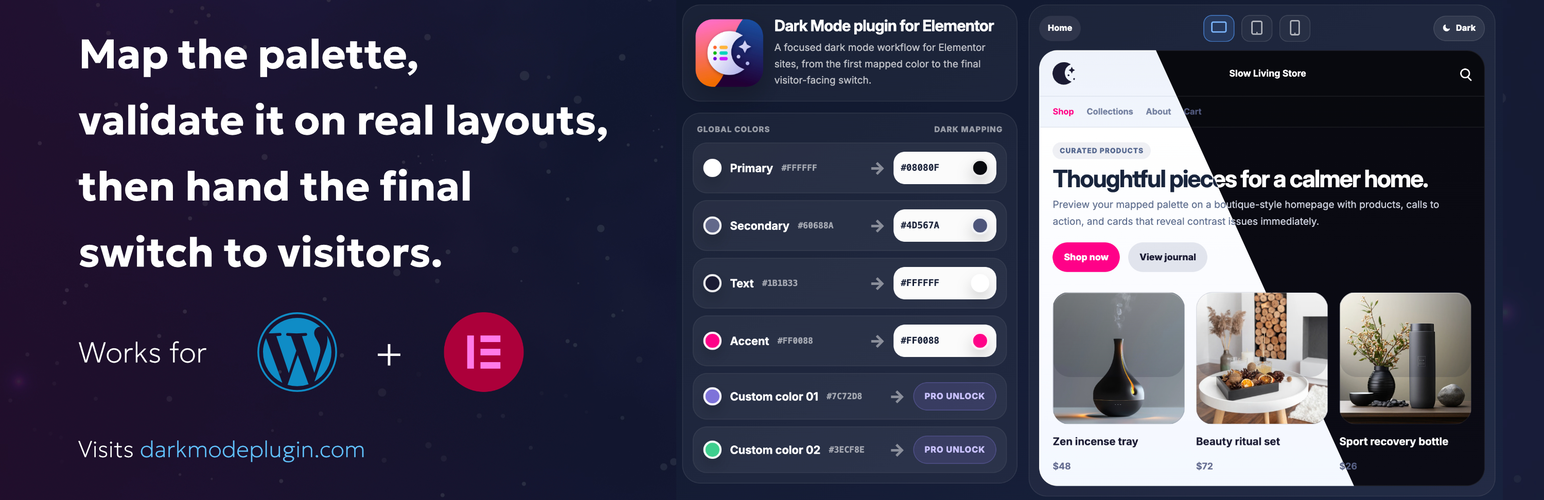
Dark Mode for Elementor 外掛幫助使用 Elementor 的網站建立一致的深色模式體驗,無需手動重新設計每個小工具,提升使用者體驗。
【主要功能】
• 提供專用的深色模式切換小工具
• 將深色映射到所有 Elementor 全域顏色
• 記錄訪客的偏好設置
• 選擇啟動模式並配置短碼回退控制
• 在應用更改前預覽映射結果
外掛標籤
開發者團隊
② 後台搜尋「Dark Mode for Elementor – Global colors mapping」→ 直接安裝(推薦)
原文外掛簡介
Dark Mode for Elementor helps you build a consistent dark mode experience on Elementor sites without restyling every widget manually.
Core capabilities:
Add a dedicated dark mode toggle widget for Elementor.
Map dark colors to every system and custom Elementor Global Color and reuse them site-wide.
Keep the visitor preference in the browser.
Choose the startup mode and configure shortcode fallback controls.
Preview the mapped result before applying changes across the site.
This plugin is designed for sites that already rely on Elementor Global Colors and want a centralized dark mode workflow.
Why teams use it:
It keeps dark mode aligned with Elementor’s design system.
It gives you a simple site-wide workflow based on Elementor Global Colors.
It helps you ship a useful toggle experience with a focused setup flow.
External Services
This plugin does not require an external service for its core Free functionality.
It includes informational links to the Presario website:
https://darkmodeplugin.com/ – product website and documentation
https://darkmodeplugin.com/support – support page