內容簡介
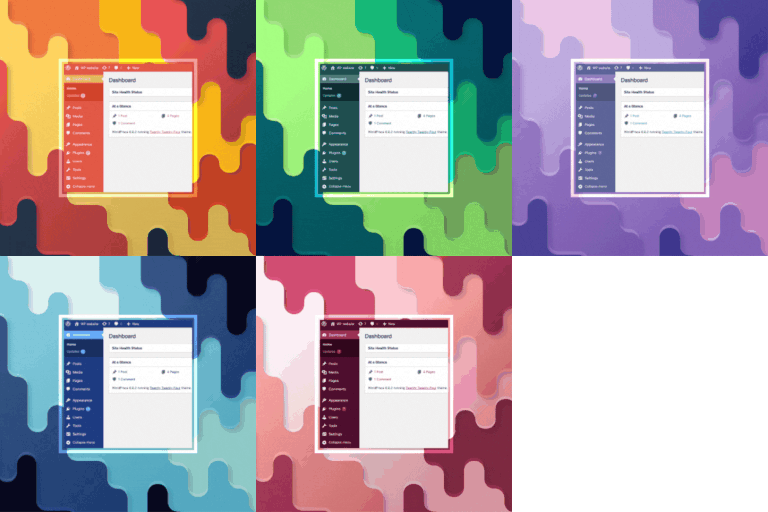
Lookchange 讓網站訪客可以輕鬆切換前端外觀,提供七種驚艷的模式:亮色、暗色、灰色、粉色、負片、模糊及自訂模式,提升使用者體驗與網站可訪問性。
【主要功能】
• 7 種外觀模式:亮色、暗色、灰色、粉色、負片、模糊、自訂
• 自訂模式:可從管理界面選擇自訂主題顏色
• 模糊模式:可調整背景內容的模糊強度
• 可拖曳的燈泡:訪客可自由拖曳燈泡位置
• 智能持久性:選擇的模式在瀏覽器會話中保持
• 管理員顏色模式:應用外觀模式於 WordPress 控制台
外掛標籤
開發者團隊
原文外掛簡介
Lookchange allows your site visitors to easily switch the front-end appearance between 7 stunning modes: Light, Dark, Grey, Pink, Negative, Blur, and Custom modes.
Key Features:
* 7 Appearance Modes: Light, Dark, Grey, Pink, Negative (Inverted), Blur, and Custom.
* Custom Mode: Pick any custom theme color from the admin color picker. Lookchange automatically generates matching text, surface, and accent colors.
* Blur Mode: Blurs website background content with adjustable blur intensity (px).
* Draggable Bulb: Visitors can drag the floating bulb anywhere on screen. The position persists across page loads.
* Smart Persistence: Visitor selected mode is remembered across browser sessions via localStorage.
* Admin Color Modes: Apply appearance modes to the WordPress admin dashboard.
* Admin Customization: Easily set default modes, button position, mobile visibility, and color schemes.
* Accessible & Fast: Zero database overhead on page renders, keyboard accessible, and light on performance.