
內容簡介
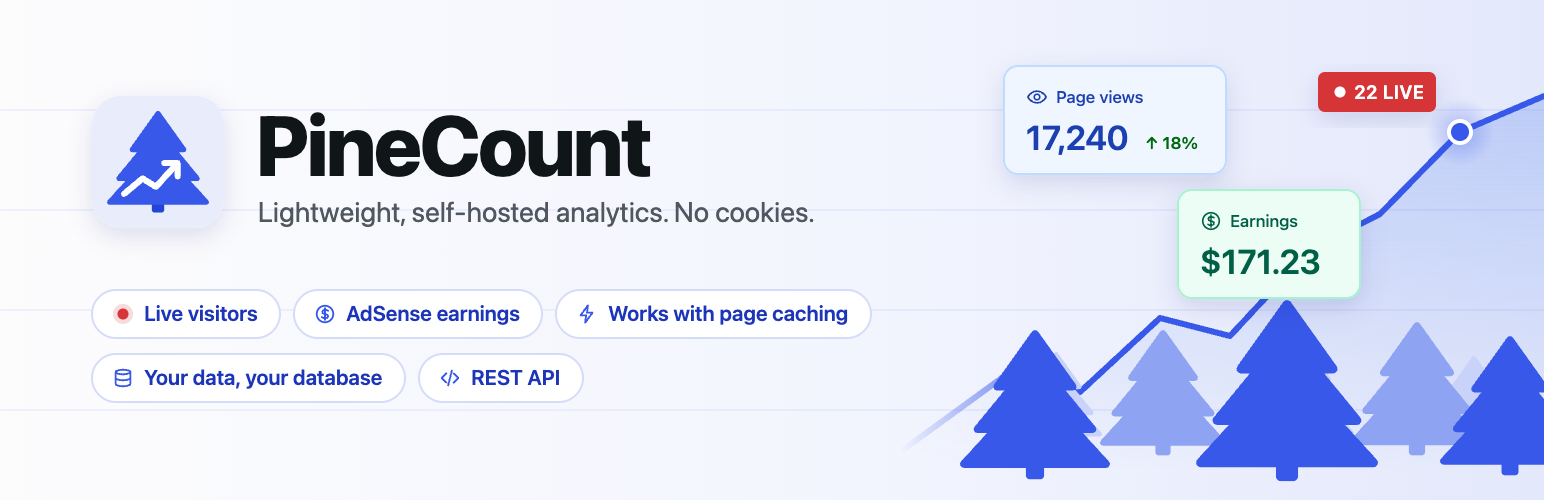
PineCount 是一款強大的分析外掛,能夠在您的網站上記錄頁面瀏覽量,並在 wp-admin 的儀表板中顯示數據。所有數據均保存在您的網站數據庫中,無需依賴第三方分析服務,並且具備良好的隱私保護。
【主要功能】
• 記錄頁面瀏覽量、訪客數、會話數等數據
• 提供頂部頁面、引導頁、流量來源等分析
• 支援即時訪客數據顯示
• 可選擇顯示 Google AdSense 收入數據
• 提供只讀 REST API 以便於報告提取
• 數據保留時間可設定從 30 天到 5 年
外掛標籤
開發者團隊
② 後台搜尋「PineCount – Analytics, Page Views, Live Visitors, AdSense」→ 直接安裝(推薦)
原文外掛簡介
PineCount records pageviews in your site’s own database and shows them in a clean dashboard inside wp-admin. Nothing is sent to a third-party analytics service.
It works with full-page caching: a small script reports each pageview from the browser, so cached pages are counted too.
What you get
Pageviews, visitors, sessions and views per visit, by hour, day, week or month.
Engaged time: how long each page and each visit was actually in use, not just open.
Top pages, entry pages, referrers, traffic sources, devices and on-site searches.
Filters: click any page, referrer, source, device, search or outbound link to see the whole dashboard for just that, and combine as many as you like.
Outbound links: which links to other sites your visitors click.
Choose which dashboard cards to show, and drag them into your own order.
Comparison with the previous period.
A dashboard widget and an admin bar counter for today’s numbers.
Optional live visitors, using any Redis server: on your own host or a hosted one. No PHP extension needed.
Optional Google AdSense earnings, page views, RPM and CTR next to your traffic.
A read-only REST API, protected by a key you generate, for pulling reports into other tools.
Data retention from 30 days to 5 years, and excluded paths with wildcards.
Privacy
No cookies and no persistent visitor ID. A visitor is identified only by a hash of their IP address and browser, mixed with a secret salt that changes every day, so nobody can be followed from one day to the next. The IP address itself is never stored.
Sessions use the browser’s per-tab session storage, which is cleared when the tab closes.
Engaged time is a number of seconds per pageview, counted in the browser while the page is on screen and in use. Nothing about what was done on the page is recorded.
Outbound links are stored as the site and page clicked to, never their query string.
Logged-in users are not tracked unless you turn that on.
You can honour the browser’s Do Not Track signal from the settings.
All data stays in your WordPress database.
External services
This plugin connects to outside services only if you set them up in its settings: Google, if you connect Google AdSense, and a Redis server, if you add one for live visitors. Until you do, it makes no external requests.
Redis server for live visitors (the address you enter) is used to keep the last few minutes of pageviews for the live visitors count.
Nothing is sent until you save a Redis URL in Analytics → Settings → Live visitors.
After that, each pageview’s page path, referring site, source, device type, on-site search term and the daily-changing visitor hash are sent to that server. They expire there after about four minutes. No IP address is sent.
If the URL points at a hosted Redis service, that service’s own terms and privacy policy apply.
Google OAuth (accounts.google.com, oauth2.googleapis.com) is used to authorise read-only access to your AdSense account.
When you click “Connect with Google”, your browser goes to Google’s sign-in page with your OAuth client ID.
After you approve, the plugin sends your OAuth client ID, client secret and the authorisation code to Google to get a refresh token. The token is stored encrypted in your database.
Before each report request, the plugin sends the client ID, client secret and refresh token to get a short-lived access token.
When you click “Disconnect”, the refresh token is sent to Google to be revoked.
Google AdSense Management API (adsense.googleapis.com) is used to read your earnings.
While connected, the plugin requests today’s estimated earnings, page views and clicks for your site every 10 minutes, and the last 7 days once a day, so Google’s later corrections are picked up.
It also lists your AdSense accounts and sites once when you connect, to find the site that matches this website.
Only your access token and the account and site IDs are sent. No visitor data is ever sent to Google.
Google’s terms and privacy policy:
Google Terms of Service: https://policies.google.com/terms
Google APIs Terms of Service: https://developers.google.com/terms
Google Privacy Policy: https://policies.google.com/privacy














