
外掛標籤
開發者團隊
原文外掛簡介
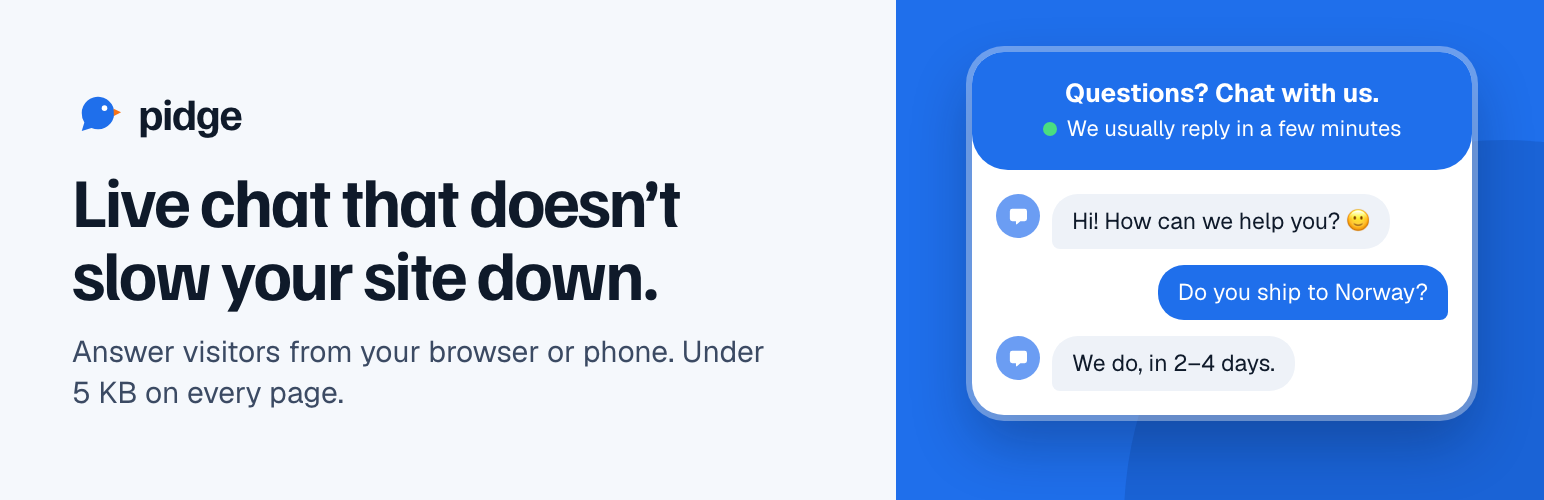
Pidge is a hosted live chat service. This plugin puts its chat widget on your WordPress site. The plugin itself only adds one script tag; the chats, the inbox and your team live in your Pidge account at app.pidge.chat.
This plugin needs a Pidge account and connects to the Pidge service. Read “External services” below for what is sent and when.
What you get:
A chat bubble on every public page. The loader is about 5 KB and the chat panel only loads when someone opens it.
Answers from the Pidge inbox at app.pidge.chat, in the browser or installed on your phone.
If a visitor leaves before you reply and left an email address, your answer reaches them by email, and their email reply comes back into the same chat.
An option to tell Pidge who your logged-in WordPress users are (name and email), so you don’t have to ask. Off until you turn it on.
Optional identity verification: the plugin signs each logged-in user’s email on your server, so nobody can pose as one of your users.
Options to hide the chat from administrators, or on single pages of chosen post types.
Works with a self-hosted Pidge server.
Pricing
The plugin is free and has no locked features. What your site can do is set by your Pidge plan:
Free: one website, two people replying, live chat, the inbox and webhooks. No card needed.
Paid: $10 a month per website, or $100 a year. Adds translation both ways, the full API and as many teammates as you like.
Everything is unlocked for your first 14 days, so you can try the paid features before deciding.
Every plan shows a small “Chat by Pidge” link in the widget. When the 14 days end, the chat stays on your site. You don’t need to change anything in WordPress.
Setting it up
Create a Pidge account at app.pidge.chat.
In the Pidge inbox, open Websites, add your site and copy its website ID.
In WordPress, go to Settings → Pidge Live Chat, paste the ID and save.
External services
This plugin loads the Pidge chat widget from Pidge’s servers and connects your visitors to them. Pidge is run by Spill Hosting AS, and chats are stored on servers in Norway. Nothing is loaded or sent until you save a website ID on the settings page.
The widget script. On every public page where the chat shows, visitors’ browsers load https://app.pidge.chat/client/l.js (or the self-hosted server you set). It asks Pidge for your widget’s settings, such as colours and opening hours.
On each page view where the chat shows, the widget sends Pidge the page’s address and title, the browser’s language and time zone, and a random visitor ID. This lets your team see who is on the site right now and which page a chatting visitor is on. While the tab is open, it repeats this every 30 seconds. The random visitor ID is kept in the browser’s local storage and in a first-party cookie named pidge_ followed by part of your website ID, so a visitor keeps the same conversation between visits. Pidge’s server also sees the visitor’s IP address and browser (user agent), and uses the IP address for a rough location (country and city) looked up on its own server.
When a visitor uses the chat, Pidge receives and stores their messages, any files they attach, and the email address they choose to give.
Only if you tick “Share logged-in users’ name and email with Pidge”, the widget also sends the display name and email address of logged-in WordPress users to Pidge on each page view. If you also save an identity secret, a signature of the email (HMAC-SHA256, computed on your server) is sent with it. The secret itself never leaves your server.
The plugin sends nothing from your WordPress server to Pidge. Everything above goes from the visitor’s browser to Pidge.
Terms of service: https://pidge.chat/terms.html
Privacy policy: https://pidge.chat/privacy.html
If you use a self-hosted Pidge server, the same data goes to that server instead, and its operator’s terms apply.
Privacy
Add Pidge to your site’s privacy policy: it processes chat messages, page views and IP addresses for you. If you turn on “Share logged-in users’ name and email with Pidge”, say that too. The option is off by default.
