內容簡介
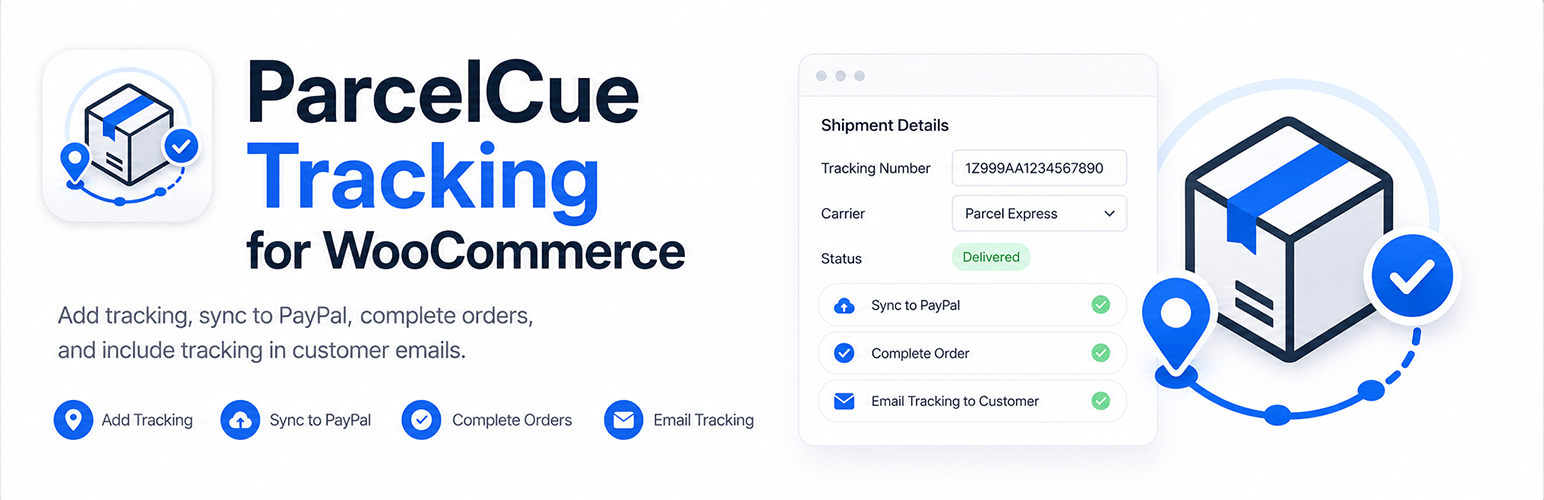
ParcelCue Tracking for WooCommerce 是一款輕量級的運送追蹤外掛,專為小型 WooCommerce 商店設計。它幫助商店擁有者在訂單中添加追蹤號碼、運送公司及發貨日期,並可選擇將訂單標記為已完成。
【主要功能】
• 在 WooCommerce 訂單頁面提供簡單的運送追蹤框
• 添加追蹤號碼、運送公司及發貨日期
• 可選擇在保存追蹤後將訂單標記為已完成
• 完成訂單電子郵件中包含追蹤詳情
• 自動同步 PayPal 追蹤資訊
• 提供 PayPal 連接測試功能
外掛標籤
開發者團隊
② 後台搜尋「ParcelCue Tracking for WooCommerce」→ 直接安裝(推薦)
原文外掛簡介
ParcelCue Tracking for WooCommerce is a lightweight shipment tracking workflow for small WooCommerce stores.
It helps store owners add tracking number, carrier, and shipped date to WooCommerce orders, optionally mark orders as Completed, include tracking details in the WooCommerce completed-order email, and sync shipment tracking to PayPal when the order was paid through PayPal.
Core features:
Simple shipment tracking box on the WooCommerce order page
Tracking number, carrier, optional custom carrier name, and shipped date
Option to mark the order as Completed after saving tracking
Optional tracking details in WooCommerce completed-order emails
Automatic PayPal tracking sync for PayPal-paid orders
PayPal tracking correction when tracking number or carrier changes
One clear save button: PayPal orders sync automatically, non-PayPal orders save locally
Works for non-PayPal orders too; PayPal sync is skipped when not needed
Live PayPal REST API setup with optional Sandbox/Test mode
PayPal connection test
Human-readable sync status on each order
Recent logs for failed syncs and optional debug logging
ParcelCue does not replace WooCommerce, PayPal, or your shipping carrier. It provides a simple tracking workflow inside WooCommerce.
Third-Party Services
ParcelCue Tracking for WooCommerce can connect to PayPal’s REST API when you test PayPal credentials or sync shipment tracking for a PayPal-paid order.
This plugin may send requests to PayPal only when:
A store administrator clicks the PayPal connection test button.
Shipment tracking is saved for an order that the plugin detects as PayPal-paid.
A store administrator manually provides PayPal order, capture, or transaction details for sync.
Data sent to PayPal may include:
PayPal REST API Client ID and Client Secret when requesting an access token
PayPal order, capture, or transaction identifiers found on the WooCommerce order
Tracking number
Carrier
Custom carrier name, if used
Shipped date
Order item names, SKUs, and quantities when included in the PayPal tracking request
PayPal API requests are sent to PayPal’s live or sandbox API endpoints depending on the selected plugin mode.
PayPal REST API documentation: https://developer.paypal.com/api/rest/
PayPal Privacy Statement: https://www.paypal.com/us/legalhub/paypal/privacy-full
PayPal User Agreement: https://www.paypal.com/us/legalhub/paypal/useragreement-full