內容簡介
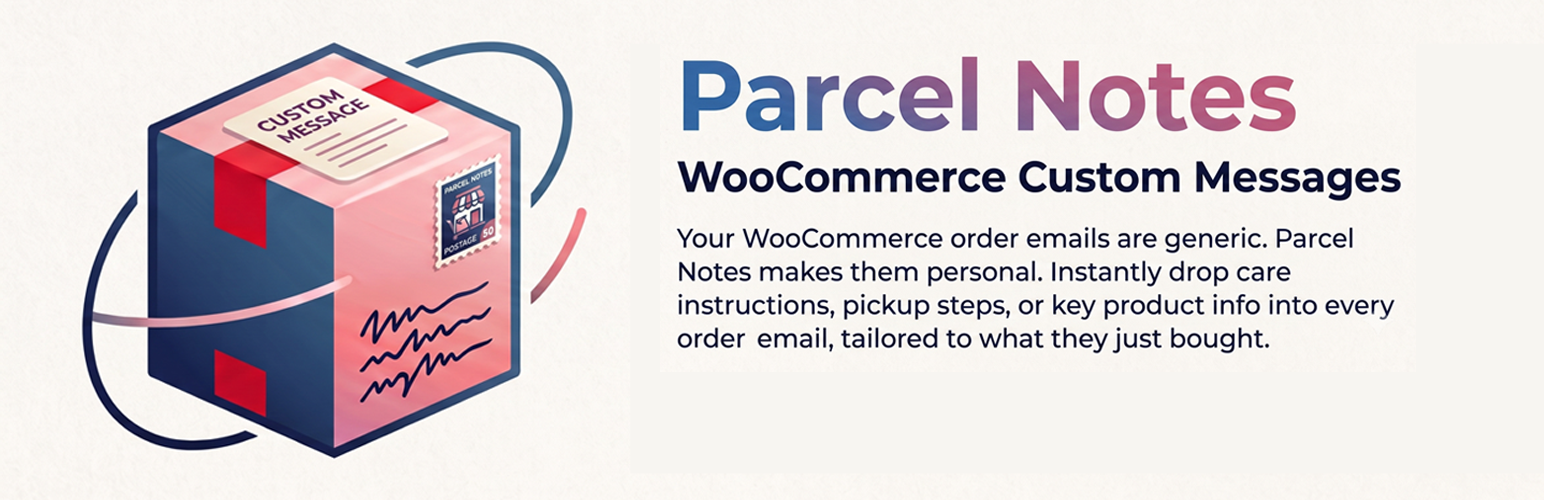
Parcel Notes for WooCommerce 允許您在客戶收到的訂單電子郵件中添加額外的文字、指示或 HTML,根據他們購買的商品自動插入相關訊息,提升客戶體驗。
【主要功能】
• 為產品或類別分配訊息
• 在 On-hold、Processing 和 Completed 郵件中顯示訊息
• 使用佔位符如 {customer_first_name} 和 {order_number}
• 預覽訊息而不發送郵件
• 從 Woo Custom Emails Per Product 匯入訊息
外掛標籤
開發者團隊
② 後台搜尋「Parcel Notes for WooCommerce」→ 直接安裝(推薦)
原文外掛簡介
Parcel Notes for WooCommerce lets you add extra text, instructions, or HTML to the order emails customers already receive — based on what they bought. Assign a message to a product or an entire category; when that item is in the order, the note is inserted into the On-hold, Processing, or Completed email. You are not building a new email template and you are not sending a second message.
Use it when you need product-specific email content: assembly steps, download links, lead times, warranty text, or category-wide policies. One note can target many products; duplicate notes in a single email are avoided automatically.
Looking for an alternative to Woo Custom Emails Per Product? Use Settings → Import to copy legacy messages into Parcel Notes.
Parcel Notes Pro
Need variation targeting, extra order statuses, conditions, attachments, or a dedicated follow-up email? Parcel Notes Pro is a separate add-on from Emerge Studio. It is sold on our site, not inside this plugin. Every feature in this free version keeps working without Pro.
It is designed to stay small. Email sending looks up note IDs stored on the product and its categories, then loads only those notes. There is no extra database table and no work on the storefront.
What you can do
Create unlimited notes with the classic editor
Show a note in On-hold, Processing, and/or Completed customer emails
Choose where it appears (before/after the order table, after order meta, after customer details, or in the footer)
Attach a note to individual products, product categories, or both
Use placeholders such as {customer_first_name}, {order_number}, and {product_name}
Preview a note against a real order without sending anything
Import messages from the retired Woo Custom Emails Per Product plugin
How it works
Go to Parcel Notes → Add Note and write your content.
Choose which emails it should appear in and where in the template.
Attach products and/or categories.
Place a test order. The note is inserted into the matching WooCommerce email.
The same note is only printed once per email, even if several products in the order match.
Performance
No frontend scripts or styles
Admin assets load only on Parcel Notes and product edit screens
Email rendering is cached per order/status for that request
Category rules are stored as term meta, not queried from every note
WooCommerce compatibility
This plugin declares compatibility with WooCommerce High-Performance Order Storage (HPOS).