
內容簡介
**摘要:**
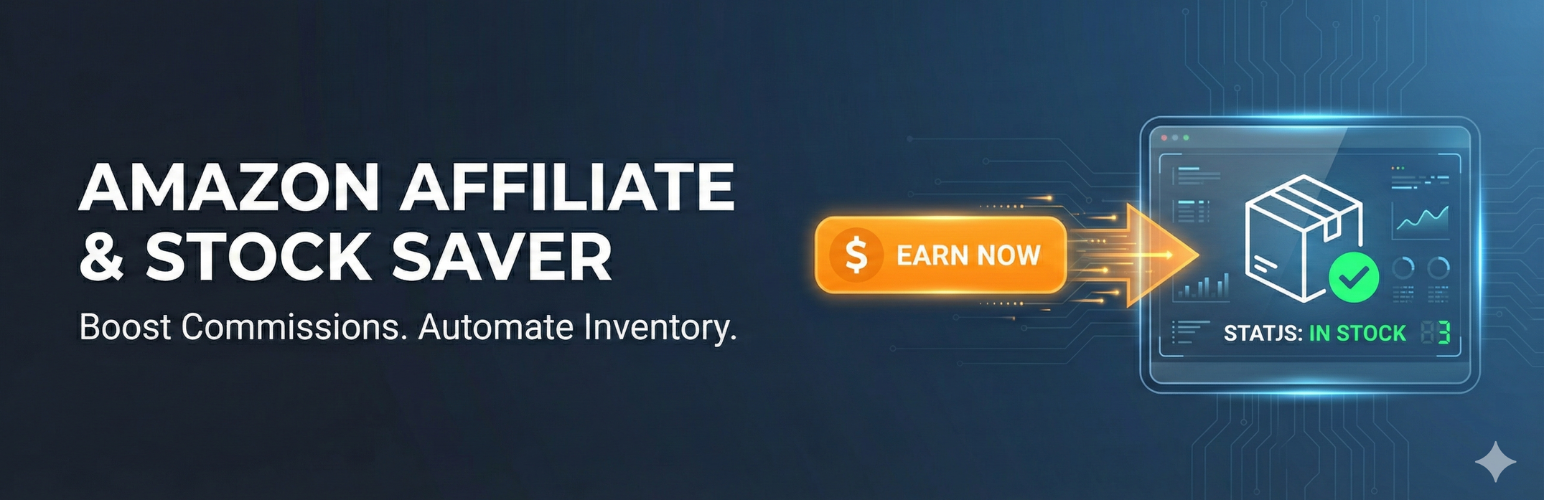
當庫存售罄時,您通常會失去客戶。使用「售罄聯盟轉向」,您可以將客戶引導至外部來源(如亞馬遜、eBay或合作夥伴網站),讓他們仍然可以購買商品,並且您可以賺取聯盟佣金。這款輕量級外掛程式為您的 WooCommerce「庫存」選項卡添加了一個簡單的欄位。當產品庫存為0時,「加入購物車」按鈕消失(標準 WooCommerce 行為),我們的外掛程式會插入一個呼籲按鈕,連結到您的備用來源。
**問題與回答:**
1. 如何安裝和設置「售罄聯盟轉向」插件?
- 在 WooCommerce Edit 該商品。
- 點擊庫存選項卡。
- 在「備用購買網址」欄位中輸入一個 URL。
-(選擇性)輸入按鈕的自定義文本(默認為「在亞馬遜購買」)。
2. 如何讓按鈕在庫存為0時自動出現?
- 當您的庫存達到0時,按鈕將自動出現!
3. 「售罄聯盟轉向」插件適用於哪些用戶?
- 容易安裝和設置,適合希望從售罄流量中獲利的亞馬遜聯盟或其他聯盟計畫用戶。
- 與大多數主題兼容,使用標準的 WooCommerce 鉤子來正確顯示。
外掛標籤
開發者團隊
② 後台搜尋「Out of Stock Affiliate Redirect」→ 直接安裝(推薦)
原文外掛簡介
Don’t let “Out of Stock” be a dead end for your customers.
When you run out of inventory, you usually lose the customer. With Out of Stock Affiliate Redirect, you can save that sale by sending the customer to an external source (like Amazon, eBay, or a partner site) where they can still buy the item—and you can earn an affiliate commission.
This lightweight plugin adds a simple field to your WooCommerce “Inventory” tab. If the product stock reaches 0, the “Add to Cart” button disappears (standard WooCommerce behavior), and our plugin inserts a call-to-action button linking to your backup source.
Features
Simple Setup: Adds a URL field directly to the WooCommerce Product Data “Inventory” tab.
Automatic Trigger: The button only appears when the product status is “Out of Stock.”
Custom Button Text: Change “Buy on Amazon” to “Buy on eBay,” “Check Partner Stock,” or anything else per product.
Affiliate Friendly: Great for Amazon Associates or other affiliate programs to monetize out-of-stock traffic.
Theme Compatible: Uses standard WooCommerce hooks (woocommerce_single_product_summary) to display correctly on most themes.
How it Works
Edit a Product in WooCommerce.
Click the Inventory tab.
Enter a URL in the Alternative Buying URL field.
(Optional) Enter custom text for the button (Default is “Buy on Amazon”).
When your stock hits 0, the button appears automatically!














