內容簡介
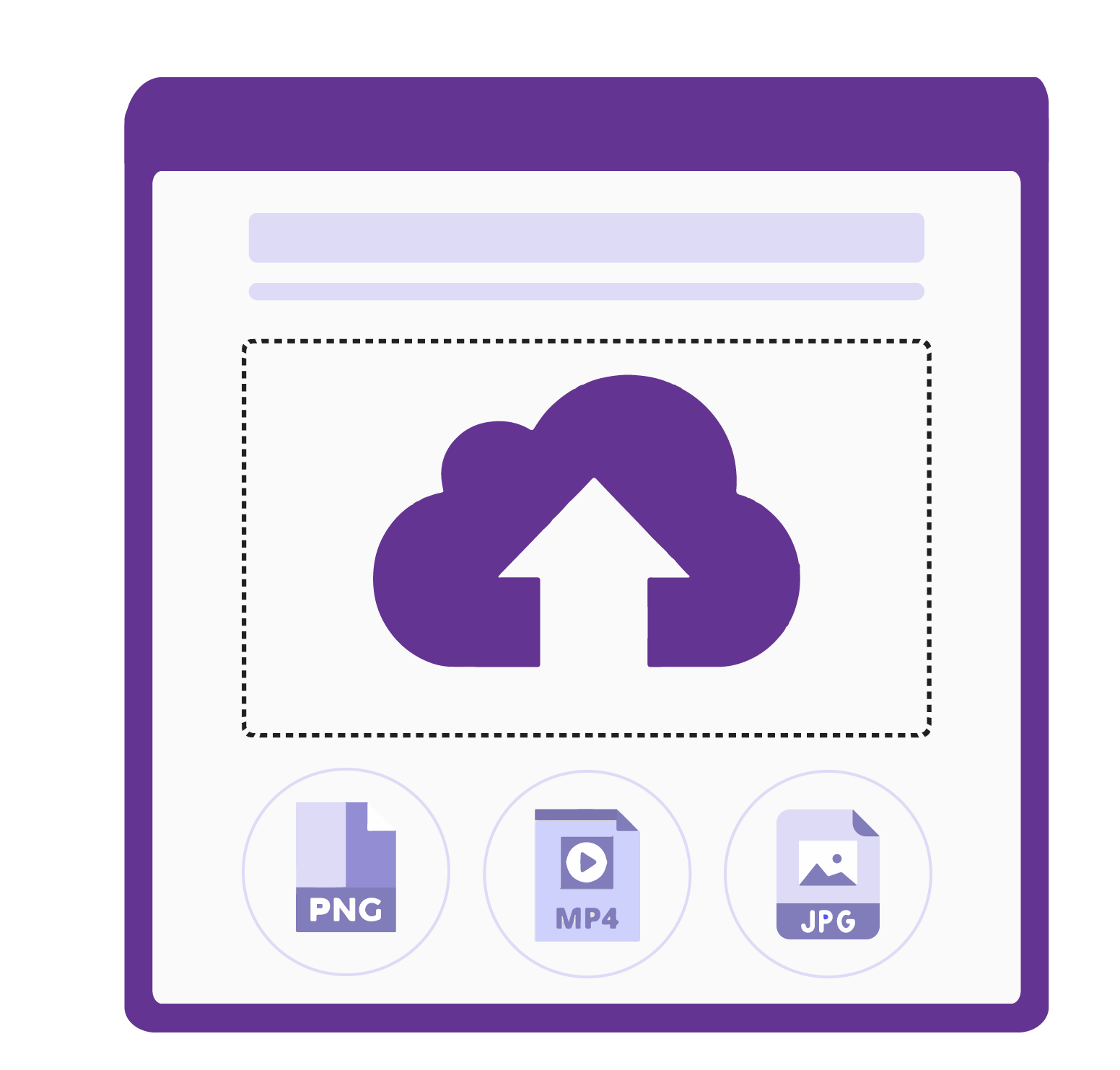
NDV Product Image Upload for WooCommerce 讓已登入的顧客和訪客能夠為特定的 WooCommerce 產品上傳和裁剪自訂圖片(及 PDF),非常適合個性化產品、客製印刷和照片禮品等商店。
【主要功能】
• 訪客與登入用戶均可上傳
• 每個產品可單獨設定上傳需求
• 內建裁剪功能,支援多種形狀
• 支援 PDF 上傳
• 可選擇鎖定上傳數量為 1
• 安全的檔案處理與存儲
外掛標籤
開發者團隊
② 後台搜尋「NDV Product Image Upload for WooCommerce」→ 直接安裝(推薦)
原文外掛簡介
NDV Product Image Upload for WooCommerce lets both logged-in customers and guests upload and crop custom images (and PDFs) for specific WooCommerce products before adding them to the cart. It is ideal for personalised products, custom prints, photo gifts, and any store where customers supply their own artwork.
Everything is configured per product, so each product can have its own required file count, file-size limit, allowed file types, button styling, and cropping rules.
Key Features
Guest & logged-in uploads — customers can upload without creating an account.
Per-product configuration — set required file count, max file size, allowed types, button text and colour for each product.
Built-in cropping — crop before uploading with Cropper.js, including shape presets (square, rectangle, circle, heart) and fixed aspect ratios.
PDF upload support — accept PDFs alongside images.
Resolution validation — optionally enforce minimum/maximum image dimensions.
Lock quantity to 1 — optionally prevent customers from ordering more than one of a product they upload artwork for.
Default settings — define fallback settings used by products without their own configuration.
Global controls — hide express checkout buttons (Apple Pay, Google Pay, PayPal Express) on product pages, and auto-clean uploaded images from completed/cancelled/refunded orders after a chosen number of days.
Secure file handling — uploaded files are validated by type, size and content, stored outside the media library, protected with an .htaccess rule on Apache/LiteSpeed, and served through a tokenised endpoint.
HPOS compatible — works with WooCommerce High-Performance Order Storage.
Data control — choose whether to keep or delete plugin data on uninstall.
Use Cases
Custom T-shirts and apparel — customers upload their designs
Photo products — personalised photo books, mugs, or prints
Custom artwork and logo printing
Wedding and event stationery
Premium version
A separate Pro add-on extends this free plugin with:
Bulk operations — apply settings to many products at once
Import / Export all settings as JSON
Security Logs dashboard — monitor upload attempts and events
Dedicated Elementor widget for the upload interface
Per-upload pricing and fees (charge or discount based on uploads)
The Pro add-on requires this free plugin and is available from the developer at https://nowdigiverse.com/. The free plugin is fully functional on its own.
Privacy Policy
This plugin does not send any data to third parties. Uploaded files are stored on your own server. For guests, a temporary session identifier is created to manage uploads; it is cleaned up when sessions expire or orders complete.
During an upload request the visitor’s IP address is read from the server and used transiently for rate limiting (a short cooldown between consecutive guest requests). It is not stored permanently and never leaves your server.
Credits
Cropper.js (MIT) for image cropping
Select2 (MIT) for the admin product search field
WooCommerce for the e-commerce framework