內容簡介
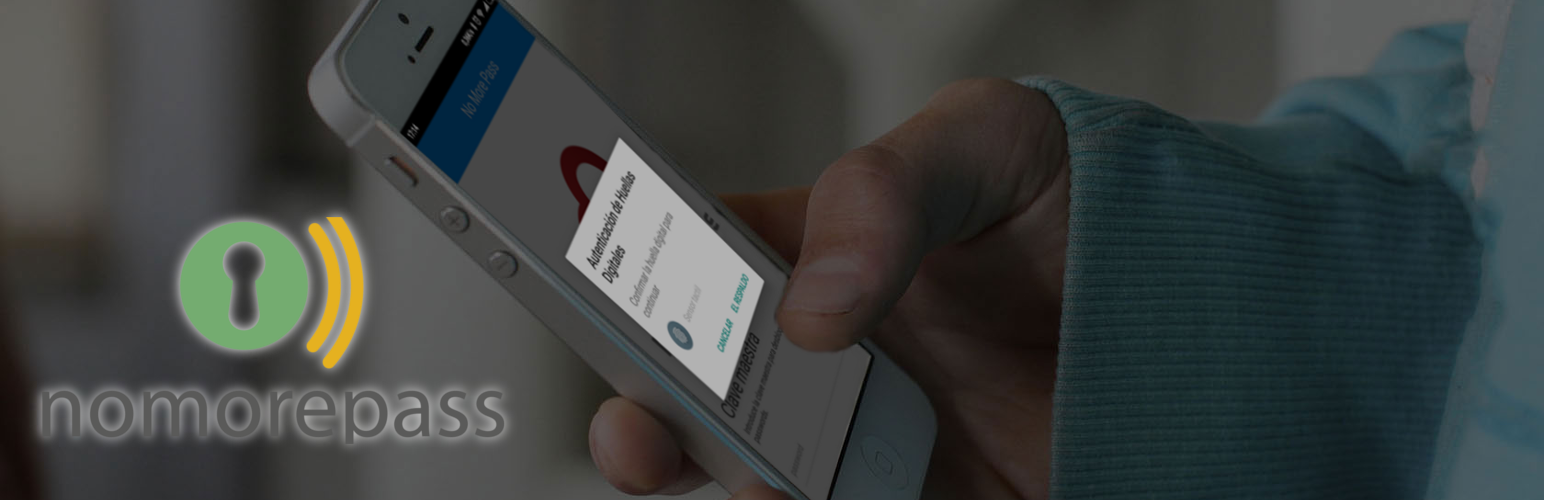
NoMorePass 是一個安全且易於使用的技術,可為您提供每種情況下的雙因素驗證。此外掛允許您僅使用手機登入 WordPress,不需要其他要求。 不需要註冊,不需要 API 金鑰,安裝、啟用即可使用。
您的密碼將僅存儲在手機上,並且不會在您的電腦上進行複製,甚至不會在 NoMorePass 服務器上進行存儲,完全匿名。只需掃描一個一次性 QR 碼即可登入。
安全 - 您的密碼始終進行加密,所有傳輸均透過 https 進行,憑據採用一次性密鑰進行加密。
個人 - 您的密碼始終與您一起。無需服務器、不安全的傳輸,不依賴瀏覽器。完全匿名。
易用 - 您可以毫不費力地向您喜愛的網站發送密碼。只需使用應用程式掃描QR碼即可。
重要提示:請在手機中安裝應用程式:
Google Play Android.
Apple Appstore iOS
即時用戶註冊
您可以使用名為「註冊後自動登入」的新設定選項,讓您的用戶僅通過提供用戶名和電子郵件,掃描提供的 QR 碼,然後密碼就會傳送到手機並立即註冊。
只需一個步驟,安全地註冊您的用戶。
防止強制攻擊
您可以強制用戶使用 NoMorePass 應用程式登入到您的網站,從而使暴力攻擊變得不可能。即使攻擊者猜對了正確的用戶名和密碼,如果不使用移動應用程式,他們也無法進入。
允許從每個頁面/帖子/小工具訪問
您可以使用短碼在任何頁面或帖子中包含登入表單,或包含在側邊欄中。
NoMorePass 支援
如果您發現了錯誤,請在支援請求中打開一個票證,或訪問 NoMorePass.com。
每個問題都會盡快得到解決!
NoMorePass 插件也與任何鉤入登入表單的插件兼容,包括
BuddyPress,
bbPress,
Limit Login Attempts,
Captcha 插件。
等等。
如何使用NoMorePass創建自定義登入頁面
為了使用默認選項創建WordPress登入表單或自定義登入頁面,您只需要使用此短碼:
[nmp_login_form]
您可以在短碼中使用參數:
redirect - 登入成功後將用戶重定向到絕對 URL
form_id - 登入表單的自定義 ID
label_xxx(xxx 可以是用戶名、密碼、記住、登錄) - 用於指定字段的表單中要使用的標籤文本
remember - 指定是否顯示「記住我」勾選框
value_xxx(xxx 可以是用户名、密码、记住) - 文本字段的佔位符或記住(0 | 1)。
lost_password - 指定是否顯示「忘記密碼」鏈接
配置
在管理頁面上,您有5個不同的選項:
顯示登入表單:顯示或隱藏用戶名和密碼欄。 如果隱藏只能使用 QR 登錄。
顯示密碼重置:在重置密碼時顯示或隱藏密碼欄。 如果隱藏,密碼將直接使用 QR 代碼傳送到手機。
自動啟動 QR:當登錄頁面加載時啟動 NoMorePass QR。
自動登錄:如果選擇此選項,用戶
外掛標籤
開發者團隊
原文外掛簡介
NoMorePass is a secure and easy to use technology to provide you two factor autentication on every situation. This plugin allows you to login to wordpress using just your mobile phone, with no other requirement. No registering, no API keys, install, activate and that’s all.
Your passwords will be only on your mobile phone, no copies over your computers, not even on nomorepass servers, fully anonymous. Login just scanning a one-time qr-code.
Safe Your passwords are encrypted all the time, all transfers are on https and the credentials are encrypted with single-use keys.
Personal Your passwords always go with you. No servers, no insecure transfers, no browser dependencies. Fully anonymous.
Easy Magic! You can send passwords to your favorite websites without any effort. Just scan a qr-code with the app.
IMPORTANT: Install the app in your phone:
Google Play Android.
Apple Appstore iOS
Instant user registration
You have a new configuration option named “Auto-login after registration” that allows your users scan the provided qr-code only providing username and email, then the password is sent to the mobile phone and the user is registered immediately.
Register your users in just one step, safely.
Avoid force brute attacks
You can force users to use NoMorePass app to login to your site, making impossible force-brute attacs. Even if the attackers guess the correct user an password they will be unable to enter if not using the mobile app.
Allow access from every page/post/widget
You can use a shortcode to include a login form in any page or post or include in your sidebar.
NoMorePass support,
if you find a bug please open a ticket in the support request or go to NoMorePass.com.
Every issue will be fixed asap!
NoMorePass plugin is also compatible with any plugin that hooks in the login form, including
BuddyPress,
bbPress,
Limit Login Attempts,
Captcha plugins.
etc.
How to create a custom login page with nomorepass
In order to create a login form or custom login page for WordPress with the default options, all you need to do is use this shortcode:
[nmp_login_form]
You can use parameters in the shortcode:
redirect An absolute URL to which the user will be redirected after a successful login
form_id Custom ID for the login form
label_xxx (xxx can be username, password, remember, log_in) Text to use as label in your form for the indicated field
remember Specify if the “Remember Me” checkbox should be shown
value_xxx (xxx can be username, password, remember) placeholder for text field or (0|1) for remember.
lost_password Specify if the “Lost password” link should be shown
Configuration
In the admin page you have 5 different options:
Show login form : shows or hide the user and password fields. If hidden only using QR is possible login.
Show password reset : shows or hide the password field when resetting password. If hidden the password is sent to the mobile phone using QR directly.
Auto-launch QR : makes the NoMorePass QR be launched when login page loads.
Auto-login : if you select this option the user will login directly after the registration without email verification. Use with caution, this option will reduce the registration dramatically (just 1 step) but the emails are not verified (but you know people registered have used nomorepass, so they are humans).
Only Nomorepass : allows logins only using nomorepass app
Custom Logo: allows to upload a new icon for login
Custom Message: allows to change the login message
How it works