內容簡介
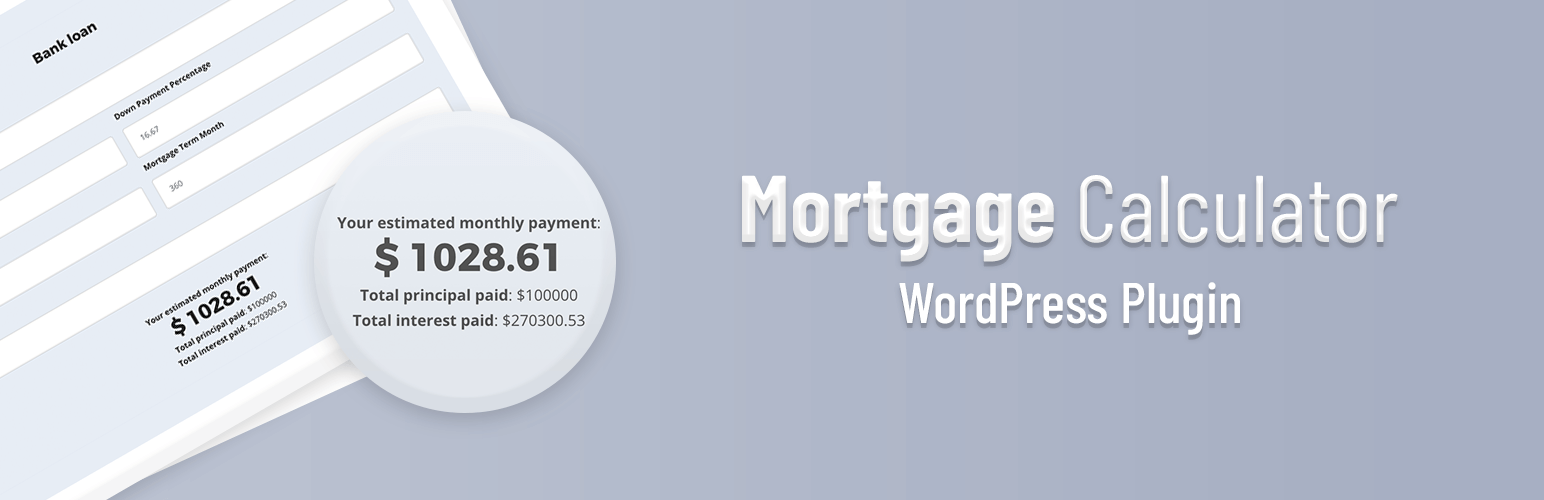
使用 Ninja Mortgage Calculator,您可以在一分鐘內添加抵押貸款付款、抵押貸款再融資和抵押貸款計算機。通過使用功能強大的計算機生成器,您可以輕鬆自定義佈局、啟用/禁用功能、設置默認值、輕鬆自定義標籤。您可以建立無限的計算機,並使用短碼在您的頁面、文章、小部件或WordPress網站上的任何位置顯示它們。
Amazing Features
建立抵押貸款支付計算機
建立抵押貸款再融資計算機
建立抵押貸款計算機
使用生成器,您可以自定義所有計算機標籤
您可以設置默認利率、貸款金額、首付款、房屋貸款期限等,使您的用戶不必輸入。他們只需更改即可。
顯示分期付款表格,這對您的用戶了解整個付款時間表非常有用。
使用日期選擇器,用戶可以查看付款何時被清算。
在您的WordPress上建立抵押貸款計算機
使用我們的免費抵押貸款計算機,可以幫您決定每月貸款款項的金額。通過使用Ninja Mortgage Calculator,您可以輕鬆建立它。
在您的WordPress上建立包含稅收和保險的抵押貸款計算機
如果您想創建一個包含稅收和保險的計算機,那麼Ninja Mortgage Calculator是您的完美外掛。
在您的WordPress上建立抵押貸款再融資計算機
再融資抵押貸款是根據數字計算的。無論您是尋求降低每月付款還是想縮短貸款的期限,當您可以減少貸款的成本時,再融資就很有意義。使用Ninja Mortgage Calculator,您可以輕鬆建立它。
使用方法
要在文章、頁面或文本小部件中顯示您的一個定價表,只需在文章/頁面/文本小部件中嵌入短碼[ninja_mortgage_cal id=”CALCULTAOR_ID”],其中 CALCULATOR_ID 是您的計算機ID(可以在“Mortgage Calculator”屏幕上找到)。
出色的支援
獲得我們出色的幸福經理和開發人員的專業支援,而且完全免費。
現在來試用這個外掛,檢查它的強大功能和表格樣式,讓我們知道您喜歡什麼,還需要什麼。
外掛標籤
開發者團隊
② 後台搜尋「Ninja Mortgage Calculator – The best Mortgage Plugin for WordPress」→ 直接安裝(推薦)
原文外掛簡介
With Ninja Mortgage Calculator you can add Mortgage Payment, Mortgage Refinance and Mortgage Calculator in a minute. Using it’s powerful calculator builder you can customize the layouts, enable/disable features, set default values, customize the labels easily. You can build unlimited calculators and display those in your page, post, widget or anywhere in your WordPress site just using shortcode.
Amazing Features
Build Mortgage Payment Calculator
Build Mortgage Refinance Calculator
Build Mortgage Calculator
Using the builder, You can customize all the calculator labels.
You can set default interest rate, Loan Amount, Down Payment, Mortgage Term etc so Your users don’t have to input. They can just change.
Show Amortization Table which will be very powerful for your users to understand the whole payment shedule.
Using the date picker your users can see when the payment will be cleared.
Build Mortgage Calculator In Your WordPress
Our free mortgage calculator helps you determine what your monthly payment will look like. Using Ninja Mortgage Calculotor You can easil built it.
Build Mortgage Calculator With Taxes And Insurance In Your WordPress
If you want to create a calculator with Tax and Insurance then Ninja Mortgage calculor is the perfect plugin for you.
Build Mortgage Refinance Calculator In Your WordPress
Refinancing a mortgage is about the numbers. Whether you’re seeking a lower monthly payment or looking to shorten the length of a mortgage, refinancing makes sense when you can reduce the costs of the loan. Using Ninja Mortgage Calcultor you can easily built it.
Usage
To show one of your Pricing Table in a post, on a page, or in a text widget, just embed the Shortcode [ninja_mortgage_cal id=”CALCULTAOR_ID”] into the post/page/text widget, where is the ID of your Calculator (can be found on the “Mortgage Calculator” screen.)
Awesome Support
Get dedicated support from our awesome happiness managers and developers and Yes! It’s completely free.
So, give this plugin a try and check the awesome powerful features and table styles, Let us know what you loved and what else you need more.